This Is How To Lock Your iPhone/iPad Apps & Games! (Face ID Lock, Touch ID Lock & Passcode Lock)
TL;DR
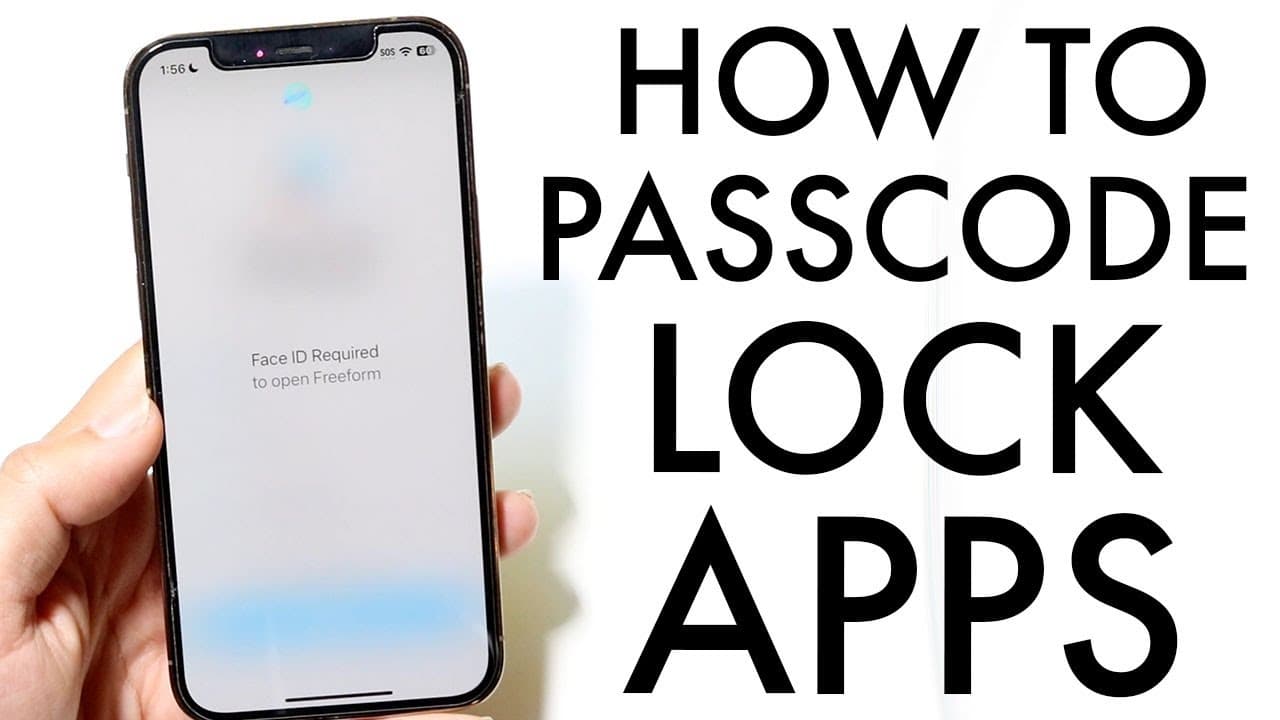
iOS 18 allows customizable passcode locking for applications using Face ID or passcode.
Transcript
so iOS 18 has given us the capability of basically passcode locking our applications whichever way we want to so it's a very basic thing if you want to go ahead and learn how to do this first things first you will have to be on iOS 18 now right now it's in a beta but if you're watching this a year from now 6 months from now even like 3 months from ... Read More
Key Insights
- 🈸 iOS 18 provides streamlined application security, allowing individual apps to be protected with Face ID or passcode.
- 😀 Users must first have an updated device and enable Face ID or passcode lock to initiate this feature.
- 🔓 The process to lock or unlock applications is user-friendly, making it accessible to a broad audience.
- 🔒 Customizing which applications require additional security can significantly enhance personal data protection.
- 👤 The feature is particularly beneficial for users who often share devices or want to secure sensitive applications.
- 😀 Users can easily manage their app security settings from the main settings menu, promoting convenience.
- 👤 The feature enhances the overall user experience of iOS while addressing increasing privacy concerns.
Install to Summarize YouTube Videos and Get Transcripts
Explore YouTube Video Summarizer or Get YouTube Transcript Extractor
Questions & Answers
Q: What features does iOS 18 introduce regarding application security?
iOS 18 introduces the ability to passcode lock applications, allowing users to enhance security by requiring Face ID or a passcode to access specific apps. This adds an extra layer of privacy, especially for sensitive applications, enabling users to better control who has access to their data.
Q: How can users enable application passcode locking on iOS 18?
To enable application passcode locking, users need to navigate to the device's settings, ensure that they have Face ID or a passcode active, then long-press the desired application. An option called "Require Face ID" will appear, allowing users to lock the app using their chosen authentication method.
Q: What should users do if they want to stop requiring Face ID for an application?
If a user wants to stop requiring Face ID for an application, they can simply long-press the app again and choose the option to disable the Face ID requirement. This will prompt for Face ID or passcode for confirmation before returning the application to its previous state of accessibility.
Q: Is the application passcode locking feature available on older iOS versions?
No, this specific application passcode locking feature is unique to iOS 18. Users on older iOS versions will not have access to this functionality. It is recommended to update to the official version of iOS 18 once available to take advantage of this and other new features.
Summary & Key Takeaways
-
iOS 18 introduces a feature enabling users to password-protect their applications, enhancing security and privacy.
-
To activate this feature, users must ensure they have a compatible device and set up Face ID or passcode lock.
-
The process of locking an application is straightforward and allows users to easily manage which apps require additional authentication.
Read in Other Languages (beta)
Share This Summary 📚
Summarize YouTube Videos and Get Video Transcripts with 1-Click
Try YouTube Summary with ChatGPT & Claude or YouTube Transcript Generator
Explore More Summaries from Simple Alpaca 📚






Summarize YouTube Videos and Get Video Transcripts with 1-Click
Try YouTube Summary with ChatGPT & Claude or YouTube Transcript Generator