iPad vs MacBook: Which One Should You Choose in 2023?
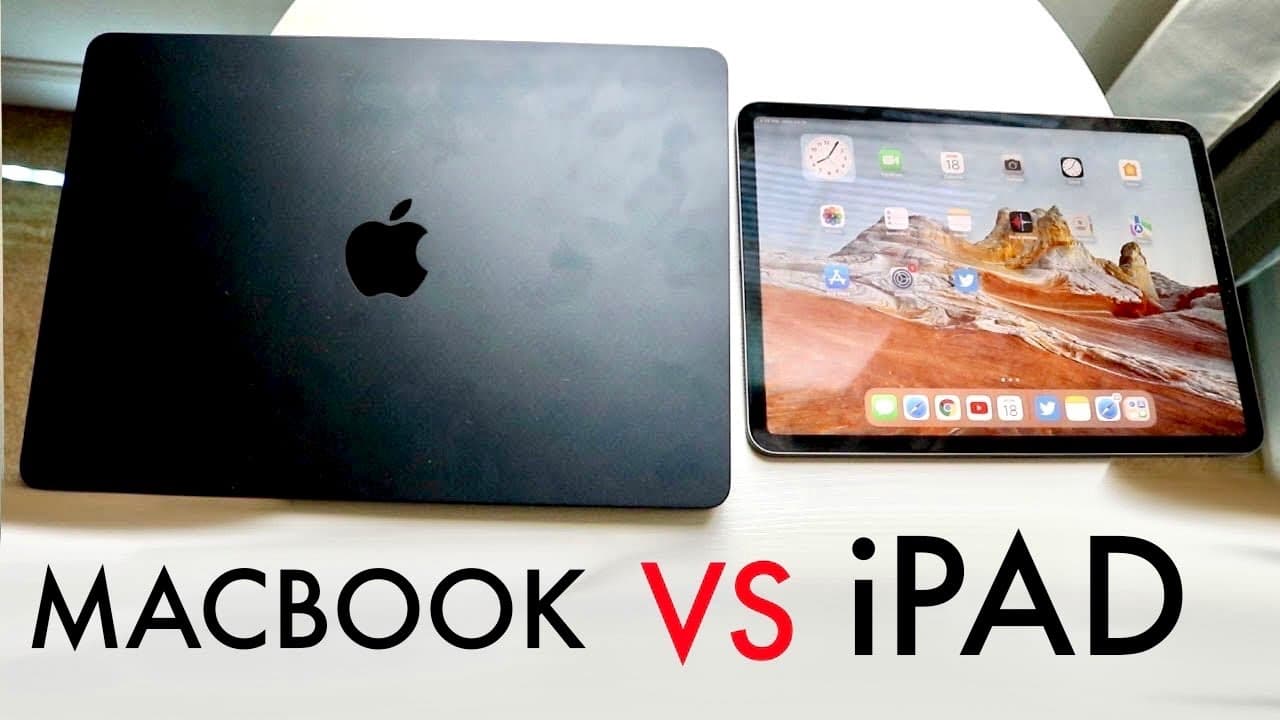
TL;DR
Choosing between an iPad and a MacBook depends on your usage needs; iPads are generally more affordable and versatile for casual use, while MacBooks excel with professional applications and longer lifespans. If you need specific software for demanding tasks, a MacBook is likely the better choice, but for students or light users, an iPad might suffice.
Transcript
so it's time for us to go and take a look and compare between an iPad and a Macbook and see which specific device bit you know fits bestly for you if that makes any sense now I've used both Macs and iPads and there's only been one specific thing that I use way more than the other one and that's MacBooks but that's only because it works best in my s... Read More
Key Insights
- 👤 The choice between an iPad and a MacBook is heavily influenced by the specific applications and usage scenarios of the user, emphasizing a personalized approach to device selection.
- 🧑🎓 iPads generally offer a more budget-friendly option, making them appealing for students and casual users, while MacBooks provide more extensive capabilities for professional tasks.
- 💄 Apple's introduction of the M1 iPad Pro signifies a technological advancement that narrows the performance disparity, making iPads increasingly viable for demanding applications.
- 👤 Users should consider longevity and future-proofing when selecting a device, as MacBooks typically have a longer lifespan than iPads.
- 🪡 The popularity of using devices in professional environments highlights the necessity for individuals to identify their primary software needs before making a purchase decision.
- ❣️ Many everyday applications are available on both platforms, but heavier, professional-grade software is primarily Mac-exclusive due to performance constraints on iPads.
- 😄 The ease of digital note-taking and drawing is a unique selling point for iPads, particularly appealing in educational contexts where these features enhance productivity.
Install to Summarize YouTube Videos and Get Transcripts
Explore YouTube Video Summarizer or Get YouTube Transcript Extractor
Questions & Answers
Q: What factors should I consider when choosing between an iPad and a MacBook?
Choosing between an iPad and a MacBook should be based on your specific use case. Consider the software you intend to use; if it's primarily available on Mac, that might dictate your choice. Budget is also significant, as iPads tend to be more affordable. Additionally, think about portability and the type of tasks you need to do—iPads excel in casual use and note-taking, while MacBooks are better for professional applications.
Q: Are there significant performance differences between the latest iPads and MacBooks?
Yes, there are performance differences, though the gap has narrowed with the introduction of the M1 chip in iPads. MacBooks generally offer more power due to internal cooling mechanisms and compatibility with heavier applications. However, for day-to-day tasks, many users find iPads sufficient, especially with newer models that support a wide range of apps, including professional-grade software.
Q: Can I use professional applications on an iPad?
You can use some professional applications on an iPad, but compatibility may be limited. For example, Photoshop is available, but more complex software like Final Cut Pro is not. Users often seek alternative solutions or workarounds for heavy workloads, which can be cumbersome compared to utilizing a MacBook where these applications run natively and more seamlessly.
Q: How does the iPad's touchscreen feature benefit users compared to the MacBook?
The iPad's touchscreen is a significant advantage for users who value direct interaction with their device. This feature allows for intuitive navigation, drawing, and note-taking, especially in educational settings where quick sketches or annotations come in handy. Conversely, MacBooks lack this touch capability, limiting interaction methods to keyboard and trackpad.
Summary & Key Takeaways
-
The suitability of an iPad versus a MacBook largely depends on the user's intended applications and usage scenarios, with individuals needing specific software leaning toward MacBooks, while casual users might prefer iPads for their affordability and versatility.
-
Apple's recent advancements in iPads, especially with the M1 chip, have narrowed the performance gap between iPads and MacBooks, yet MacBooks still retain a lead in processing power and application availability for professional software.
-
The choice between devices should also consider factors like budget, as the iPad is generally more affordable, making it an attractive option for students and those with basic needs, while a MacBook may offer better longevity and compatibility for demanding tasks.
Read in Other Languages (beta)
Share This Summary 📚
Summarize YouTube Videos and Get Video Transcripts with 1-Click
Try YouTube Summary with ChatGPT & Claude or YouTube Transcript Generator
Explore More Summaries from Simple Alpaca 📚






Summarize YouTube Videos and Get Video Transcripts with 1-Click
Try YouTube Summary with ChatGPT & Claude or YouTube Transcript Generator