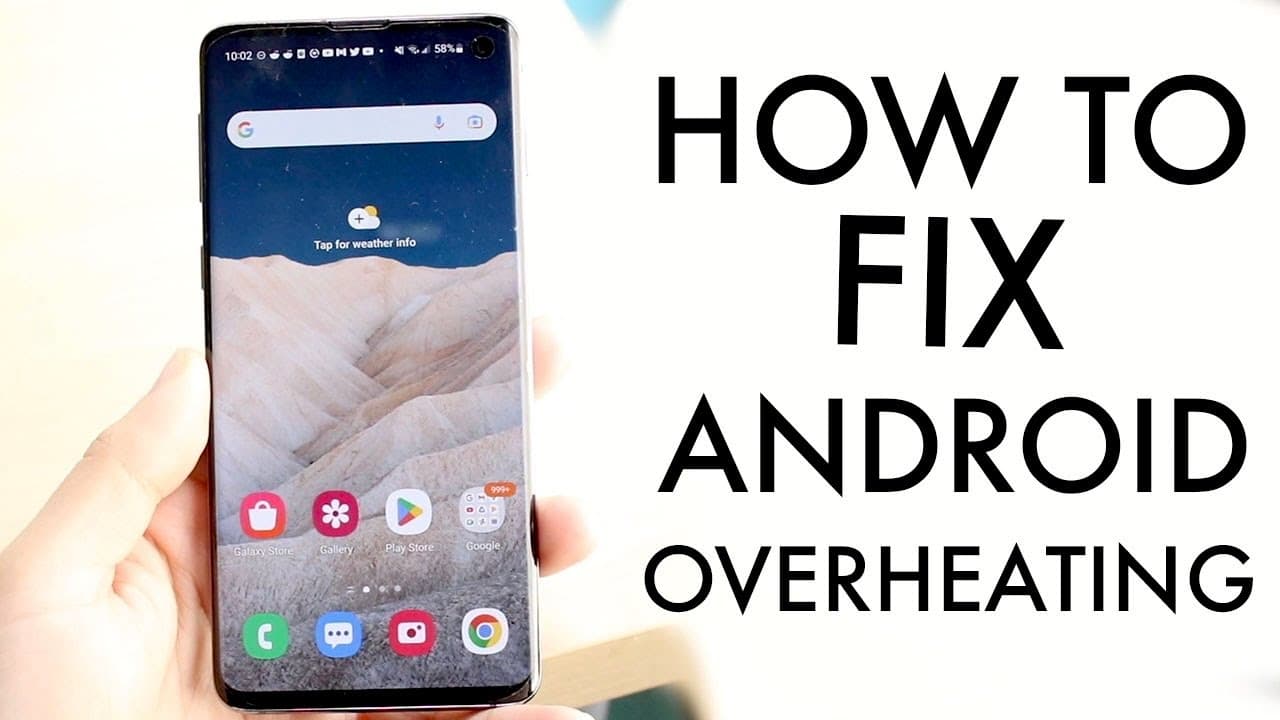
How to Fix Android Phone Overheating Issues?
TL;DR
To fix your Android phone's overheating, regularly update your software and stop or delete unnecessary background applications. Additionally, consider removing unused apps, especially pre-installed ones, and avoid multitasking with resource-heavy tasks like gaming or video calling to prevent excessive heat generation.
Transcript
so you may have your Android phone whether it's a Samsung Galaxy or whether it's a OnePlus or a Google pixel and you might be seeing that your phone is overheating like crazy all the time now I experience this every almost every single day with a lot of my different Samsung phones and different you know Android phones that I own and the very first ... Read More
Key Insights
- 📲 Updating your Android software is an important step in fixing overheating issues on your phone. Check for updates in your phone's settings.
- 🔥 Force stopping background applications can help alleviate overheating problems by reducing data and memory usage. Delete unused apps for better performance.
- ❌ Consider deleting pre-installed applications that you don't use to free up memory and prevent overheating.
- ☎️ Concurrently using apps like video calling while playing games can cause overheating. Choose one task at a time to prevent excessive heat generation.
- 💡 Regularly updating your device's software can fix various issues and improve overall performance, including overheating problems.
- 🗑️ Cleaning out the background of your phone by force stopping or deleting unnecessary apps can optimize performance and reduce overheating.
- 🔀 Switching between different Android models, such as Samsung Galaxy, OnePlus, or Google Pixel, may require troubleshooting specific to each device to address overheating.
- 📱 Overheating issues can be minimized by avoiding multitasking with resource-intensive tasks like gaming or video calling, which can strain your phone's resources.
Install to Summarize YouTube Videos and Get Transcripts
Explore YouTube Video Summarizer or Get YouTube Transcript Extractor
Questions & Answers
Q: How can updating the Android software help prevent overheating?
By regularly updating your Android software, you can fix bugs and potential issues that may be causing your phone to overheat. These updates often include performance optimizations and bug fixes that can improve the overall stability of your device, leading to reduced overheating.
Q: How do background applications contribute to overheating, and how can you manage them?
Background applications consume data, memory, and processing power, which can lead to overheating. To manage them, go to your phone's application manager and force stop or delete unnecessary apps. This will free up resources and prevent them from running in the background, ultimately reducing the risk of overheating.
Q: Can deleting unused apps help prevent overheating, and how?
Yes, deleting unused apps can help prevent overheating. Unused apps still occupy storage space and may run background processes, consuming memory and processing power. By deleting these apps, you can free up resources, reduce overheating, and improve the overall performance of your Android phone.
Q: Can multitasking activities like video calling while gaming cause overheating?
Yes, multitasking activities like video calling while gaming can contribute to overheating. Performing tasks that require significant processing power simultaneously can put a strain on the phone's CPU and GPU, leading to increased heat generation. To prevent overheating, it is advisable to avoid multitasking or prioritize one task at a time to reduce the load on the device.
Summary & Key Takeaways
-
Update your Android software regularly to fix bugs and potential overheating issues.
-
Stop or delete unnecessary background applications to free up memory and prevent overheating.
-
Delete unused or pre-installed applications and avoid multitasking activities like video calling while gaming to prevent overheating.
Read in Other Languages (beta)
Share This Summary 📚
Summarize YouTube Videos and Get Video Transcripts with 1-Click
Try YouTube Summary with ChatGPT & Claude or YouTube Transcript Generator
Explore More Summaries from Simple Alpaca 📚






Summarize YouTube Videos and Get Video Transcripts with 1-Click
Try YouTube Summary with ChatGPT & Claude or YouTube Transcript Generator