What Are the Best Free Photo Editing Apps for iPhone?
TL;DR
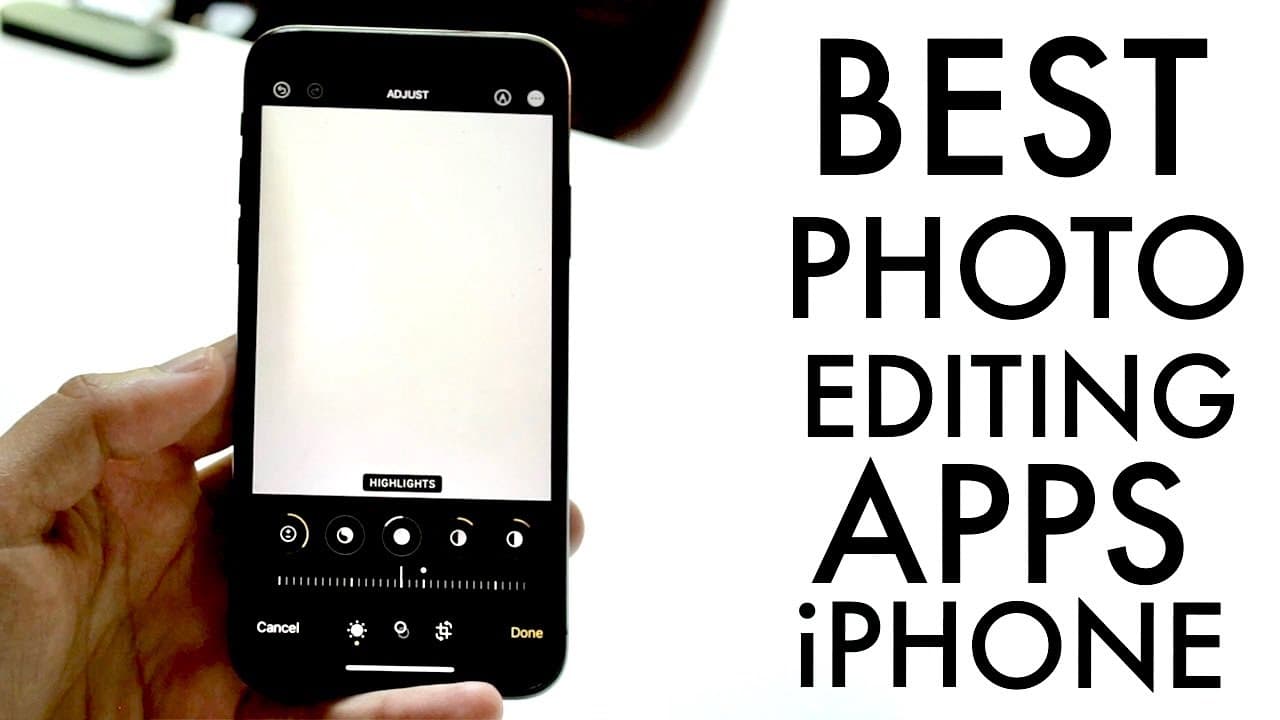
The best free photo editing apps for iPhone include the built-in Photos app, Snapseed, Lightroom, and Pixart. The Photos app offers essential editing features, while Snapseed provides a wide range of tools for advanced edits. Lightroom is great for sophisticated adjustments, and Pixart stands out with its community-driven features and popularity among social media users.
Transcript
so i want to go ahead and showcase to you all some of the best free editing applications for photos that you can download on really any iphone out there now first of all the first one i'm going to state i love using this one it's actually the stock photos application editor now most of you probably already know this by now but if you click into you... Read More
Key Insights
- 😀 The stock Photos app on iPhone is highly effective for basic photo adjustments, making it accessible for everyday users.
- 🧘 Snapseed, with its numerous built-in tools, can cater to both casual photographers and those needing advanced edits for no cost.
- 🥶 Lightroom combines sophistication and user-friendliness, positioning itself as a robust free option for editing photos and enhancing images with detailed adjustments.
- 👻 Pixart’s popularity stems from its social features, appealing stickers, and strong presence in social media trends, allowing users to integrate community-inspired edits into their photos.
- 😀 Each app has unique attributes, making them suitable for a wide range of photo editing needs from basic to advanced.
- 🧘 The ability to save and share edited images directly from these applications ensures a seamless experience for users.
- 😀 With the rise of digital photography, the availability of powerful photo editing apps for free transforms the editing landscape for casual users and professionals alike.
Install to Summarize YouTube Videos and Get Transcripts
Explore YouTube Video Summarizer or Get YouTube Transcript Extractor
Questions & Answers
Q: Why is the built-in Photos app considered a top option for editing on iPhone?
The stock Photos app provides a user-friendly interface and encompasses a range of editing capabilities, including filters, exposure adjustments, and basic enhancements like brightness and sharpness. Its accessibility and ease of use make it a first choice for many users looking for quick, effective edits without needing to download additional apps.
Q: What are the standout features of Snapseed compared to other editing applications?
Snapseed, built by Google, is praised for its comprehensive editing tools, including image tuning, detailed cropping options, and the ability to add text to images. Unlike many other applications, Snapseed is completely free, providing a robust suite of features without any hidden costs or trial limitations, making it an excellent choice for serious photo editors.
Q: How does Lightroom stand out among the free photo editing apps mentioned?
Lightroom offers advanced editing features akin to Adobe Photoshop, allowing users to perform intricate manipulations, edit color profiles, and apply filters similar to professional tools. With its design tailored to both casual and more professional users, it successfully bridges the gap between complexity and accessibility, while still being available for free with optional premium features.
Q: What makes Pixart a popular photo editing choice among social media users?
Pixart stands out due to its vibrant community and social media integration, allowing users to create visually appealing edits while also accessing a plethora of stickers and additional features. Its strong presence on platforms like TikTok boosts its popularity, offering creative tools that resonate with younger demographics and casual users interested in enhancing their social media content.
Summary & Key Takeaways
-
The video introduces excellent free photo editing applications for the iPhone, emphasizing the built-in Photos app as a primary tool for basic photo editing tasks.
-
Other recommended apps include Snapseed, Lightroom, and Pixart, which offer various editing features like filters, cropping, and text addition, catering to different user needs and preferences.
-
Each app is noted for its unique strengths, with Snapseed celebrated for its comprehensive and free features, Lightroom for its advanced capabilities, and Pixart for its community-driven approach and popularity among social media users.
Read in Other Languages (beta)
Share This Summary 📚
Summarize YouTube Videos and Get Video Transcripts with 1-Click
Try YouTube Summary with ChatGPT & Claude or YouTube Transcript Generator
Explore More Summaries from Simple Alpaca 📚






Summarize YouTube Videos and Get Video Transcripts with 1-Click
Try YouTube Summary with ChatGPT & Claude or YouTube Transcript Generator