How To Use Android Auto! (Complete Beginners Guide)
TL;DR
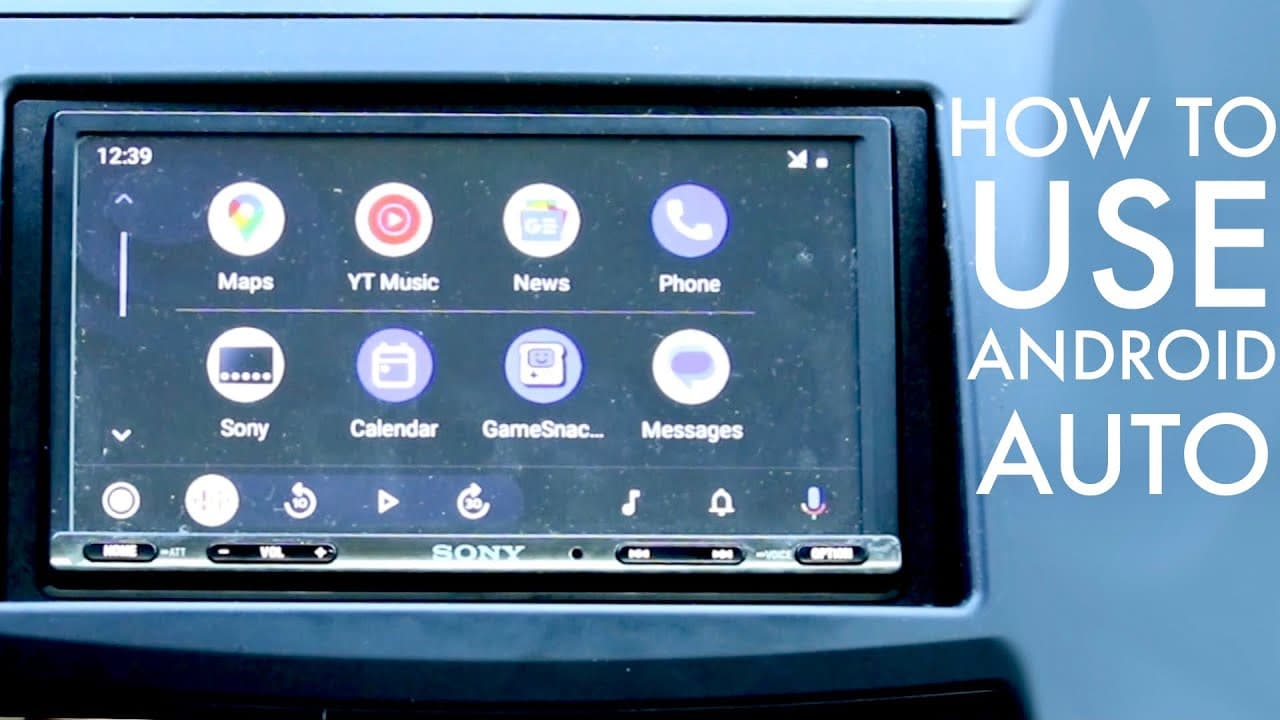
Learn how to configure and use Android Auto effectively within your vehicle.
Transcript
when it is time for us to go ahead and take a look at Android auto Android auto and see how you can go ahead and actually use it now I have my microphone set up here in front of me but I also have my camera right here too so you can basically go ahead and see my display now before we get into the display there's a few things you have to need to kno... Read More
Key Insights
- 🚙 Android Auto is designed to simplify the driving experience by merging smartphone functionality with vehicle systems, promoting safer driving habits.
- 🕴️ The interface is user-friendly, featuring a consistent layout with customizable elements to suit individual preferences.
- 👻 Notifications can be easily managed within Android Auto, allowing users to stay informed without distractions.
- 🪛 Voice commands significantly enhance usability, permitting drivers to remain focused on the road while accessing features.
- 😀 Customization options extend to app management and display settings, empowering users to shape their experience according to their preferences.
- 👶 Regular software updates from the phone can unlock new features on Android Auto, keeping the system relevant and functional.
- 👤 Various application compatibility ensures that users can utilize popular services like music streaming, GPS navigation, and messaging seamlessly.
Install to Summarize YouTube Videos and Get Transcripts
Explore YouTube Video Summarizer or Get YouTube Transcript Extractor
Questions & Answers
Q: What are the connection options for Android Auto?
Android Auto can be connected via USB-C cable or wirelessly, depending on the capabilities of the phone and vehicle. Generally, using a USB-C cable provides a stable connection, while wireless options offer convenience for compatible devices. Ensuring your car is equipped for the desired connection method is essential for optimal use.
Q: How can users customize the Android Auto interface?
Users can customize their Android Auto interface by accessing the settings through their Android phone. They can choose which applications to display, adjust notification settings, enable night mode, and select customization options for the background wallpaper. This flexibility allows users to create a personalized and streamlined driving experience.
Q: What kind of apps are compatible with Android Auto?
Android Auto supports a wide range of applications including Google Maps, Spotify, YouTube Music, podcasts, and messaging apps. Users can select their frequently used apps within the interface and interact via voice commands, enhancing safety and convenience while driving. It's advisable to check for app compatibility before installation.
Q: How can users keep their Android Auto updated?
Users can ensure their Android Auto remains up to date by regularly checking for software updates on their Android phone. By navigating to the settings and selecting system updates, they can install new features and improvements whenever they become available, which can enhance functionality and user experience.
Summary & Key Takeaways
-
Android Auto allows users to connect their Android devices to their vehicle, providing access to apps and features directly from the car's display.
-
Users can connect via USB-C or wirelessly, and configure settings through the Android phone, including launcher customization and app management.
-
Key features include notifications, media playback control, Google Assistant access, and a customizable interface for a tailored user experience.
Read in Other Languages (beta)
Share This Summary 📚
Summarize YouTube Videos and Get Video Transcripts with 1-Click
Try YouTube Summary with ChatGPT & Claude or YouTube Transcript Generator
Explore More Summaries from Simple Alpaca 📚






Summarize YouTube Videos and Get Video Transcripts with 1-Click
Try YouTube Summary with ChatGPT & Claude or YouTube Transcript Generator