What Are the Best Tricks for iPhone Always-On Display?
TL;DR
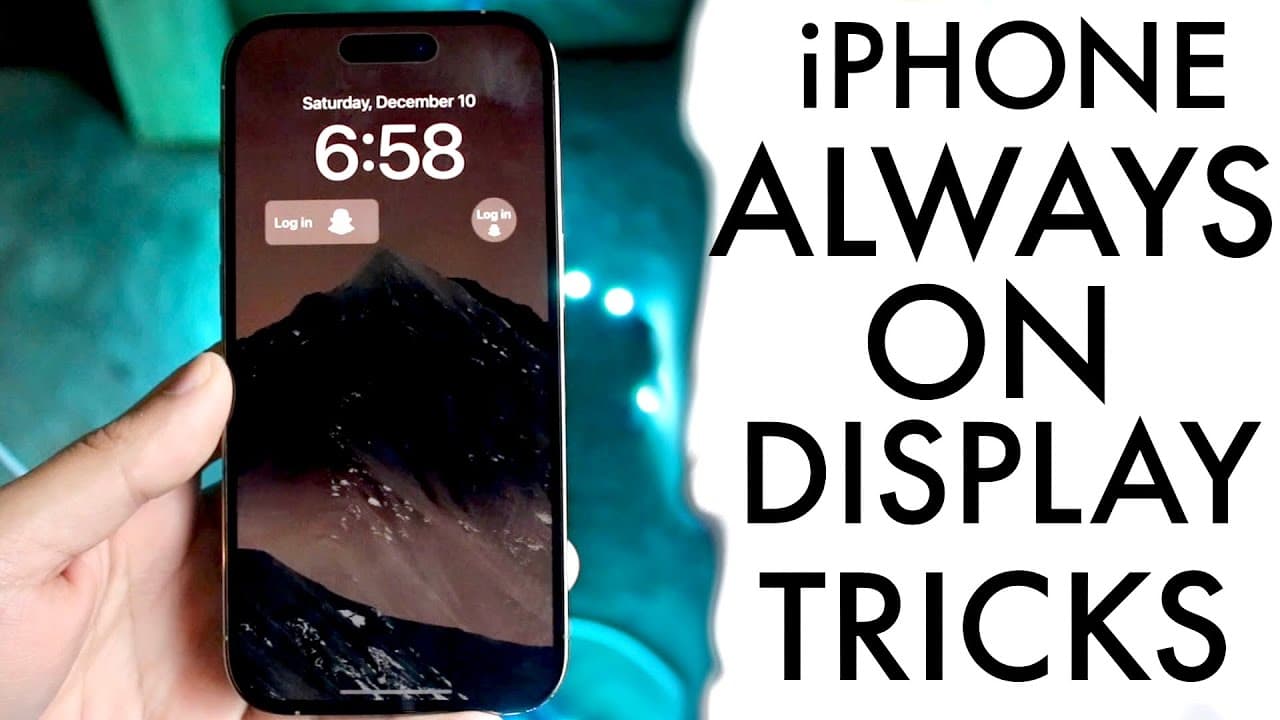
The iPhone's always-on display allows users to enhance privacy by disabling wallpaper and notifications with the latest iOS 16.2 update. Customization options include setting different Focus modes and new widgets, like sleep and medication reminders, for quick access to important information without unlocking the device.
Transcript
so the always on display feature that Apple ended up implementing is super cool but there are some tricks and tips that I would love to go ahead and showcase to you all that you should definitely you know start looking into if you're rocking you're always on display on your 14 pro 14 pro Max or some other iPhones in the future now currently one of ... Read More
Key Insights
- 👻 iOS 16.2 enhances the privacy of the always-on display by allowing users to hide wallpapers and notifications.
- 😫 The ability to set specific Focus modes allows for a more tailored always-on display experience.
- 👤 Users can quickly navigate back to their applications by swiping up, improving the efficiency of device use.
- 😪 New widgets, including sleep and medication options, expand the functionality of the always-on display.
- 👻 Customizing widgets can allow users to keep essential information front and center without unlocking their devices.
- 👤 The always-on display feature has generated positive feedback for its visual appeal and practicality for iPhone users.
- 👤 Changing wallpapers can automatically update the always-on display, providing a dynamic user experience.
Install to Summarize YouTube Videos and Get Transcripts
Explore YouTube Video Summarizer or Get YouTube Transcript Extractor
Questions & Answers
Q: What new features does iOS 16.2 bring to the always-on display?
iOS 16.2 introduces key features such as the ability to turn off the wallpaper and notifications on the always-on display. This addresses privacy concerns by ensuring that users do not inadvertently share their wallpapers or notifications in public settings, enhancing the overall user experience.
Q: How can users customize their widgets on the always-on display?
Users can personalize their always-on display by selecting specific widgets that align with their needs, including newly added options like sleep and medication reminders. By navigating to the widget selection, users can choose their preferred widgets to display crucial information without needing to unlock their devices, promoting efficient use.
Q: How do Focus modes affect the always-on display?
The always-on display can reflect different Focus modes, allowing users to change their display based on their current activity, such as work or sleep. This integration ensures that the wallpaper and display settings align with the user’s needs, enhancing focus during specific tasks and minimizing distractions.
Q: What is the importance of managing notifications on the always-on display?
Managing notifications on the always-on display is essential for privacy and reducing distractions. By turning off notifications, users can avoid displaying sensitive information in public, ensuring a more discreet user experience while still accessing crucial alerts when needed.
Summary & Key Takeaways
-
The latest iOS 16.2 update introduces features for managing the always-on display, including options to disable wallpaper and notifications for privacy.
-
Users can customize their always-on display with different Focus modes, which can change the display and enhance productivity based on the user's current activity.
-
New widget options include sleep and medication reminders, allowing for better functionality and quick access to essential information on the always-on display.
Read in Other Languages (beta)
Share This Summary 📚
Summarize YouTube Videos and Get Video Transcripts with 1-Click
Try YouTube Summary with ChatGPT & Claude or YouTube Transcript Generator
Explore More Summaries from Simple Alpaca 📚






Summarize YouTube Videos and Get Video Transcripts with 1-Click
Try YouTube Summary with ChatGPT & Claude or YouTube Transcript Generator