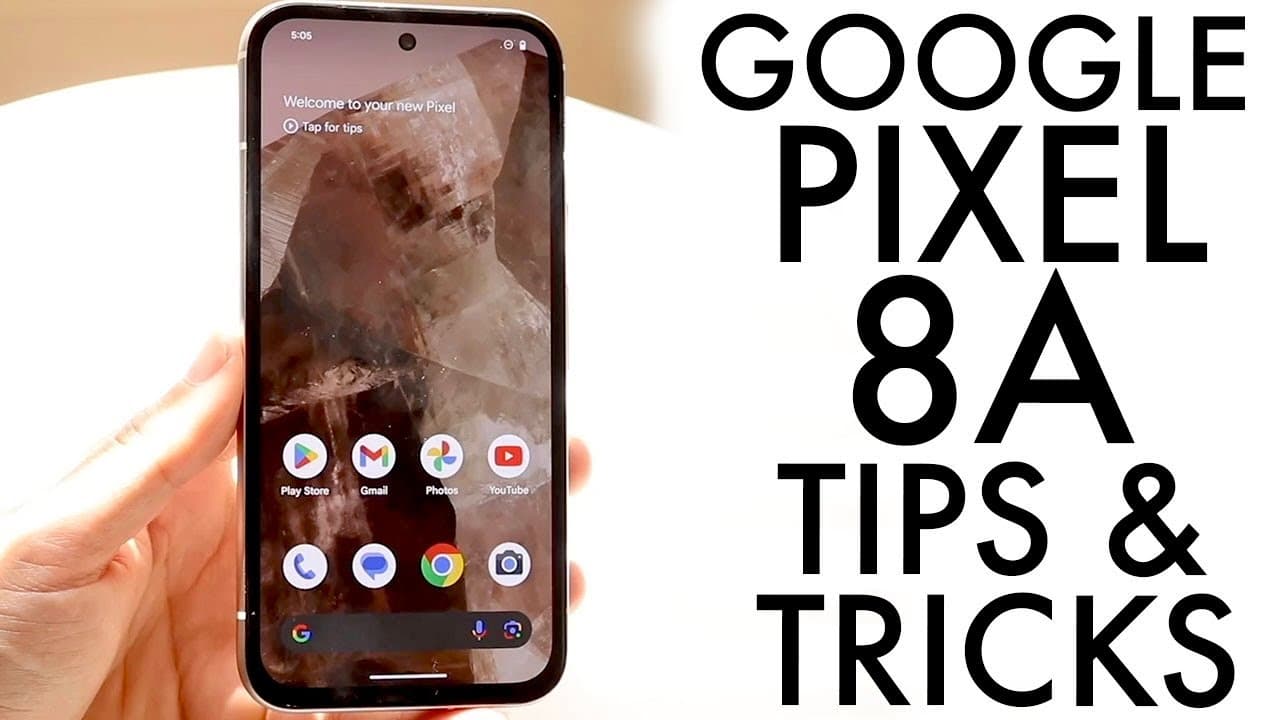
Google Pixel 8A: BEST Tricks & Tips!
TL;DR
Discover essential tips to optimize your Google Pixel 8A experience.
Transcript
so the Google pixel a has just officially came out and I wanted to go and hit on some of my favorite ticks and I wanted to hit on some of my favorite tricks and tips that you can basically utilize within this particular phone it's a beautiful phone I'm sure it's going to have a long future and within the next year this is probably going to be one o... Read More
Key Insights
- ⌛ Investing in a protective case and screen protector is essential for maintaining the Pixel 8A's condition over time.
- 😀 The Pixel 8A's 120Hz display enhancement significantly improves user interactions and app performance, appealing to tech enthusiasts.
- 🕖 Regular software updates are integral for the longevity and performance of the Pixel 8A, promising up to seven years of support.
- 👻 Customization options for lock and home screens allow users to tailor the Pixel 8A to their preferences and improve usability.
- 💪 Advanced camera features enhance photography capabilities, making the Pixel 8A a strong competitor in the budget smartphone market.
- 🤟 Gesture-based navigation offers a modern approach to user interface interactions, making smartphone usage more fluid.
- 🪫 Dark mode can reduce eye strain and improve battery efficiency, making it a practical choice for users who frequently operate their phones in low-light settings.
Install to Summarize YouTube Videos and Get Transcripts
Explore YouTube Video Summarizer or Get YouTube Transcript Extractor
Questions & Answers
Q: What should I do first after purchasing a Google Pixel 8A?
The very first step after purchasing a Google Pixel 8A is to invest in a quality screen protector and case. This protects the phone from potential damage due to drops or accidents. Even an inexpensive case can significantly reduce the risk of cracks on the display or back, ensuring your new device remains in good condition for an extended period.
Q: How can I customize my lock screen on the Pixel 8A?
To customize your lock screen on the Pixel 8A, hold down on the lock screen until you see a customization button at the bottom. Tap it, and you'll be directed to a panel where you can adjust the time format, wallpaper, accent colors, and even add or change shortcuts displayed on the lock screen, making it truly personal and functional.
Q: What does the 120Hz display feature do for user experience?
The 120Hz display feature enhances the overall user experience by making interactions smoother and more responsive. To enable it, navigate to display settings and toggle on the Smooth Display option. This results in faster scrolling, improved gaming, and overall fluidity, making everyday tasks feel more seamless and enjoyable.
Q: How significant are the software updates for Pixel 8A?
Software updates are crucial for the Pixel 8A as Google promises extensive support for up to seven years. Regularly checking for system updates through the settings ensures that your device benefits from the latest features, security patches, and optimizations, thus enhancing performance and extending device longevity.
Q: What new camera features are available on the Pixel 8A?
The Pixel 8A introduces several advanced camera features, including Best Take, which allows selection of the best expressions in group shots, Magic Editor for repositioning subjects in photos, and Audio Magic Eraser to minimize background noise in videos. These additions make the Pixel 8A a powerful tool for photography enthusiasts.
Q: How can I use gesture navigation on the Pixel 8A?
To utilize gesture navigation on the Pixel 8A, go to the settings app and find the display panel. Here, you can choose between gesture navigation and traditional three-button navigation. Gesture navigation offers a more modern approach to navigating your phone, improving efficiency and ease of use as it involves swipes rather than buttons.
Q: Is enabling dark mode beneficial for my Pixel 8A?
Enabling dark mode on your Pixel 8A can reduce eye strain in low-light conditions and improve battery life for OLED screens. It can be toggled on or off in display settings. Some users find dark mode aesthetically pleasing as it gives a sleek look, while others prefer light mode based on personal preference and visibility.
Q: How frequently should I check for updates on my Pixel 8A?
It is advisable to check for updates on your Pixel 8A regularly, especially when prompted about available updates. Keeping your device updated ensures that you have the latest features, security enhancements, and bug fixes, ultimately providing a better user experience while maintaining device performance and safety.
Summary & Key Takeaways
-
Investing in a screen protector and case for your Google Pixel 8A is crucial for protecting the device and enhancing durability against potential drops and scratches.
-
The Pixel 8A features an impressive 120Hz display, which can be enabled through display settings to significantly improve the fluidity of interactions and app performance.
-
New camera functionalities, such as Best Take, Magic Editor, and Audio Magic Eraser, offer creative enhancements to photography and video recording, allowing for optimized and high-quality visual content.
Read in Other Languages (beta)
Share This Summary 📚
Summarize YouTube Videos and Get Video Transcripts with 1-Click
Try YouTube Summary with ChatGPT & Claude or YouTube Transcript Generator
Explore More Summaries from Simple Alpaca 📚






Summarize YouTube Videos and Get Video Transcripts with 1-Click
Try YouTube Summary with ChatGPT & Claude or YouTube Transcript Generator