Here's What To Do When You Spill Water On Your Samsung Galaxy!
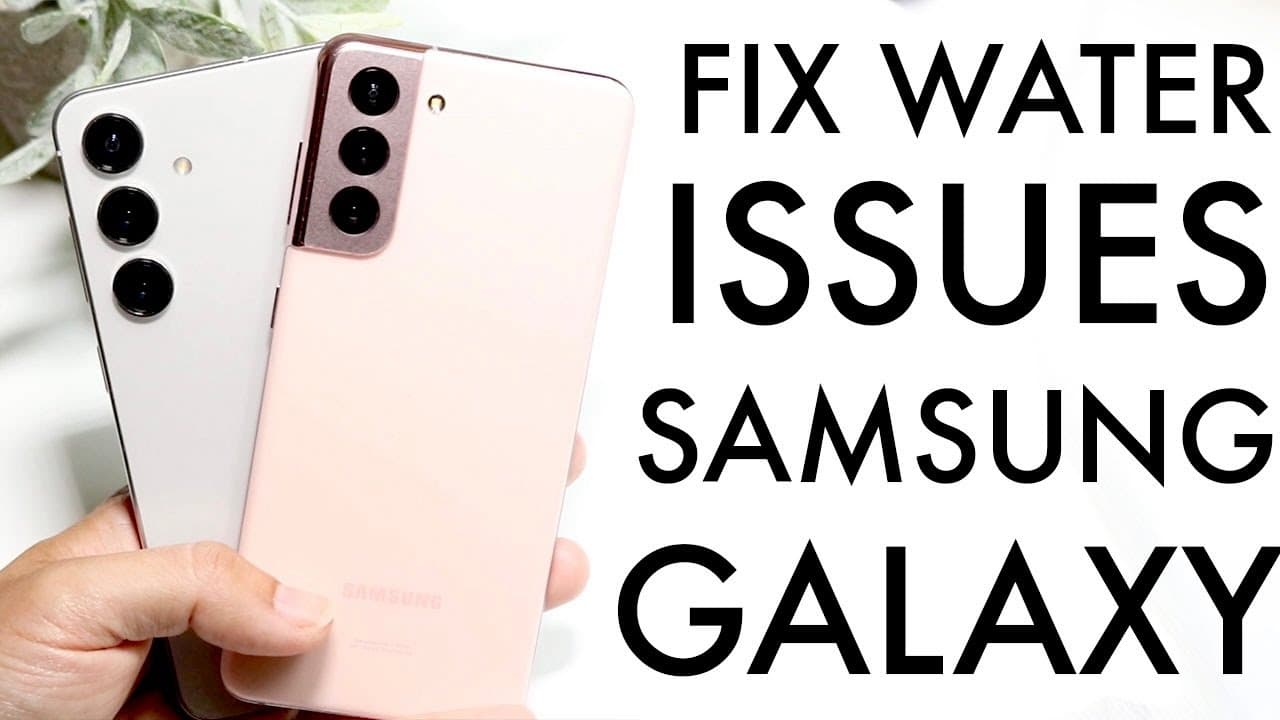
TL;DR
Immediately power off your Samsung Galaxy, keep it off while removing water with a vacuum or shop vacuum, and let it dry at room temperature or slightly warmer without intense heat. After at least a couple of hours, try powering it on; if possible, use wireless charging for the next few days. Read on for the full sequence and precautions for cracked phones, charging ports, and restarting.
Transcript
so you may have just gone through and actually spilled water on your Samsung Galaxy phone now I will tell you you're in really good hands because a majority of Samsung Galaxy phones are already waterproof but the very first thing I'd recommend doing without wasting your time and I'll you know kind of fill a buster in a second is to go through and t... Read More
Key Insights
- 💦 Immediate action is essential after water exposure; shutting the phone down can prevent extensive damage.
- 💦 Water-resistance varies among Samsung Galaxy models; knowing your device's specifications is critical.
- 🚙 Vacuums can assist in removing moisture from hard-to-reach areas like the charging port, essential for drying.
- 🥵 Environmental conditions matter; choose a warm, dry location to facilitate evaporation rather than a hot, direct heat source.
- 💦 Wireless charging is safer post-water exposure to reduce risks associated with moisture.
- 🥳 Monitor your device closely for signs of malfunction after attempting to dry it, especially in the subsequent days.
- 💦 Staying informed on proper water exposure procedures can significantly extend the life of your device.
Install to Summarize YouTube Videos and Get Transcripts
Explore YouTube Video Summarizer or Get YouTube Transcript Extractor
Questions & Answers
Q: What should I do immediately after spilling water on my Samsung Galaxy phone?
Completely power off the Samsung Galaxy as soon as possible. Find the power or side button, and if the controls do not seem to work, keep holding the power button until the phone shuts down.
Q: Why should I turn off my Samsung Galaxy after spilling water on it?
Keeping the phone off reduces the chance that water reaching internal components will cause them to fry. The phone should remain powered off throughout the initial water-removal and drying process.
Q: Is my Samsung Galaxy phone waterproof?
The speaker says most Samsung Galaxy phones are waterproof or water-resistant, but recommends treating every spill cautiously. Cracks in the display or bezels may allow water to seep inside and cause problems.
Q: How do I remove water from a Samsung Galaxy charging port?
With the phone still off, place the hose nozzle of a vacuum or shop vacuum next to the charging port to draw out water. The speaker also recommends removing water elsewhere on the device as quickly as possible.
Q: How should I dry a wet Samsung Galaxy phone?
Leave the powered-off phone at room temperature or somewhere slightly warmer so the water can evaporate naturally. A somewhat sunny area is suggested, but the phone should not be exposed to intense, direct heat.
Q: How long should I wait before turning the phone back on?
Let the Samsung Galaxy sit and dry for at least a couple of hours. After that, try powering it on and check whether it starts normally.
Q: Should I plug in my Samsung Galaxy after it gets wet?
The speaker recommends avoiding wired charging initially because moisture could affect the charger. If the phone supports it and you have the option, use wireless charging for the next few days.
Q: What if my Samsung Galaxy has a cracked screen or bezel?
Take extra caution because cracks in the display or bezels can let water seep into the phone. Power it down immediately, remove accessible water, and keep it off while it dries.
Summary & Key Takeaways
-
If water spills on your Samsung Galaxy phone, the first critical step is to power it off completely to prevent internal damage from occurring.
-
Use a vacuum or similar device to remove moisture from the phone's charging port while it remains powered off, aiding in the drying process.
-
Leave the phone in a warm, humid environment for a few hours to allow the remaining moisture to evaporate before attempting to power it back on.
Read in Other Languages (beta)
Share This Summary 📚
Summarize YouTube Videos and Get Video Transcripts with 1-Click
Try YouTube Summary with ChatGPT & Claude or YouTube Transcript Generator
Explore More Summaries from Simple Alpaca 📚






Summarize YouTube Videos and Get Video Transcripts with 1-Click
Try YouTube Summary with ChatGPT & Claude or YouTube Transcript Generator