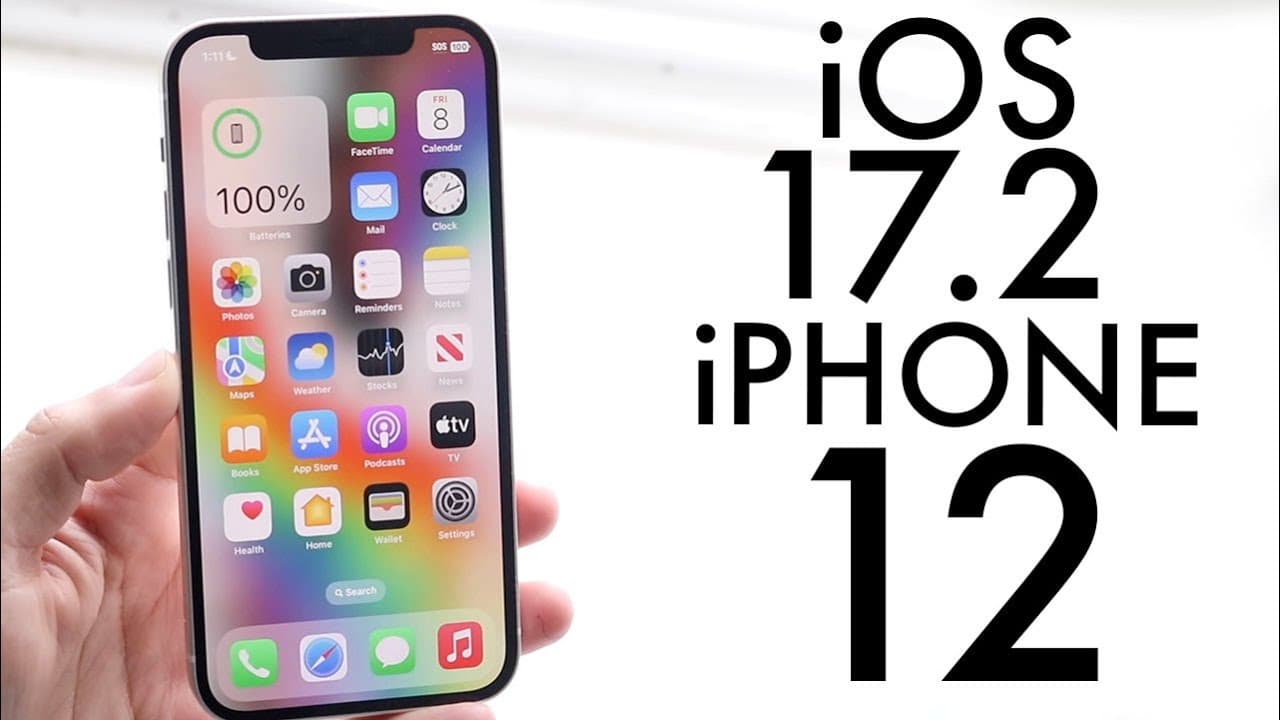
iOS 17.2 On iPhone 12! (Review)
TL;DR
iOS 17.2 offers significant enhancements and new features for iPhone 12 users.
Transcript
hello everyone iOS 17.2 has just officially came out so let's go and take a look at it on the iPhone 12 and see if it's worth installing now the first thing I'll definitely tell you is this was a pretty big update I have installed the RC version but keep in mind that this update also comes out in you know the official version it's not going to be a... Read More
Key Insights
- 😀 iOS 17.2 includes a substantial Journal app that allows users to document their thoughts conveniently.
- 👤 Enhanced messaging features in iMessage make it easier to keep track of conversations and improve user engagement.
- 👻 The update simplifies sharing through AirDrop, allowing for quick transfers of essential documents between iPhones.
- 👶 A new digital clock widget adds customization options for users who enjoy personalizing their home screens.
- 👤 iPhone 12 users can expect fixes for past wireless charging issues and improved overall performance.
- 💨 Faster wireless charging capabilities are available for the iPhone 13 and 14, enhancing user convenience.
- 🇳🇨 New emoji and sticker options in iMessage reflect Apple's commitment to continually update and enrich communication.
Install to Summarize YouTube Videos and Get Transcripts
Explore YouTube Video Summarizer or Get YouTube Transcript Extractor
Questions & Answers
Q: What are some major new features included in iOS 17.2?
iOS 17.2 introduces several notable features, including the Journal app for users who like to document their thoughts, enhanced functionalities for iMessage like a new catch-up arrow, and improvements in AirDrop that allow users to share tickets and boarding passes simply by bringing two iPhones together.
Q: How does the Journal app enhance the user experience in iOS 17.2?
The Journal app offers a dedicated space for users to document their thoughts, feelings, and experiences easily. It is designed with functionality to support various types of journaling, making it a useful tool for those who keep notes or want to express their daily reflections. This dedicated approach allows for a more organized way of tracking personal insights.
Q: What improvements have been made to iMessage in this update?
iMessage in iOS 17.2 has seen exciting updates, such as the new catch-up arrow feature that indicates unread messages in a group chat, making it easier for users to jump directly to the latest messages. Additionally, there are updated sticker options and enhanced security measures to ensure a reliable messaging experience.
Q: Is the AirDrop feature significantly upgraded in iOS 17.2?
Yes, AirDrop in iOS 17.2 boasts a major enhancement, allowing users to share digital tickets, boarding passes, and other relevant information effortlessly by simply bringing two iPhones close together. This seamless sharing capability is a convenience that simplifies interactions between users.
Q: What improvements does iOS 17.2 offer for wireless charging?
iOS 17.2 brings fixes for any wireless charging issues users may have faced with their iPhone 12. Additionally, it provides faster wireless charging for newer models like the iPhone 13 and 14, improving overall efficiency and convenience for users who rely on wireless charging boosts.
Q: How does the update affect overall system performance?
Overall, iOS 17.2 is expected to improve system performance on compatible devices, including the iPhone 12. Users can anticipate a smoother interface, faster app loading times, and a more reliable overall usage experience due to various optimizations introduced in this update.
Q: Should users of iPhone 12 consider updating to iOS 17.2?
Absolutely! Users of iPhone 12 are highly encouraged to update to iOS 17.2, especially if they are currently running iOS 17. This update introduces essential features and improvements that significantly enhance device usability and performance.
Summary & Key Takeaways
-
The iOS 17.2 update is substantial, featuring improvements like the Journal app, enhanced messaging options, and various performance updates specifically designed for iPhone 12 users.
-
New iMessage functionalities include a catch-up arrow for group chats, sticker updates, and overall security enhancements, making communication smoother and more intuitive.
-
AirDrop receives a notable upgrade for wireless sharing of tickets and passes between devices, while users can enjoy new widgets, faster wireless charging on certain models, and fixes for charging issues on the iPhone 12.
Read in Other Languages (beta)
Share This Summary 📚
Summarize YouTube Videos and Get Video Transcripts with 1-Click
Try YouTube Summary with ChatGPT & Claude or YouTube Transcript Generator
Explore More Summaries from Simple Alpaca 📚






Summarize YouTube Videos and Get Video Transcripts with 1-Click
Try YouTube Summary with ChatGPT & Claude or YouTube Transcript Generator