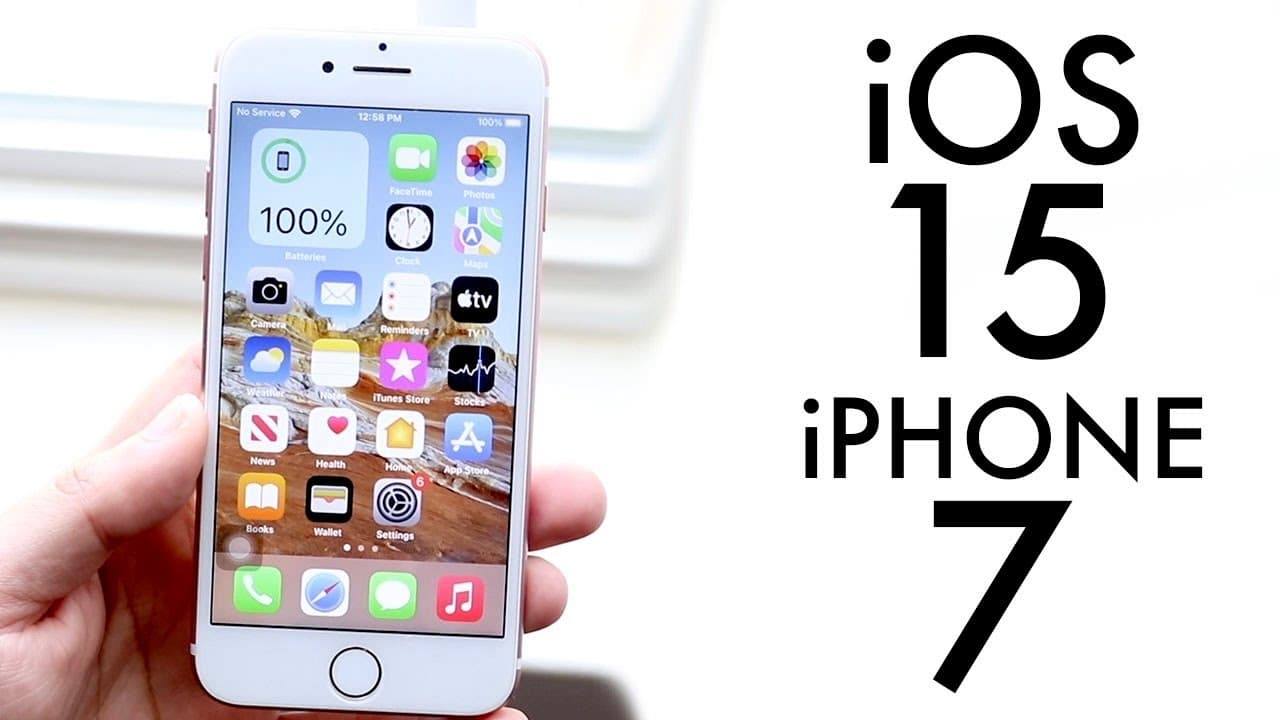
iOS 15 OFFICIAL On iPhone 7! (Review)
TL;DR
iPhone 7 users should stay on iOS 14 for now if stability matters most, even though iOS 15 works well enough and adds useful features. The update brings Focus modes, system-wide drag and drop, FaceTime links for people outside iOS, redesigned notifications, Safari gestures, and Safari extensions. Portrait mode and Live Text are not supported on iPhone 7, so read on to weigh the available upgrades against the stability concerns.
Transcript
welcome back everyone ios 15 has officially came out so let's take a look at it on the iphone 7. now i will tell you even if ios 15 seems like the best update in the world you may be better off just not installing ios 15 right now maybe waiting until 15.1 comes out that may be a better idea too but i do think 15 was a pretty good update overall and... Read More
Key Insights
- 🔨 iOS 15 introduced significant enhancements, particularly in communication and productivity tools for iPhone 7.
- 👻 Enhanced FaceTime features, including the ability to host calls with non-iOS users, broaden its usability.
- 👻 Focus Mode allows personalized notification management, promoting productivity during work or personal time.
- 😀 The drag-and-drop functionality simplifies app interactions, representing a large usability upgrade from previous versions.
- 👀 The review mentions visual updates in notification styles and system UI, providing a fresh look to the interface.
- 👤 Many users might prefer to wait for iOS 15.1 for a more stable experience after initial rollout feedback.
- 💋 The introduction of Safari extensions marks a step forward in web browsing functionalities on iPhones.
Install to Summarize YouTube Videos and Get Transcripts
Explore YouTube Video Summarizer or Get YouTube Transcript Extractor
Questions & Answers
Q: Should you install iOS 15 on an iPhone 7?
The reviewer says the iPhone 7 is probably good enough to run iOS 15, but recommends staying on iOS 14 for the time being because it is more stable. Waiting until iOS 15.1 may be the better option for users who prioritize stability.
Q: How stable is iOS 15 on the iPhone 7?
iOS 15 still has some stability issues on the iPhone 7, according to the review. Although it was described as probably the most stable iOS 15 beta the reviewer installed, iOS 14 remains the recommended version for stability.
Q: What are the main iOS 15 features available on the iPhone 7?
Supported highlights include FaceTime links, Focus modes, an iMessage redesign, system-wide drag and drop, new notification styles, and Safari extensions. Safari also gains a gesture-based design that lets users swipe between tabs.
Q: Which iOS 15 features are not supported on the iPhone 7?
FaceTime portrait mode is not supported on the iPhone 7. Live Text is also unavailable on this model, so the review does not cover it further.
Q: Can Android users join FaceTime calls started from an iPhone 7?
Yes. With iOS 15, an iPhone 7 user can send a FaceTime call link outside iOS, allowing someone using Android to join the call.
Q: How does Focus mode work in iOS 15 on the iPhone 7?
Focus mode acts like a more customizable version of Do Not Disturb by letting users concentrate on selected groups of apps. For example, a personal mode could include FaceTime, Messages, and phone calls, while a work mode could include work apps and email.
Q: How does system-wide drag and drop work in iOS 15?
Users can hold and drag content such as an image or link, move into another app, and drop it into a new location. The reviewer demonstrates moving content into Notes and calls this one of the update's most useful features.
Q: What changed in Safari with iOS 15 on the iPhone 7?
Safari received a gesture-based design that supports swiping between tabs, along with support for Safari extensions. Users who dislike the changed address-bar layout can tap the “aA” control and choose the option that returns the address bar to its normal position.
Summary & Key Takeaways
-
The review highlights iOS 15's updates for iPhone 7, noting both improvements and lingering stability issues.
-
Key features include enhanced FaceTime capabilities, a new Focus mode, and a system-wide drag-and-drop functionality.
-
Despite the new features, users are advised to consider sticking with iOS 14 for better stability until further updates are released.
Read in Other Languages (beta)
Share This Summary 📚
Summarize YouTube Videos and Get Video Transcripts with 1-Click
Try YouTube Summary with ChatGPT & Claude or YouTube Transcript Generator
Explore More Summaries from Simple Alpaca 📚






Summarize YouTube Videos and Get Video Transcripts with 1-Click
Try YouTube Summary with ChatGPT & Claude or YouTube Transcript Generator