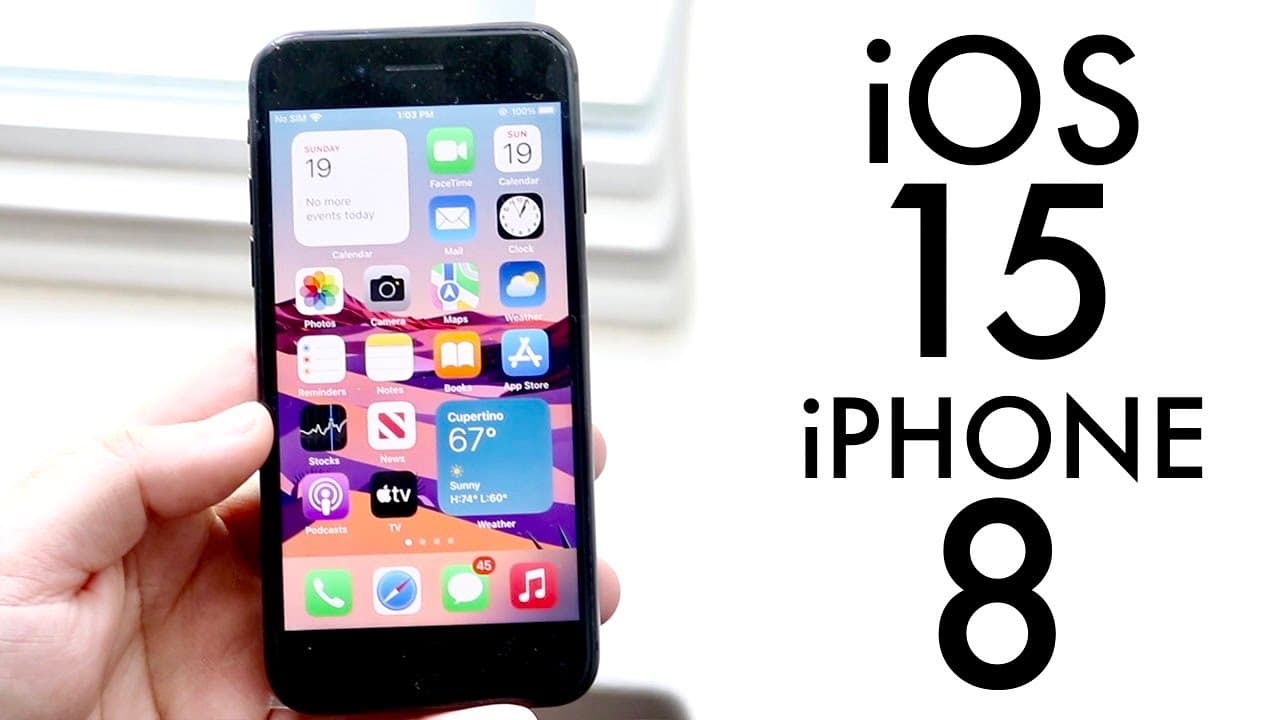
iOS 15 OFFICIAL On iPhone 8! (Review)
TL;DR
iOS 15 offers new features but may not be essential for iPhone 8 users.
Transcript
welcome back everyone ios 15 just officially came out so let's take a look at it on the iphone 8 on a very cracked iphone 8. now this update i'm really happy about i think it brought a lot of cool things to this table this is the release candidate but it's pretty much the same exact thing as the official version now what i'm going to tell you about... Read More
Key Insights
- 👤 iOS 15 brings a fresh user interface and features aimed at improving focus and communication; however, it does not fundamentally change the iPhone 8 experience.
- 👤 FaceTime's ability to link with non-iOS devices is a notable advancement, expanding user connectivity options significantly.
- 👻 Focus Mode is a valuable addition, allowing users to tailor their notifications and achieve improved personal and work productivity.
- 🤟 Although Safari's redesign offers gestures and extensions, users may want to weigh these enhancements against their current usage needs.
- 🥹 Users should consider the stability of iOS 14 as a reason to hold off on immediate updates, particularly those wary of potential bugs.
- 🛟 Reports of consistent battery life suggest that while performance may lag, daily usability may remain relatively stable.
- 🌚 Upcoming updates or patches may resolve initial speed concerns users face with the new operating system.
Install to Summarize YouTube Videos and Get Transcripts
Explore YouTube Video Summarizer or Get YouTube Transcript Extractor
Questions & Answers
Q: What are some of the key new features in iOS 15 for iPhone 8 users?
iOS 15 introduces several notable features including Focus Mode, which allows users to manage notifications based on their activities, and enhanced FaceTime capabilities like link-sharing for non-iOS users. Although some features, like Live Text and Portrait Mode, are not supported on iPhone 8, the overall improvements enhance usability.
Q: How does Focus Mode function in iOS 15?
Focus Mode allows users to create customized notification settings for different contexts, like work or personal time. Users can select which applications alert them based on their current focus area. This feature aims to reduce distractions by filtering notifications, making it easier to manage work-life balance through targeted notifications and settings.
Q: Is the drag and drop feature in iOS 15 effective on the iPhone 8?
The drag and drop functionality in iOS 15 allows users to easily move text and media between apps, enhancing usability. However, performance may vary, as experiences described suggest that it is not always flawless on iPhone 8, indicating that users may encounter some inconsistencies while using this feature.
Q: Will iOS 15 significantly change the performance of the iPhone 8?
While iOS 15 brings new features, the performance on iPhone 8 users may feel slightly slower compared to iOS 14. Users are encouraged to monitor their device's performance after the update, as initial observations suggest a potential decrease in speed, although this may improve over time with updates.
Summary & Key Takeaways
-
iOS 15 introduces new features including Focus Mode and FaceTime upgrades, enhancing user experience but not drastically changing the performance for iPhone 8 users.
-
The update offers seamless link-sharing for FaceTime calls to non-iOS users, improved notifications, and an enhanced Safari experience with gesture navigation and extensions.
-
While the update is appealing, users are advised to wait for better stability after the official release, as iOS 14 remains a reliable option.
Read in Other Languages (beta)
Share This Summary 📚
Summarize YouTube Videos and Get Video Transcripts with 1-Click
Try YouTube Summary with ChatGPT & Claude or YouTube Transcript Generator
Explore More Summaries from Simple Alpaca 📚






Summarize YouTube Videos and Get Video Transcripts with 1-Click
Try YouTube Summary with ChatGPT & Claude or YouTube Transcript Generator