How to Implement Indicator Support in Tkinter Animation
TL;DR
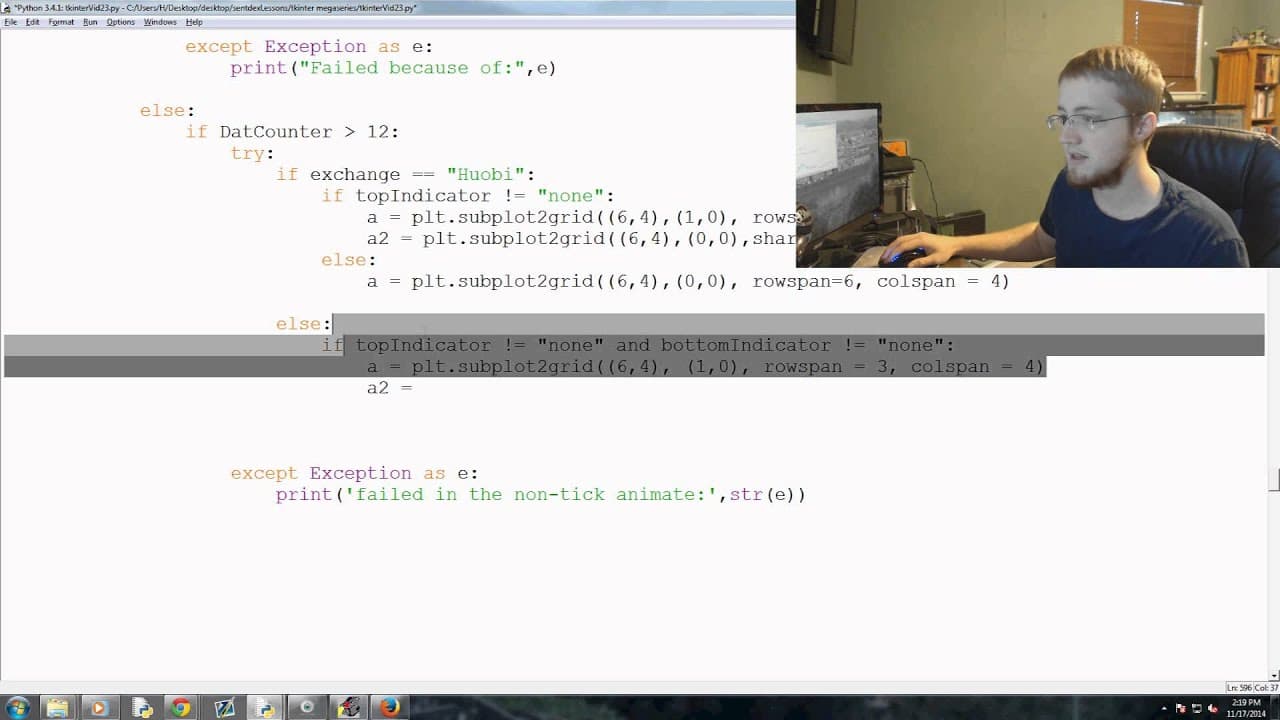
To implement indicator support in a Tkinter animation, code should be added to handle both tick and non-tick data effectively. This includes setting up subplots based on the presence of indicators and determining the animation update frequency, allowing for future user customization. The order of code execution is crucial for the program's functionality.
Transcript
what is going on everybody Welcome to the 23rd te hinter tutorial video in this video what we're going to be doing is we're going to add the next you know massive chunk of code uh to our animation function and this is going to basically allow us um to handle pretty much everything else that we've thrown at our at our you know program thus far so th... Read More
Key Insights
- 👨💻 The presenter discusses the process of adding code to handle different functionalities in the animation function.
- 💋 The code covers handling tick data, non-tick data, setting up subplots, and determining the update frequency.
- 👻 The presenter mentions the possibility of allowing users to customize the update frequency in the future.
- 👨💻 The code is organized based on different conditions, such as whether there is a top or bottom indicator, or both.
- 👨💻 The logic of the code order is important in ensuring proper execution of the functionalities.
- 👨💻 The presenter emphasizes the importance of understanding the logic behind the code and its purpose in the program.
- 🙂 The code is written to handle data from different exchanges, with slight variations in syntax and setup.
Install to Summarize YouTube Videos and Get Transcripts
Explore YouTube Video Summarizer or Get YouTube Transcript Extractor
Questions & Answers
Q: What is the purpose of adding the code to the animation function?
The code is added to handle various functionalities of the program, such as handling tick data, non-tick data, and setting up subplots for different exchanges.
Q: How is the update frequency of the animation function determined?
The update frequency is determined by the value of the "dat counter" variable. If it is greater than 12, the function runs every 12 seconds.
Q: Can the update frequency be customized by the user?
Currently, the update frequency is set to 12 seconds, but the presenter mentions that in the future, users may be able to customize it to update every minute, 5 seconds, or 1 second.
Q: What happens if the data is not tick data?
If the data is not tick data, the program uses the CF BTC API syntax to handle it. The code checks if the counter is greater than 12 and performs certain actions based on the condition.
Summary & Key Takeaways
-
The presenter explains the process of adding code to the animation function to handle different functionalities.
-
Two methods of adding the code are discussed - line by line or in groups.
-
The code covers handling tick data and non-tick data, setting up subplots, and determining the update frequency of the animation function.
Read in Other Languages (beta)
Share This Summary 📚
Summarize YouTube Videos and Get Video Transcripts with 1-Click
Try YouTube Summary with ChatGPT & Claude or YouTube Transcript Generator
Explore More Summaries from sentdex 📚






Summarize YouTube Videos and Get Video Transcripts with 1-Click
Try YouTube Summary with ChatGPT & Claude or YouTube Transcript Generator