Can I Earn Money through Glasp?

Sep 22, 2025
3 min read
79 views
As of July 2026, we're providing a way to get tips/donations from other users on Glasp. We use Buy Me a Coffee to send and receive tips from other users. This does not guarantee that you can receive a tip or donation from other Glasp users, but if you continue highlighting good articles and contributing to our society, someone may send you a tip or donation.
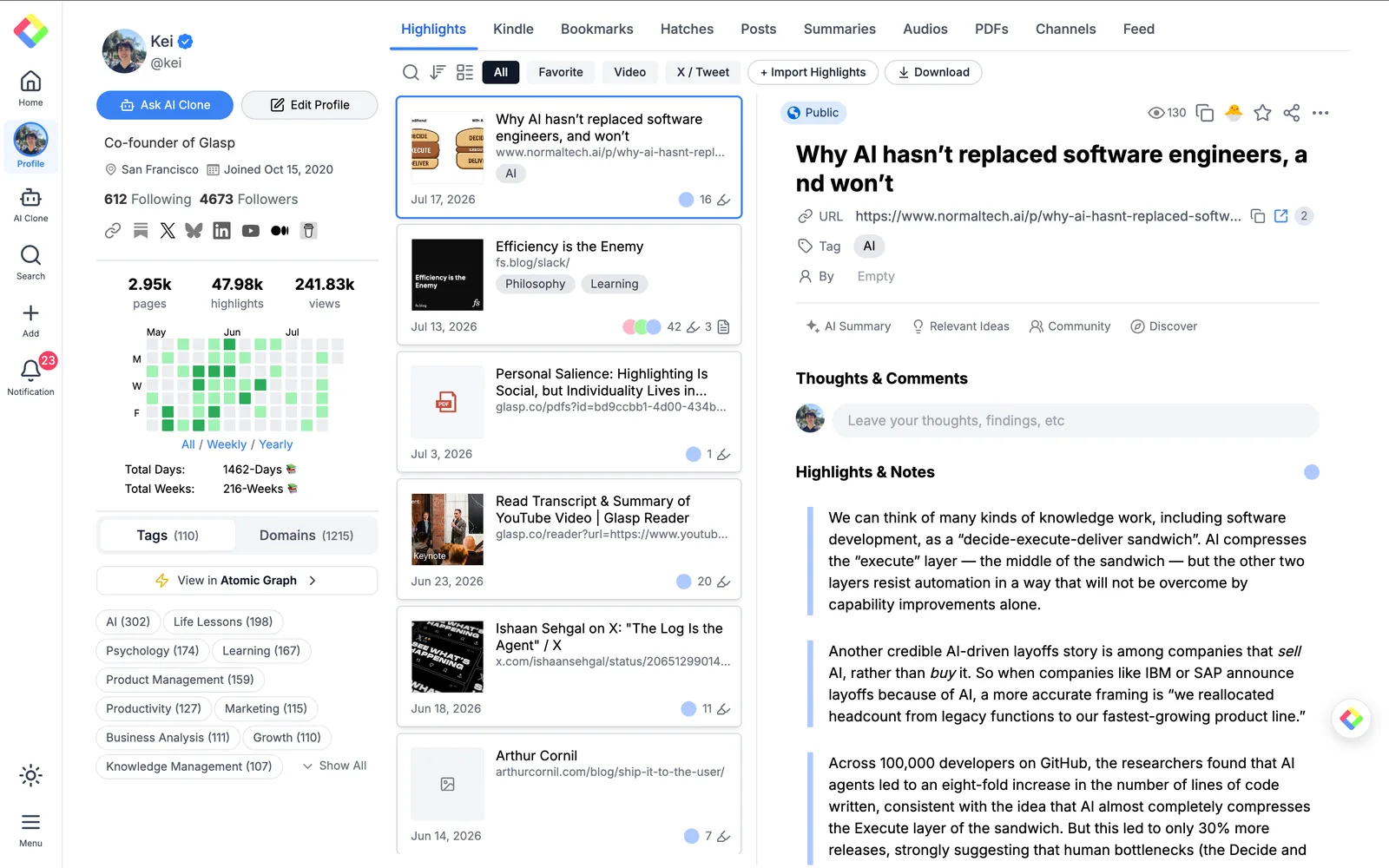
To add the Buy Me a Coffee link, please go to your profile page and click the Edit Profile button. It opens the Settings page.
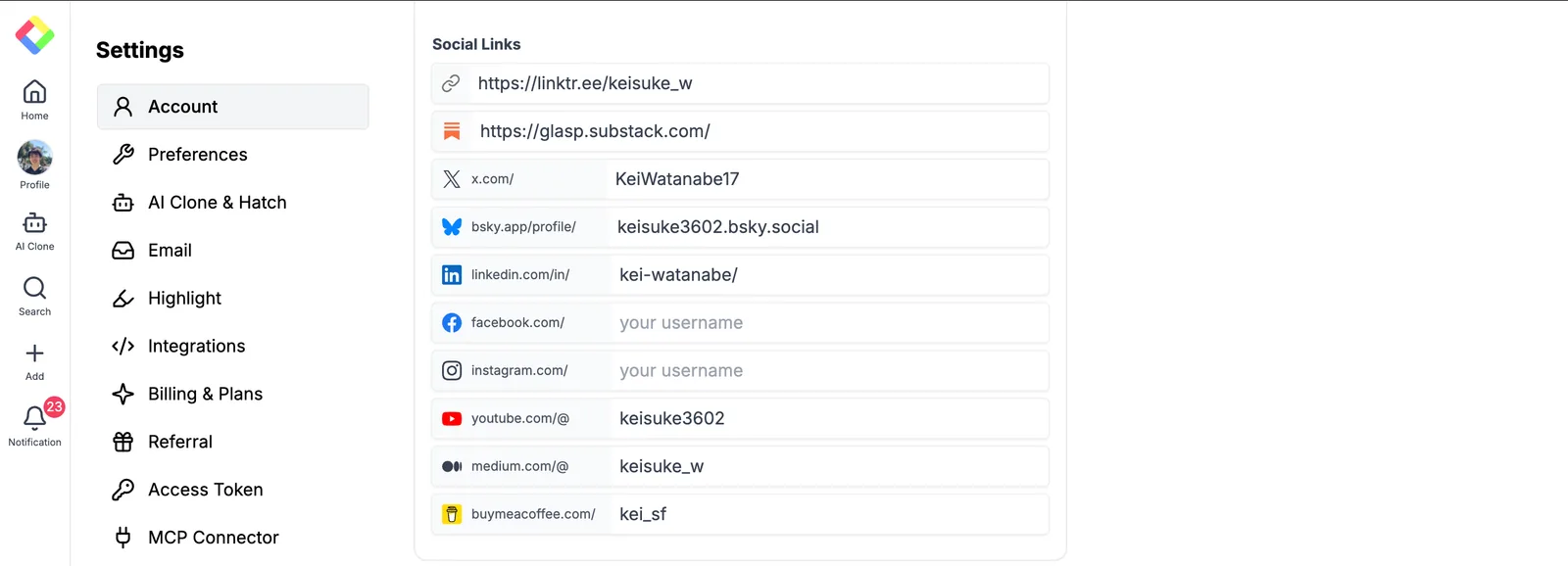
In the Account section, scroll down to Social Links. You can see the buymeacoffee.com/ field, so please enter your Buy Me a Coffee username there.
After that, please go back to your profile page and make sure that the Buy Me a Coffee link works well.
This is not guaranteeing you that you can receive tips or donations from other Glasp users. But if you continue highlighting good articles and contributing to our society, someone may send you a tip or donation to you. Let's keep learning and leave it for future generations📚
FAQs
Q. How can I set up tips/donations on Glasp?
Go to your profile page → click Edit Profile → in the Account settings, find Social Links → enter your Buy Me a Coffee username in the buymeacoffee.com/ field.
Q. Do I need a Buy Me a Coffee account?
Yes. You must have a Buy Me a Coffee account to receive tips. Create one first, then link it to Glasp.
Q. Is there any fee for receiving donations?
Glasp does not charge extra. However, Buy Me a Coffee may take a transaction fee depending on your account type.
Q. Can anyone tip me on Glasp?
Yes. Any Glasp user who visits your profile and finds value in your highlights or notes can send you a tip.
Q. Is earning money guaranteed?
No. Donations depend on community support. The more insightful highlights, notes, and contributions you make, the more likely you are to receive tips.
Q. Can I track who tipped me?
Yes. All tips go through Buy Me a Coffee, where you can see transaction details.
Q. Is this feature available worldwide?
Yes, as long as Buy Me a Coffee supports your country and currency.
Q. Do I need a Pro plan on Glasp to receive tips?
No. The tipping feature is available to all Glasp users for free.
Q. Can Claude or ChatGPT read my Glasp highlights?
Yes. With the Glasp MCP Connector, AI assistants such as Claude, ChatGPT, and Claude Code can search and read your own highlights, notes, Kindle highlights, and AI summaries, including your YouTube summaries. The connection is read-only and private to you. See How to Connect Glasp to Claude, ChatGPT, and Claude Code (MCP Connector).
Q. Can I use Glasp on my phone?
Yes. Glasp has native apps for iPhone, iPad, and Android, and the Glasp Safari extension for iPhone and iPad comes with the iOS app. Your highlights sync between the apps, the web, and the desktop extension. See How to Use the Glasp Mobile App on iOS, iPad, and Android.
Before you leave
If you have any questions, please refer to the FAQ or contact us.
👉 FAQs
👉 X
See you next time,
Glasp team