CPU Cache Explained - What is Cache Memory?
TL;DR
CPU cache is a type of memory that holds commonly accessed data for faster access by the CPU, reducing bottlenecks and improving computer performance.
Transcript
What is CPU cache? Now a computer has two different types of memory. One type is what is used in RAM modules, which is DRAM or a dynamic RAM. And DRAM is memory that uses capacitors to store data and these capacitors have to constantly and dynamically be refreshed often with electricity in order for them to store data. But there's another... Read More
Key Insights
- ♿ CPU cache is a type of memory, specifically SRAM, that stores frequently accessed data for faster access by the CPU.
- 💨 Cache memory is faster than RAM because SRAM does not require constant refreshing.
- 🧑🏭 The CPU cache acts as a middleman between the CPU and RAM to reduce bottlenecks and improve computer performance.
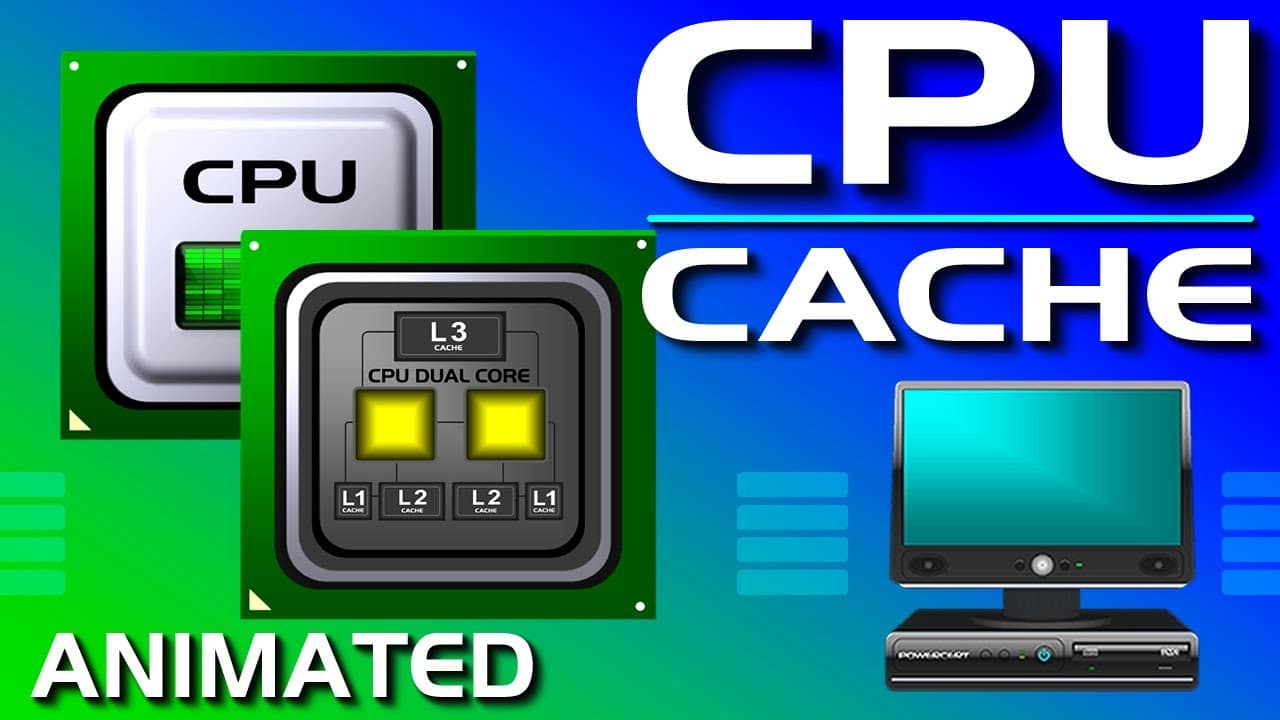
- 🎚️ Cache memory comes in three levels: level 1, level 2, and level 3, with each level being larger but slower than the previous one.
- 🎚️ Level 1 cache is located on the processor and runs at the same speed, while level 2 and level 3 cache are also on the processor but with increasing sizes and slower speeds.
- 💯 Level 3 cache is often referred to as shared cache because it is shared between all CPU cores.
- 🥺 Without the CPU cache, the CPU would have to rely solely on RAM, leading to slower performance due to data access delays.
Install to Summarize YouTube Videos and Get Transcripts
Explore YouTube Video Summarizer or Get YouTube Transcript Extractor
Questions & Answers
Q: What is CPU cache and why is it important?
CPU cache is a type of memory that holds frequently accessed data. It is important because it allows the CPU to access data quickly, reducing bottlenecks and improving computer performance.
Q: How does the CPU cache work?
The CPU cache stores copies of data and instructions from RAM. When the CPU needs to access data, it first checks the cache memory. If the data is not found in the cache, the CPU then retrieves it from the slower RAM.
Q: What are the different levels of CPU cache?
CPU cache comes in three levels. Level 1 cache, located on the processor, is the fastest but smallest cache. Level 2 cache, also located on the processor, stores recent data accesses not caught by level 1 cache. Level 3 cache, also on the processor, is larger but slower and is shared between all CPU cores.
Q: Can a computer run without CPU cache?
Yes, a computer can run without CPU cache, but it would be significantly slower. The cache acts as a buffer between the CPU and RAM, allowing for faster data access and reducing the amount of time the CPU spends waiting for data.
Summary & Key Takeaways
-
CPU cache, specifically SRAM (Static RAM), is a faster and more expensive type of memory compared to DRAM (Dynamic RAM) used in RAM modules.
-
The CPU cache stores copies of data and instructions from RAM, allowing the CPU to quickly access commonly used data.
-
Cache memory acts as a middleman between the CPU and RAM, reducing bottlenecks by providing faster access to data.
Read in Other Languages (beta)
Share This Summary 📚
Summarize YouTube Videos and Get Video Transcripts with 1-Click
Try YouTube Summary with ChatGPT & Claude or YouTube Transcript Generator
Explore More Summaries from PowerCert Animated Videos 📚






Summarize YouTube Videos and Get Video Transcripts with 1-Click
Try YouTube Summary with ChatGPT & Claude or YouTube Transcript Generator