NETSTAT Command Explained
TL;DR
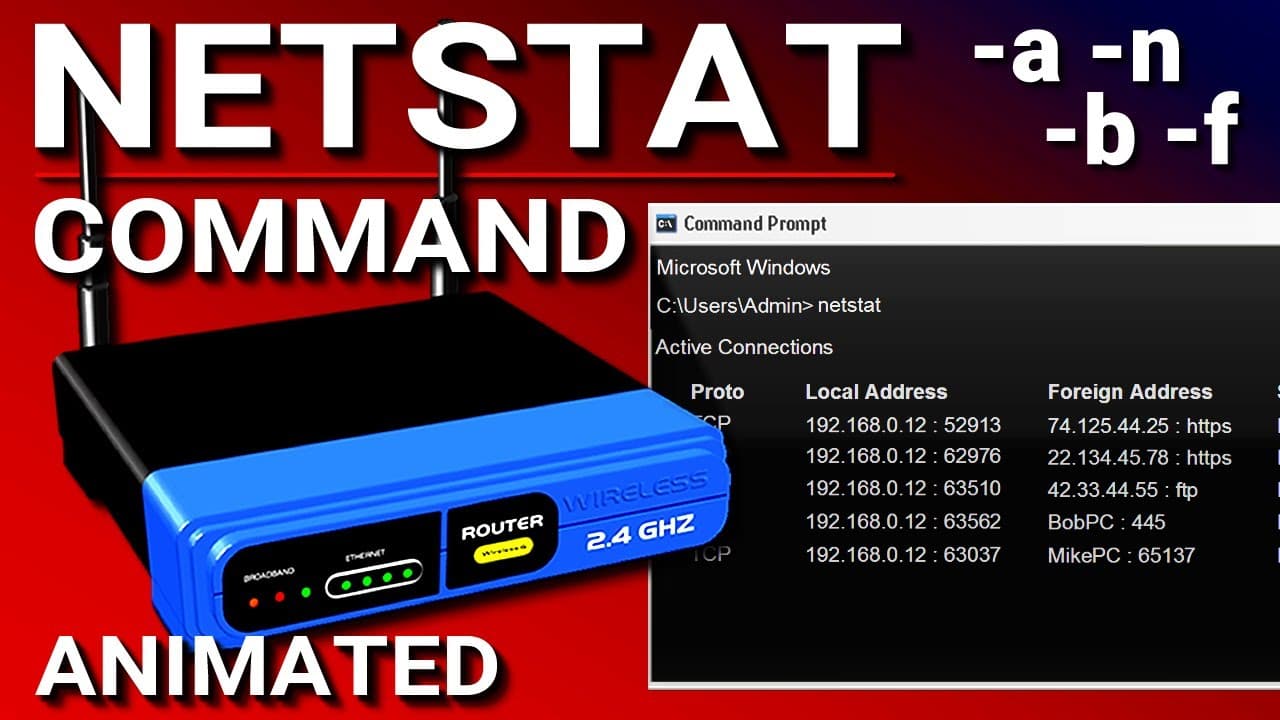
Netstat is a command line tool used to display network connections and port activity on your computer, providing useful information about running services and open ports.
Transcript
Hello everyone, in this video we're going to be talking about the netstat utility. Now netstat is short for network statistics and this is a command line tool that is used to display the current network connections and port activity on your computer. It's a useful tool that you can use to see what service may be running on your computer... Read More
Key Insights
- 🔎 Netstat is a command line tool used to display current network connections and port activity on a computer.
- ️ Netstat can show the protocol used, local address, foreign address, and state of a connection.
- 🌐 By using netstat, you can identify running services and open ports on your computer or server.
- 🔄 Netstat can be combined with subcommands or switches to alter the output, such as showing only numbers (-n) or all listening ports (-a).
- 🖥️ The -b switch in netstat can be used to identify the program being used to make connections, such as a web browser or FTP application.
- 🌍 The -f switch in netstat displays the fully qualified domain names of connected addresses.
- ⚙️ You can combine switches in netstat to customize the output, such as using -bf to see both the program and fully qualified domain names.
- 📃 To see the full list of switches available with netstat, simply type netstat followed by a question mark.
Install to Summarize YouTube Videos and Get Transcripts
Explore YouTube Video Summarizer or Get YouTube Transcript Extractor
Questions & Answers
Q: How does Netstat help in identifying running services and open ports on a computer?
Netstat provides information about the protocol, local and foreign IP addresses, ports, and connection states, enabling users to identify running services and open ports on their computer or server.
Q: What are the advantages of using the -n switch with Netstat?
When using the -n switch, Netstat shows only numbers and not names, resulting in faster output generation as it bypasses DNS resolution for IP addresses and port names.
Q: How can the -a switch in Netstat be useful?
When using the -a switch, Netstat displays not only the current connections but also the TCP and UDP ports that are actively listening for a connection.
Q: How can Netstat be used to determine the program associated with each network connection?
By running Netstat with the -b switch, it provides information about the program (such as Google Chrome or Filezilla) that is being used for each network connection.
Q: What does the -f switch in Netstat do?
The -f switch in Netstat shows the fully qualified domain names of the addresses to which the computer is connected, making it easier to identify websites and servers.
Q: Can different switches be combined when using Netstat?
Yes, users can combine switches to customize the output of Netstat. For example, combining the -bf switch displays both the program used for the connection and the fully qualified domain names of the addresses.
Q: How can I access the full list of available switches in Netstat?
Simply enter "netstat ?" in the command prompt to view the full list of available switches and their descriptions.
Summary & Key Takeaways
-
Netstat is a command line tool used to view current network connections and port activity on a computer or server.
-
It can be used to identify running services, open ports, and establish connections with websites or FTP servers.
-
By using different switches, Netstat offers various options to modify its output and customize the information displayed.
Read in Other Languages (beta)
Share This Summary 📚
Summarize YouTube Videos and Get Video Transcripts with 1-Click
Try YouTube Summary with ChatGPT & Claude or YouTube Transcript Generator
Explore More Summaries from PowerCert Animated Videos 📚






Summarize YouTube Videos and Get Video Transcripts with 1-Click
Try YouTube Summary with ChatGPT & Claude or YouTube Transcript Generator