How to Customize Table Views in Notion
TL;DR
Learn to organize and present data using Notion's table views.
Transcript
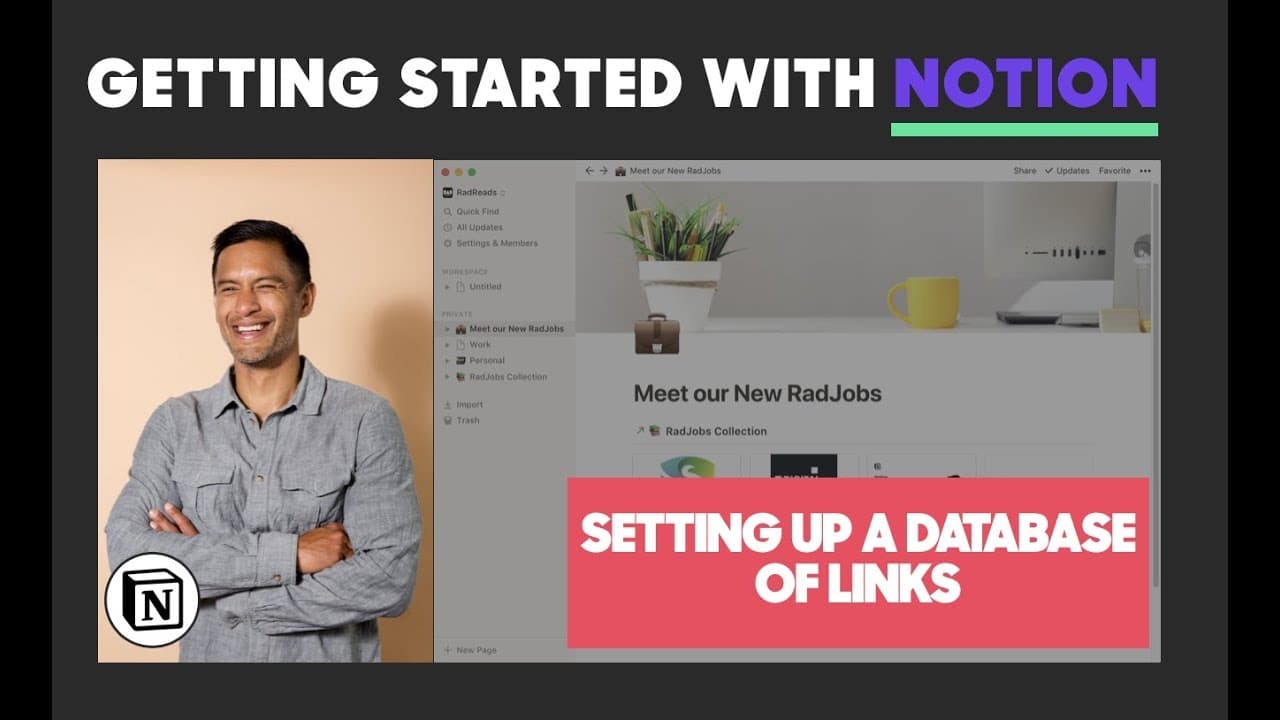
all right you've made it to part 3 of how to create a table of jobs to share with others so in the first section we used I showed you how to use the web the notion Web Clipper in the second section I showed you how to clean up the data in the table and then this third section I'm going to show you how to sort and organize the data into a really pre... Read More
Key Insights
- The tutorial is part of a series that explains how to create and share a table of jobs using Notion, focusing on the use of the Web Clipper, data cleanup, and presentation.
- Notion allows users to create linked databases, enabling data to be referenced and modified from multiple locations, similar to programming database calls.
- Users can convert tables into various views, such as gallery, list, calendar, or Kanban board, to better visualize and organize data.
- Filtering and sorting features in Notion allow users to display specific data by setting criteria such as non-empty fields or sorting by date created.
- Customization options in Notion include adding images to cards, adjusting image size, and centering images for a cleaner look.
- Sharing Notion pages is straightforward, with the ability to copy and share page links, making it easy to distribute content.
- Notion's flexibility supports a wide range of uses, from job boards to travel tips, restaurant recommendations, and even full blog posts.
- The tutorial encourages experimentation with Notion's features to find creative ways to utilize the app for various personal and professional needs.
Install to Summarize YouTube Videos and Get Transcripts
Explore YouTube Video Summarizer or Get YouTube Transcript Extractor
Questions & Answers
Q: What is the main purpose of the tutorial?
The main purpose of the tutorial is to guide users on how to customize table views in Notion, focusing on creating and presenting a table of jobs in a visually appealing and organized format. It covers the use of Notion's features like linked databases, gallery views, and data filtering and sorting.
Q: How does Notion's linked database feature work?
Notion's linked database feature allows users to reference and modify data from multiple locations. By creating a linked database, any changes made to the data in one location are reflected in all linked views, similar to how programming languages handle database calls. This ensures data consistency and easy access across different pages.
Q: What are the different views available in Notion for displaying tables?
Notion offers several views for displaying tables, including gallery, list, calendar, and Kanban board. These views allow users to organize and visualize data in various formats, making it easier to present information in a way that suits their needs and preferences. Each view offers unique customization options for data presentation.
Q: How can users filter and sort data in Notion?
Users can filter and sort data in Notion by setting criteria on any field within a database. For filtering, users can specify conditions such as non-empty fields to display only relevant data. Sorting can be done based on fields like date created, allowing users to organize data in ascending or descending order for better clarity.
Q: What customization options are available for gallery cards in Notion?
Gallery cards in Notion can be customized by adding images, adjusting their size, and centering them for a cleaner look. Users can select images to represent each card, ensuring that the gallery view is visually appealing. These customization options help in creating an organized and professional presentation of data.
Q: How can users share their Notion pages with others?
Users can easily share their Notion pages by copying the page link and distributing it to others. This feature makes it simple to share content with friends, colleagues, or the public. Shared pages retain their formatting and views, providing recipients with the same organized presentation as the creator intended.
Q: What are some potential uses for Notion's table views?
Notion's table views can be used for a wide range of applications, including job boards, travel tips, restaurant recommendations, book reviews, and full blog posts. The flexibility of Notion's features allows users to adapt the app to various personal and professional needs, making it a versatile tool for organizing and sharing information.
Q: What does the tutorial encourage users to do with Notion?
The tutorial encourages users to experiment with Notion's features to discover creative ways to utilize the app. By exploring different views, customization options, and data organization techniques, users can tailor Notion to their specific needs and preferences, enhancing productivity and the effectiveness of information sharing.
Summary & Key Takeaways
-
The video is a tutorial on customizing table views in Notion, focusing on creating a presentable format for a job table. It covers using the Web Clipper, cleaning data, and organizing it into a gallery view.
-
Notion users can create linked databases to reference and modify data across multiple pages. The tutorial explains how to convert tables into different views and the importance of filtering and sorting data.
-
Customization options in Notion include adding images to gallery cards, adjusting image sizes, and sharing pages with others. The tutorial emphasizes the app's flexibility in supporting various content types and encourages creative use.
Read in Other Languages (beta)
Share This Summary 📚
Summarize YouTube Videos and Get Video Transcripts with 1-Click
Try YouTube Summary with ChatGPT & Claude or YouTube Transcript Generator
Explore More Summaries from Khe Hy - RadReads 📚






Summarize YouTube Videos and Get Video Transcripts with 1-Click
Try YouTube Summary with ChatGPT & Claude or YouTube Transcript Generator