Linux Compatibility with Alienware M15
TL;DR
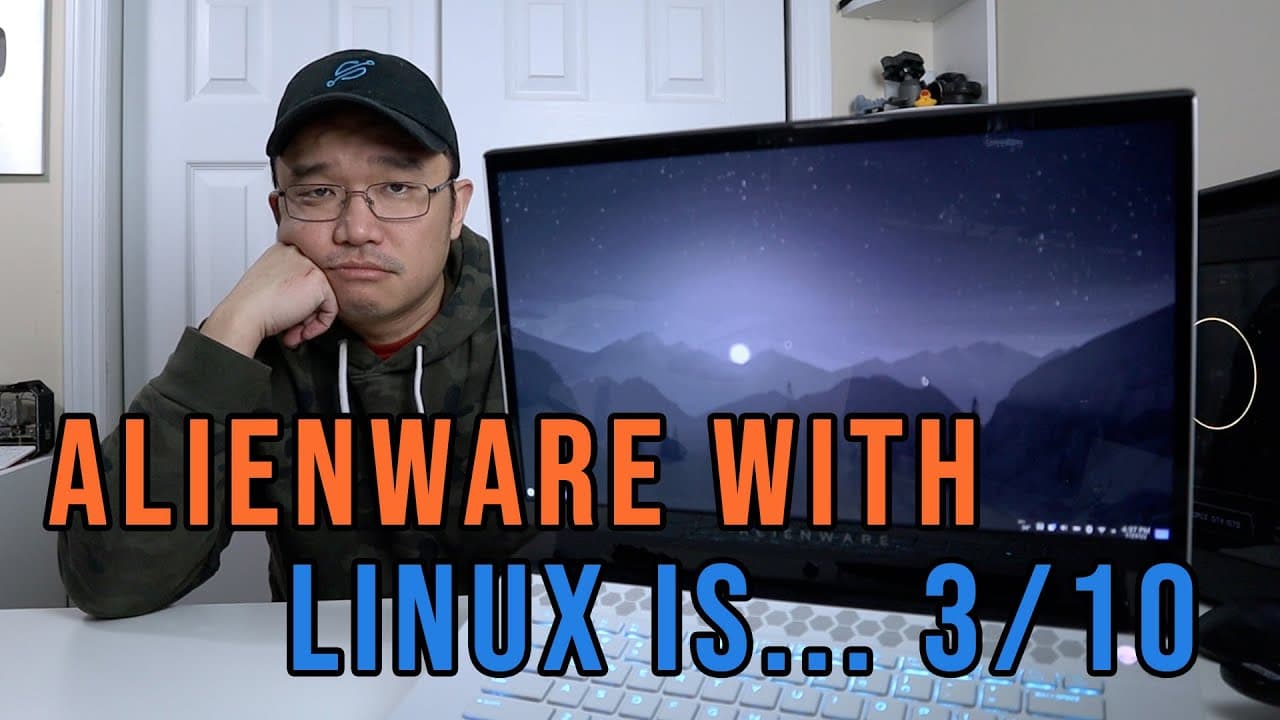
Linux on Alienware M15 R2 has poor compatibility and functionality.
Transcript
hey guys what's going on it's don here from novaspirittech and welcome back to your channel and today we are going to be talking about linux compatibility with alienware m15r2 so let's get started so i've recently purchased this laptop from shannon morris and this is one of the big things i actually purchased from her which i got for a really good ... Read More
Key Insights
- 👤 Linux compatibility on Alienware laptops, particularly the M15 R2 model, remains poor, limiting the user experience in various areas.
- 🥺 RGB LED control is significantly hindered in Linux, often requiring users to dual boot into Windows for configuration.
- 😶🌫️ The fan controller presents substantial issues, resulting in loud operation and inadequate cooling, affecting overall laptop performance.
- 🥺 Users experience a lack of gradual fan speed adjustments, leading to discomfort during usage, particularly in gaming scenarios.
- 😃 Essential features like eye-tracking are non-functional in Linux, detracting from the potential enhancements offered by the hardware.
- 🧑🏭 Although hybrid GPU functionality works well, the overall Linux experience on this laptop factors highly into its usability.
- 🤩 Lower-end Alienware models may be particularly unfit for Linux users, suggesting that Linux compatibility should be a key consideration in future purchases.
Install to Summarize YouTube Videos and Get Transcripts
Explore YouTube Video Summarizer or Get YouTube Transcript Extractor
Questions & Answers
Q: What prompted you to purchase the Alienware M15 R2?
I purchased the Alienware M15 R2 after finding it at a great deal from Shannon Morris. I was intrigued by its high specifications, including an NVIDIA 2070 Max-Q and an i7 processor, which sparked my interest in testing its Linux compatibility for personal projects.
Q: What are the main operating systems you tested on the Alienware M15 R2?
I tested four different operating systems on the Alienware M15 R2: Pop!_OS, Manjaro, Endeavour OS, and KDE (Kubuntu). Among these, I found KDE to be the most compatible due to its improved scaling features, particularly beneficial for my 4K display.
Q: What issues did you experience with the lighting control on the laptop?
I encountered significant difficulties in controlling the laptop's RGB lighting on Linux. Despite trying three different software applications specifically designed for Alienware hardware, I couldn't achieve control over the LED features without resorting to dual booting into Windows.
Q: How does the fan controller operate under Linux, and what problems did you face?
The fan controller's behavior on Linux is problematic, lacking gradual speed control. The fan oscillates between minimal and maximum speeds, resulting in excessive noise. I frequently reached high temperatures, prompting concern about the laptop's cooling efficiency during heavy use.
Q: Can you use the eye-tracking feature on Linux with this laptop?
Unfortunately, the eye-tracking feature, which is functional on Windows, does not work on Linux. After installation, Linux fails to detect the eye-tracking hardware, leading to frustration as this capability greatly enhances battery-saving efficiency when the user looks away from the screen.
Q: What is your overall recommendation for using Linux on Alienware laptops?
I would caution potential buyers against using Linux on Alienware laptops, particularly older models like the M15 R2. Given the multiple compatibility issues and the overall unsatisfactory experience, I would rate it as a 3 out of 10, suggesting that users consider alternatives.
Q: Is hybrid GPU operation successful on the Alienware M15 R2 under Linux?
Yes, the hybrid GPU system operates successfully on the Alienware M15 R2 in Linux. Both the Intel integrated graphics and the dedicated NVIDIA 2070 can be utilized effectively, allowing for decent performance in AAA titles while maintaining productivity functions.
Summary & Key Takeaways
-
The Alienware M15 R2, featuring an NVIDIA 2070 Max-Q and i7 processor, demonstrates significant issues with Linux compatibility, receiving a low rating of 3 out of 10.
-
Attempts to control RGB lighting and fan speeds reveal limitations, as existing software is inadequate and leads to excessive noise or non-functioning components.
-
While certain functionalities, like hybrid GPU support, work well, the overall experience on Linux remains unsatisfactory, prompting reconsideration of the laptop's OS choice.
Read in Other Languages (beta)
Share This Summary 📚
Summarize YouTube Videos and Get Video Transcripts with 1-Click
Try YouTube Summary with ChatGPT & Claude or YouTube Transcript Generator
Explore More Summaries from Novaspirit Tech 📚






Summarize YouTube Videos and Get Video Transcripts with 1-Click
Try YouTube Summary with ChatGPT & Claude or YouTube Transcript Generator