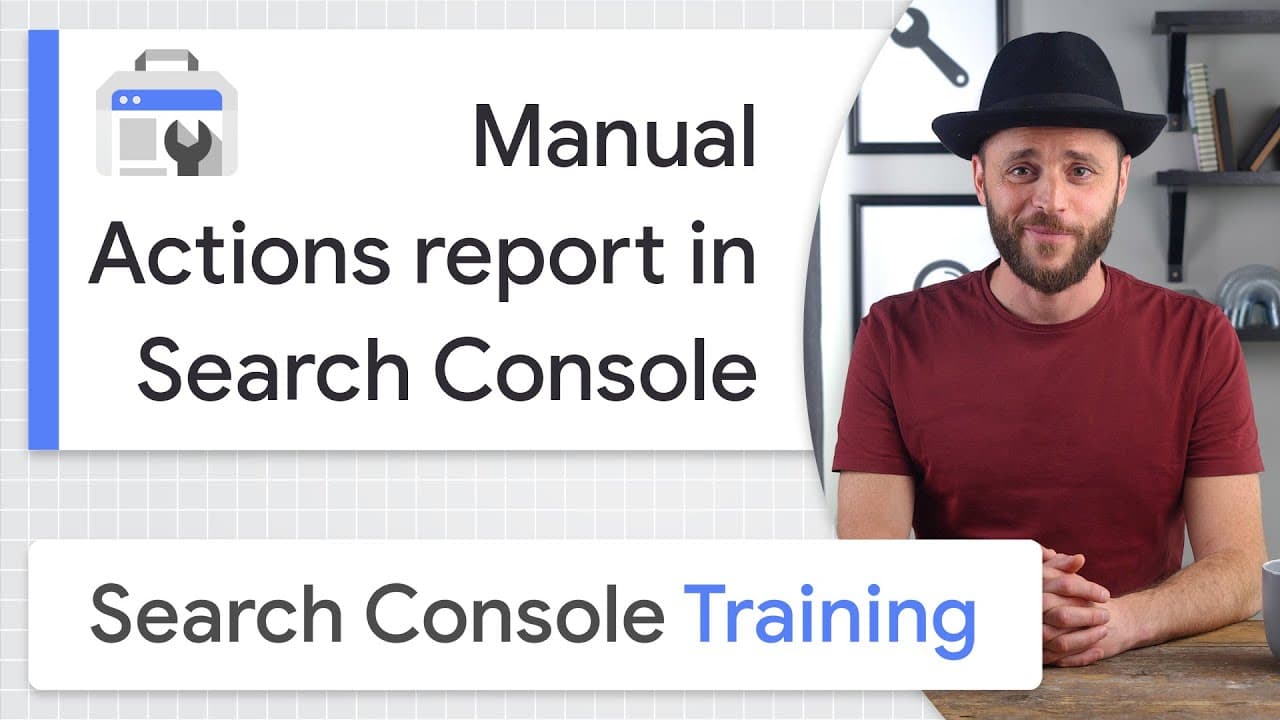
Manual Actions report in Search Console - Google Search Console Training
TL;DR
Learn to detect and fix manual actions affecting your site.
Transcript
Hi, I'm Daniel Waisberg, Search Advocate at Google. Today, I'll talk about how to use Search Console to check if your site has any Google Search manual actions issued against it. This is important because if a site has a manual action, some or all of that site might not be shown in Google Search results. By the end of this video, you should be able... Read More
Key Insights
- Manual actions in Search Console can prevent a website from appearing in Google Search results, affecting its visibility and traffic.
- Google uses algorithms to detect spam and low-quality content, but manual actions are applied by humans for more severe violations.
- Common manual actions include pure spam, thin content, and structured data issues, each impacting site ranking differently.
- Site owners receive email notifications about manual actions, but they can also check the Manual Actions report in Search Console for updates.
- Fixing manual actions requires addressing all affected pages, not just a subset, to ensure complete resolution of the issue.
- The review request process involves explaining the issue, detailing the steps taken to fix it, and documenting the outcomes.
- Manual actions differ from security issues, as they are not inherently dangerous to users but affect search rankings.
- New site owners should address past violations before requesting a review, ensuring compliance with current guidelines.
Install to Summarize YouTube Videos and Get Transcripts
Explore YouTube Video Summarizer or Get YouTube Transcript Extractor
Questions & Answers
Q: What are manual actions in Google Search Console?
Manual actions are penalties applied by Google when a website violates its webmaster guidelines. These actions can result in lower search rankings or removal from search results. They are typically applied by human reviewers for severe issues like spam, thin content, and structured data violations.
Q: How does one know if their site has a manual action?
If a site has a manual action, the site owner will receive an email notification from Search Console. Additionally, they can log into Search Console and check the Manual Actions report, which provides details on any manual actions affecting the site.
Q: What are some common types of manual actions?
Common manual actions include pure spam, which involves black hat SEO techniques; thin content, where pages provide little value; and structured data issues, which involve misuse of markup. Each type affects a site's visibility and ranking differently in search results.
Q: How can one fix a manual action on their site?
To fix a manual action, site owners should address the issue on all affected pages, not just a few. They should follow the detailed steps in the Search Console report, ensuring compliance with guidelines. Once resolved, they can submit a review request to Google.
Q: What should a review request include after fixing a manual action?
A review request should include a clear explanation of the quality issue, a description of the steps taken to fix it, and documentation of the outcomes. This information helps Google assess whether the site now complies with its guidelines and can be reinstated in search results.
Q: What is the difference between manual actions and security issues?
Manual actions address attempts to manipulate the Google Search index and affect search rankings, but they are not dangerous to users. Security issues, on the other hand, involve threats like hacking or malware, which can harm users and trigger warnings in search results.
Q: What should new site owners do if they inherit a site with manual actions?
New site owners should address any existing manual actions by fixing the listed issues and ensuring the site complies with current guidelines. In their review request, they should mention the recent acquisition and highlight the changes made to adhere to Google's standards.
Q: Why is it important to fix all affected pages when resolving a manual action?
Fixing all affected pages is crucial because addressing only a subset will not fully resolve the manual action. Google's review process requires comprehensive compliance, so leaving any pages with unresolved issues could prevent the site from being reinstated in search results.
Summary & Key Takeaways
-
Manual actions are issued by Google when a site violates its guidelines, potentially lowering its search ranking or removing it from results. Site owners can use Search Console to identify and fix these issues, ensuring compliance and requesting a review once resolved.
-
Common manual actions include pure spam, thin content, and structured data violations. Site owners are notified via email and can check the Manual Actions report in Search Console for details and guidance on resolving these issues comprehensively.
-
The review process involves explaining the issue, steps taken to fix it, and documenting outcomes. Manual actions differ from security issues, which can harm users. New site owners should address past violations to ensure guideline compliance before requesting a review.
Read in Other Languages (beta)
Share This Summary 📚
Summarize YouTube Videos and Get Video Transcripts with 1-Click
Try YouTube Summary with ChatGPT & Claude or YouTube Transcript Generator
Explore More Summaries from Google Search Central 📚



Summarize YouTube Videos and Get Video Transcripts with 1-Click
Try YouTube Summary with ChatGPT & Claude or YouTube Transcript Generator