What Are the Basics of Computers for Beginners?
TL;DR
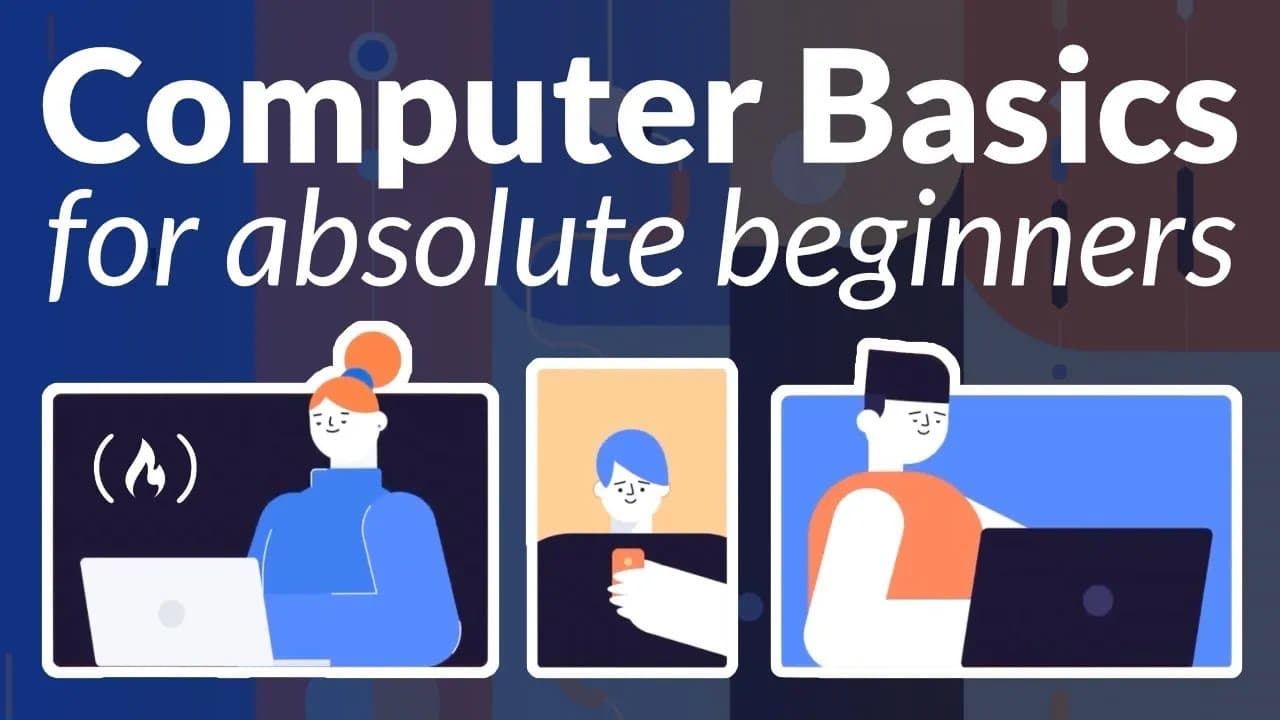
Computers are electronic devices that manipulate data and come in various forms, including personal computers, laptops, and smartphones. Key components like the motherboard, CPU, and RAM work together with operating systems such as Windows and macOS to enable functionality. Understanding cloud storage and online security practices is also essential for maintaining data safety and accessibility.
Transcript
This course is a computer basics course for people who are brand new to using computers. It's also great for people who have some knowledge, but just want to fill in some gaps. There are a variety of topics and you can use the time codes in the description to skip right to the topic you want to learn about. This course was developed by gcf global d... Read More
Key Insights
- 💻 Computers are electronic devices that process information by manipulating data and are categorized into different types based on their capabilities and operating systems (personal computers, laptops, smartphones, servers).
- 🛂 Common buttons and ports found on computers have specific functions for various purposes, such as power control, device connection, data transfer, and display output.
- 💻 Computer components like the motherboard, CPU, RAM, hard drive, expansion slots, and power supply unit work together to enable the functioning of the computer and its processing capabilities.
- 👤 Different operating systems, such as Windows, macOS, Chrome OS, iOS, and Android, provide the interface and environment for users to interact with computers and perform tasks.
- 😶🌫️ Cloud storage offers advantages like remote accessibility, data backup, and file sharing, while users should prioritize online security by using antivirus software, being cautious with personal information, and staying updated on software and system updates.
- 👨🔬 Web browsing involves typing addresses, navigating websites through links, managing tabs, bookmarking sites, accessing browsing history, and utilizing search engines for online searches.
Install to Summarize YouTube Videos and Get Transcripts
Explore YouTube Video Summarizer or Get YouTube Transcript Extractor
Summary & Key Takeaways
-
The course introduces the concept of a computer as an electronic device that manipulates information or data. It explains how computers use hardware and software to process information and perform various tasks.
-
It covers different types of computers, including personal computers, laptops, smartphones, and servers. It highlights the capabilities, operating systems, and common use cases for each type.
-
The course explains common buttons and ports found on computers, including power buttons, USB ports, charging ports, monitor ports, ethernet ports, audio jacks, and disk drives. It discusses their functions and usage.
-
It provides an overview of computer components, such as the motherboard, CPU, RAM, hard drive, expansion slots, and power supply unit. It explains their roles in the functioning of a computer.
-
The course introduces operating systems, including Windows, macOS, Chrome OS, and mobile operating systems like iOS and Android. It discusses their significance in enabling interaction between users and computers.
-
It explains cloud storage and its benefits, such as accessibility and data backup. It also provides insights into online security, including malware, phishing, and protecting personal information.
-
The course covers web browsing basics, including using web browsers, navigating websites, clicking on links, opening new tabs, bookmarking websites, accessing browsing history, and searching using search engines.
Read in Other Languages (beta)
Share This Summary 📚
Summarize YouTube Videos and Get Video Transcripts with 1-Click
Try YouTube Summary with ChatGPT & Claude or YouTube Transcript Generator
Explore More Summaries from freeCodeCamp.org 📚




Summarize YouTube Videos and Get Video Transcripts with 1-Click
Try YouTube Summary with ChatGPT & Claude or YouTube Transcript Generator