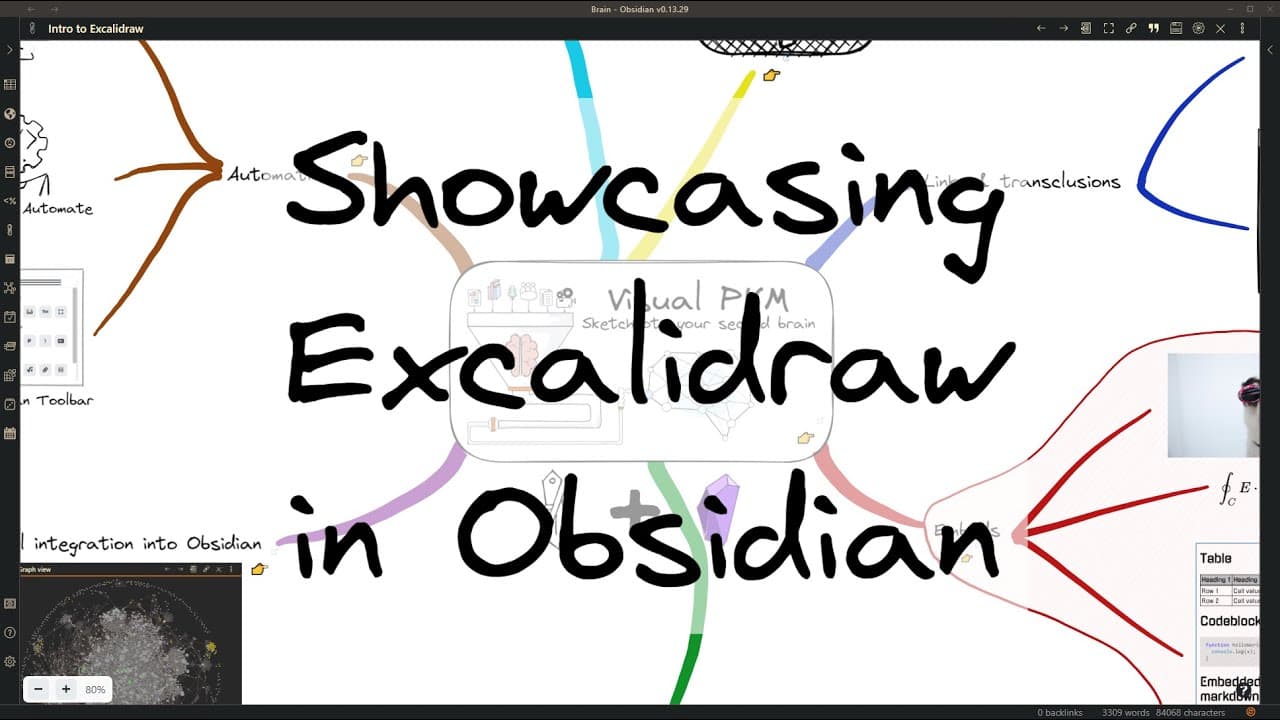
Showcasing Excalidraw in Obsidian
TL;DR
Learn how to integrate Excalidraw, a powerful sketching tool, into Obsidian to enhance your note-taking and visual representation capabilities.
Transcript
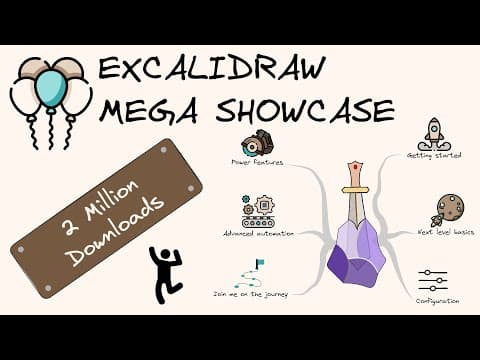
hi ex-coli draw is a very powerful sketching tool in this video i want to show you how i integrated excladra into obsidian making it a first-class citizen in your obsidian world so let's start with links and transclusions so as you would expect you can link obsidian pages it could be drawings or documents or anything using the normal markdown links... Read More
Key Insights
- 🛀 Excalidraw in Obsidian seamlessly integrates visual and textual elements, providing a comprehensive note-taking and visualization tool.
- 🤑 Embedding various types of content, such as images, equations, and full markdown documents, expands the possibilities for creating rich and interactive visual representations.
- 👻 The script engine and API offer customization and automation options, allowing users to tailor Excalidraw in Obsidian to their specific needs.
- 👤 The mobile-ready features enhance usability and enable users to leverage Excalidraw in Obsidian on the go.
Install to Summarize YouTube Videos and Get Transcripts
Explore YouTube Video Summarizer or Get YouTube Transcript Extractor
Questions & Answers
Q: How can I link Obsidian pages and transclude documents in Excalidraw in Obsidian?
To link Obsidian pages, use double brackets and the page's name. Transcluding documents involves adding a hash mark followed by a reference to a specific section. Both capabilities allow for easy navigation and interaction with linked content.
Q: Can I embed images, equations, and full markdown documents in Excalidraw in Obsidian?
Yes, Excalidraw in Obsidian supports embedding images, equations (via a text box), and full markdown documents. This enables users to enrich their drawings with visual elements and textual information.
Q: How does Excalidraw integrate with Obsidian's graph view and search functionality?
Excalidraw drawings appear in Obsidian's graph view, displaying links and connections between documents. Additionally, search results can include Excalidraw drawings, clicking on which opens the drawing and zooms in to the relevant section.
Q: What mobile-ready features does Excalidraw in Obsidian offer?
Excalidraw in Obsidian implements palm rejection, ensuring a smoother drawing experience on mobile devices. The tray mode creates a larger screen area by moving panels to the bottom left, optimizing usability on mobile devices.
Key Insights:
- Excalidraw in Obsidian seamlessly integrates visual and textual elements, providing a comprehensive note-taking and visualization tool.
- Embedding various types of content, such as images, equations, and full markdown documents, expands the possibilities for creating rich and interactive visual representations.
- The script engine and API offer customization and automation options, allowing users to tailor Excalidraw in Obsidian to their specific needs.
- The mobile-ready features enhance usability and enable users to leverage Excalidraw in Obsidian on the go.
- The roadmap showcases exciting future developments, such as collaboration, OCR, and integration with other tools, making Excalidraw in Obsidian a continually evolving and promising tool for users.
Summary & Key Takeaways
-
Excalidraw can be seamlessly integrated into Obsidian, allowing users to link pages, transclude documents, and create links to objects within drawings.
-
Embedding images, equations, and full markdown documents from the vault is possible in Excalidraw in Obsidian.
-
Excalidraw drawings appear in Obsidian's graph view, search results, and backlinks, making them fully integrated and searchable.
-
Excalidraw in Obsidian is mobile-ready, with features like palm rejection and tray mode, improving usability on mobile devices.
-
The script engine in Excalidraw enables the installation of scripts from the library and offers various commands for customization and automation.
-
Customizations, such as adding fonts, setting up templates, and creating custom palettes, enhance the flexibility and power of Excalidraw in Obsidian.
-
The roadmap for Excalidraw includes exciting future features like supporting font awesome, enabling collaboration, implementing OCR, and more.
Read in Other Languages (beta)
Share This Summary 📚
Summarize YouTube Videos and Get Video Transcripts with 1-Click
Try YouTube Summary with ChatGPT & Claude or YouTube Transcript Generator
Explore More Summaries from Zsolt's Visual Personal Knowledge Management 📚

Summarize YouTube Videos and Get Video Transcripts with 1-Click
Try YouTube Summary with ChatGPT & Claude or YouTube Transcript Generator