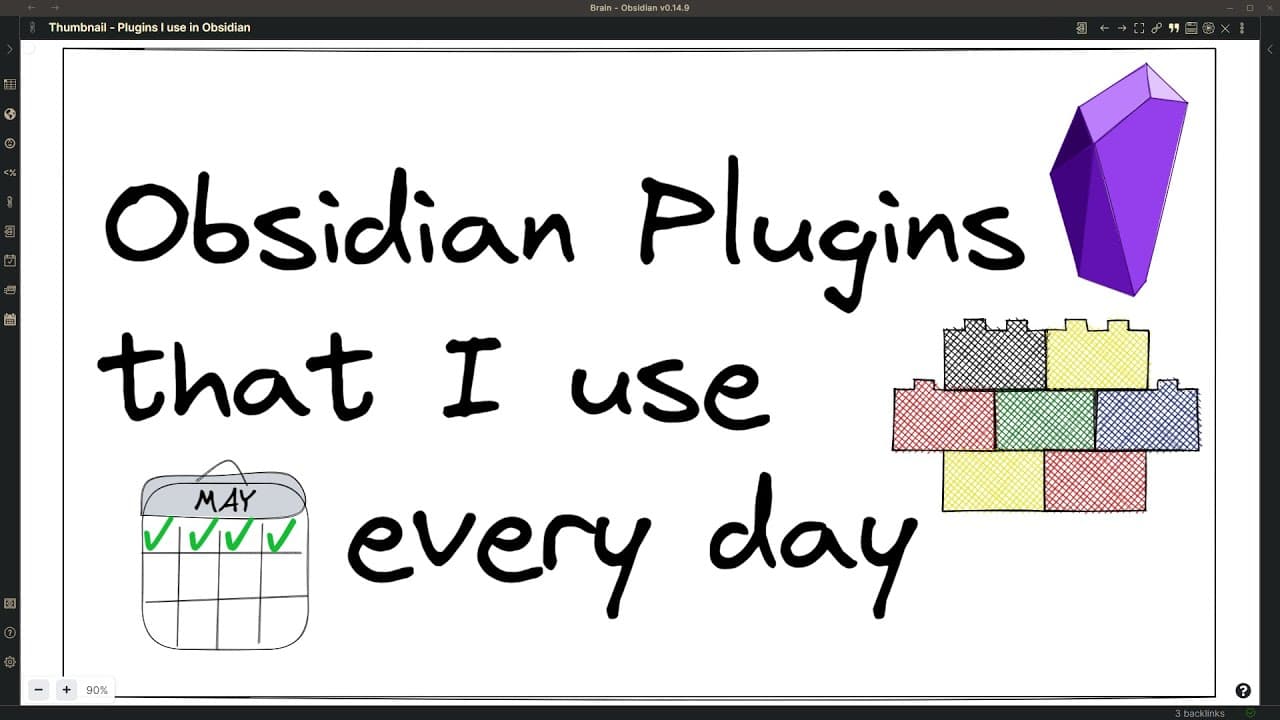
Obsidian Plugins that I use every day
TL;DR
This video provides an overview of the 16 community plugins and 12 core plugins the author uses daily in Obsidian, a personal knowledge management system.
Transcript
hey everyone obsidian is like an operating system for personal knowledge management and as for operating systems for obsidian as well there are many different applications that you can run on your operating system these applications in obsidian are called plugins there are 27 core plugins and 564 community plugins available in the plugin store plus... Read More
Key Insights
- 🧡 Obsidian offers a wide range of plugins, including both core and community plugins, to extend and customize its functionality.
- 🚰 Essential community plugins include Advanced Tables for Markdown table creation and Annotator for PDF and EPUB annotation.
- ♿ Customizable Page Header and Title Bar plugin provides customizable buttons for quick access to specific commands or functions.
- ⚾ Obsidian Data View and Excalibur Brain offer powerful data visualization and graph-based navigation features.
- 🎮 Other valuable plugins mentioned in the video include Hotkey for Templates, Hover Editor, Kanban Board, Map View, Brat, Jump to Date, Recent File, Tag Wrangler, and Templater.
- 🥳 Core plugins like Backlinks, Command Palette, Daily Notes, File Explorer, Note Composer, Open in Default App, Outgoing Links, Quick Switcher, Search, Start, Tag Pane, and Obsidian Sync are also essential for day-to-day usage.
- 👤 Obsidian Sync is highly recommended for users with multiple devices, as it provides backup and synchronization capabilities.
Install to Summarize YouTube Videos and Get Transcripts
Explore YouTube Video Summarizer or Get YouTube Transcript Extractor
Questions & Answers
Q: How do plugins work in Obsidian?
Plugins in Obsidian are applications that extend the functionality of the software. They can be installed from the plugin store and provide additional features and tools.
Q: What are some examples of community plugins mentioned in the video?
The video highlights community plugins like Advanced Tables, Annotator, Customizable Page Header and Title Bar, Obsidian Data View, Excalibur Brain, and Hover Editor.
Q: How does the Annotator plugin work?
The Annotator plugin is used for annotating PDF and EPUB documents. It allows users to highlight text, add notes, and easily navigate through the annotated content.
Q: How does the Customizable Page Header and Title Bar plugin enhance the Obsidian experience?
This plugin enables users to add custom buttons to the header of their pages, providing quick access to commonly used functions or commands. It enhances productivity, especially on devices with limited input options.
Key Insights:
- Obsidian offers a wide range of plugins, including both core and community plugins, to extend and customize its functionality.
- Essential community plugins include Advanced Tables for Markdown table creation and Annotator for PDF and EPUB annotation.
- Customizable Page Header and Title Bar plugin provides customizable buttons for quick access to specific commands or functions.
- Obsidian Data View and Excalibur Brain offer powerful data visualization and graph-based navigation features.
- Other valuable plugins mentioned in the video include Hotkey for Templates, Hover Editor, Kanban Board, Map View, Brat, Jump to Date, Recent File, Tag Wrangler, and Templater.
- Core plugins like Backlinks, Command Palette, Daily Notes, File Explorer, Note Composer, Open in Default App, Outgoing Links, Quick Switcher, Search, Start, Tag Pane, and Obsidian Sync are also essential for day-to-day usage.
- Obsidian Sync is highly recommended for users with multiple devices, as it provides backup and synchronization capabilities.
- The video encourages viewers to suggest other plugins or request more detailed videos on specific plugins of interest.
Summary & Key Takeaways
-
Obsidian is an operating system for personal knowledge management, and plugins are applications within the system.
-
There are 27 core plugins and 564 community plugins available, as well as additional plugins not yet in the official store.
-
The video showcases essential plugins like Advanced Tables, Annotator, Customizable Page Header and Title Bar, Obsidian Data View, and more.
Read in Other Languages (beta)
Share This Summary 📚
Summarize YouTube Videos and Get Video Transcripts with 1-Click
Try YouTube Summary with ChatGPT & Claude or YouTube Transcript Generator
Explore More Summaries from Zsolt's Visual Personal Knowledge Management 📚
Summarize YouTube Videos and Get Video Transcripts with 1-Click
Try YouTube Summary with ChatGPT & Claude or YouTube Transcript Generator