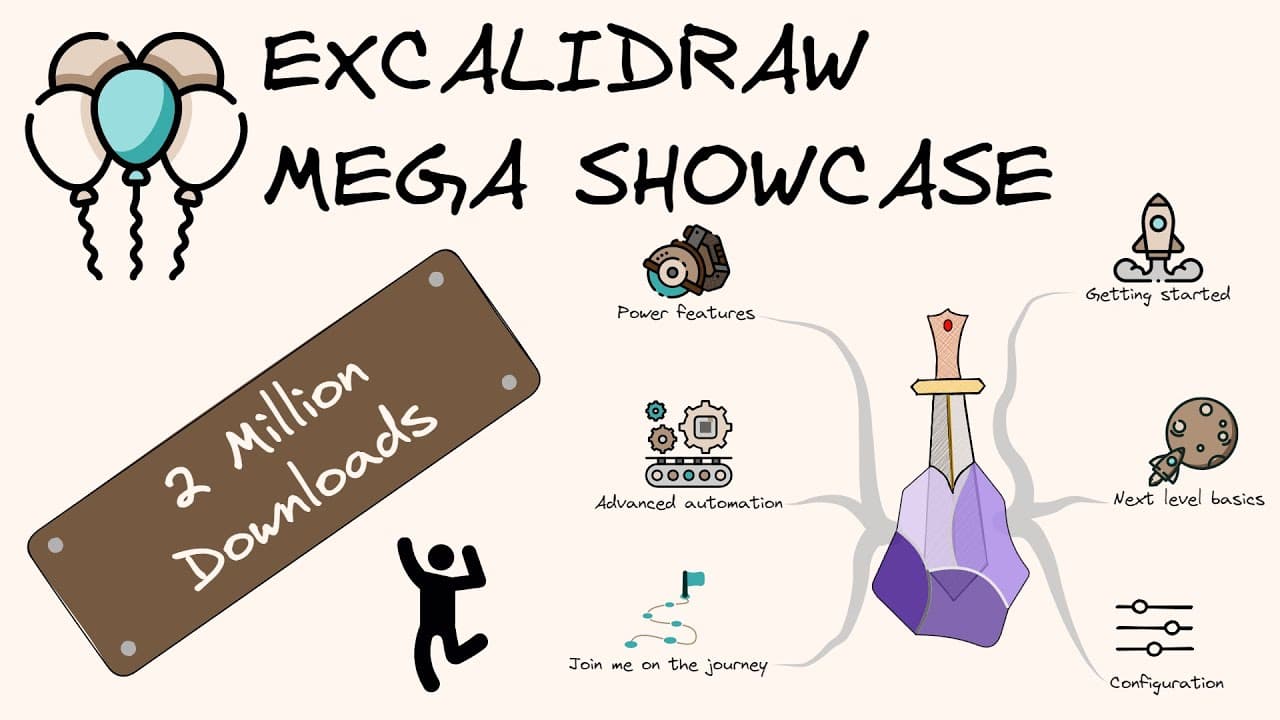
The Excalidraw-Obsidian Showcase: 57 key features in just 17 minutes
TL;DR
Excal Draw enhances visual thinking with 57 powerful features for effective illustration and organization.
Transcript
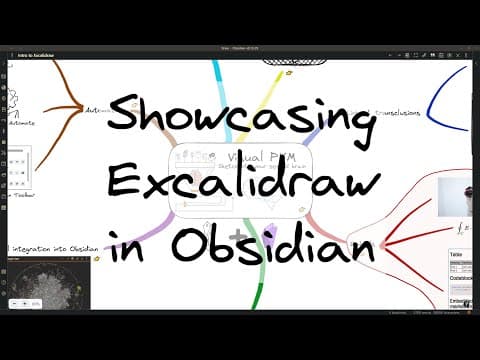
exol draw may look like a simple Vector illustration tool but under the disguise it is a revolutionary visual thinking Powerhouse that will convert the obsidian MD caterpillar into a beautiful butterfly a visual thinking tool let me show you how this will be a super fast-paced demonstration I'll cover a total of 57 features in 17 minutes but we're ... Read More
Key Insights
- 🤔 Excal Draw is a versatile tool that enhances visual thinking through integrations, customization, and easy navigation of ideas.
- 👤 With features such as OCR, users can transform handwritten content into editable text, bridging the gap between physical notes and digital workflows.
- 🤑 The inclusion of interactive elements, like YouTube videos, allows for richer presentations and diagrams, boosting engagement and interactivity.
- 👤 Excal Draw promotes a streamlined workflow with its task management integration, enabling users to track and organize their projects alongside their visual creations.
- 😫 Templates in Excal Draw can simplify the drawing process by setting predefined styles, aiding users in maintaining consistency across their work.
- 💁 The tool’s support for exporting images in various formats helps ensure that users can share their edits seamlessly across platforms.
- 📁 Collaborative features, while limited in direct file changes, open avenues for team projects, making it easier to visualize and iterate on shared ideas.
Install to Summarize YouTube Videos and Get Transcripts
Explore YouTube Video Summarizer or Get YouTube Transcript Extractor
Questions & Answers
Q: What makes Excal Draw a revolutionary tool for visual thinking?
Excal Draw stands out as a revolutionary tool for visual thinking due to its wide array of features that simplify the creation and organization of visual content. It allows for mind mapping, diagram creation, and the integration of various multimedia elements, thereby enhancing collaboration and idea visualization. Its ability to integrate with plugins like OCR demonstrates a commitment to facilitating seamless workflows, enabling users to convert complex data into easily digestible visuals.
Q: How can users link their drawings with external files using Excal Draw?
Users can link their drawings to external files by utilizing the "insert link to file" feature in the context menu. This allows for easy navigation between drawings and linked documents. By holding down control or command while hovering over the link, users can preview the linked content. Additionally, the text transporter plugin allows transclusion of text from notes, further enhancing the integration of information within the drawing.
Q: Can Excal Draw users create professional diagrams with an open AI API key?
Yes, Excal Draw provides a feature that allows users to automate the creation of simple flow and sequence diagrams using an open AI API key. By leveraging advanced technology, users can efficiently generate diagrams that not only look professional but also effectively convey information. This feature is especially beneficial for users seeking to save time on diagram creation while maintaining visual quality.
Q: What are the customization options available in Excal Draw?
Excal Draw offers extensive customization options that enable users to modify the look and feel of their drawings. This includes adjusting element properties such as color, size, and alignment, as well as loading custom color palettes for consistent themes. Templates can be defined to streamline the creation of new drawings, ensuring that users can maintain their preferred styles across multiple projects.
Q: How does Excal Draw support collaboration among users?
Although direct collaboration on Excal Draw files hosted on Obsidian is not supported, users can still create collaboration frames within their drawings. These frames allow others to participate in the editing process while storing the work on Excal’s servers. Once the collaboration session is completed, all elements can easily be copied and pasted into the user's scene, facilitating smooth transitions from collaborative to individual work.
Q: What are some of the common file formats that can be imported into Excal Draw?
Excal Draw supports various file formats for import, including images, PDFs, and SVG files. Users can import images by dragging and dropping from the web or by selecting file imports. The PDF functionality allows pages to be converted to images to be organized on the canvas, while SVG files can be imported and then converted to strokes for further editing, offering exceptional flexibility in content creation.
Summary & Key Takeaways
-
Excal Draw is presented as a comprehensive visual thinking tool, equipped with 57 features that facilitate mind mapping, drawing, and organization. The tutorial highlights the integration with various plugins and tools to enhance user experience.
-
Key features include optical character recognition, linking capabilities, and support for embedding various file types. Users can create professional-looking diagrams and utilize templates to streamline their workflows.
-
The tool also offers customization options for appearances, the ability to collaborate, and support for PDF integration, which aids in organizing and enhancing visuals seamlessly.
Read in Other Languages (beta)
Share This Summary 📚
Summarize YouTube Videos and Get Video Transcripts with 1-Click
Try YouTube Summary with ChatGPT & Claude or YouTube Transcript Generator
Explore More Summaries from Zsolt's Visual Personal Knowledge Management 📚

Summarize YouTube Videos and Get Video Transcripts with 1-Click
Try YouTube Summary with ChatGPT & Claude or YouTube Transcript Generator