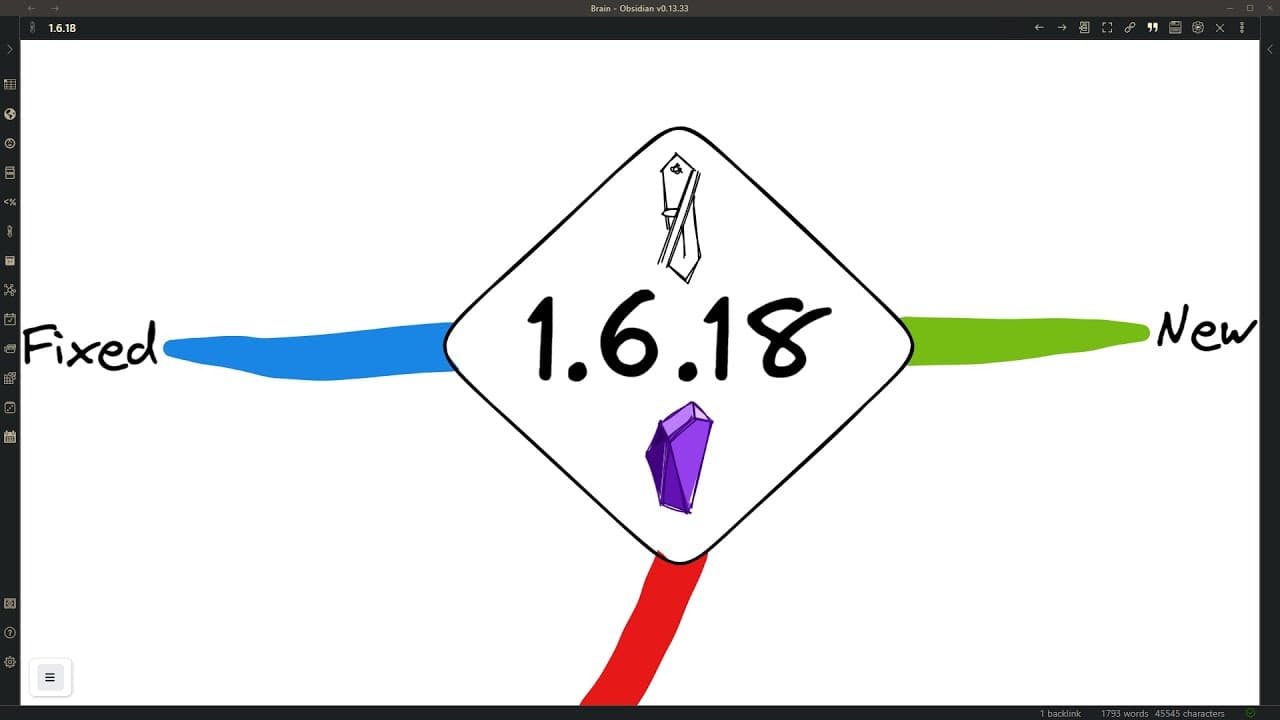
Excalidraw-Obsidian 1.6.18 - Eraser, left-handed mode, improved filename config, and more
TL;DR
Xcollegerobcdn1.6.18 introduces new features like eraser, default transclusion word wrap, left-handed mode, and customizable file naming settings.
Transcript
hi and welcome to this quick demonstration of xcollegerobcdn1.6.18 at the end i have two small surprises for you so if you stick around you get to see the bonus as well so what's new the eraser is new this was developed by the x color draw team and this is great on an ipad the way it works is you click the eraser and then you can select elements to... Read More
Key Insights
- 🎨 The eraser tool has been developed by the X Color Draw team, allowing users to remove elements from their drawings with ease, although it currently only erases complete elements.
- 💬 Setting the default for transcluded text line wrap in X Coli Draw is now possible through the settings, eliminating the need for manual line wrap length adjustments.
- 🖥️ Users now have the option to enter full-screen mode using either the keyboard shortcut or the options available in the tools panel.
- 🔀 Left-handed mode has been implemented in tray mode, allowing left-handed users to customize the layout of X Coli Draw to be more comfortable for their use.
- 💾 File name settings have been expanded, giving users more control over the file naming process, including the ability to add sequence numbers and exclude the date and time.
- 🖌️ Editing sticky notes is now more convenient, as selecting and formatting text within sticky notes is now functioning properly.
- 📎 The iframely option, which provides page title aliases for links, has been improved in reliability, enhancing the user experience of transclusion capabilities.
- 📏 Users can create bezier curves on an iPad by using two fingers to select the line element, adding points, and finalizing the curve with a tick mark. This feature offers quick and easy bezier curve creation.
Install to Summarize YouTube Videos and Get Transcripts
Explore YouTube Video Summarizer or Get YouTube Transcript Extractor
Questions & Answers
Q: How does the eraser tool work in Xcollegerobcdn1.6.18?
The eraser tool in Xcollegerobcdn1.6.18 allows users to click on elements in their drawings to remove them entirely.
Q: What benefit does the default transclusion word wrap setting provide?
The default transclusion word wrap setting in Xcollegerobcdn1.6.18 allows users to set a default line wrap length for transcluded text, avoiding the need for manual adjustments.
Q: Can I use Xcollegerobcdn1.6.18 in left-handed mode?
Yes, Xcollegerobcdn1.6.18 introduces left-handed mode in tray mode, allowing left-handed users to have a more comfortable experience with the tool.
Q: How can I customize file naming settings in Xcollegerobcdn1.6.18?
Xcollegerobcdn1.6.18 offers various options for customizing file names, such as adding sequence numbers, excluding the date and time, using note names, and choosing whether to include the ".xcolorraw" extension.
Q: What issues have been fixed in Xcollegerobcdn1.6.18?
Xcollegerobcdn1.6.18 resolves issues related to editing sticky notes and enables more reliable retrieval of page titles when using Iframely to resolve links in transclusions.
Q: How can I draw bezier curves using an iPad in Xcollegerobcdn1.6.18?
To draw bezier curves on an iPad using Xcollegerobcdn1.6.18, users can select the line element, snap with two fingers, add points one by one, and finalize the curve by touching the tick mark at the bottom left side of the drawing.
Q: How can I embed an animated GIF in an Xcollegerobcdn1.6.18 drawing?
Users can drag and drop an animated GIF into an Xcollegerobcdn1.6.18 drawing, and when embedded in a markdown document, the GIF will retain its animation, allowing for animated drawings in the vault.
Answer:
Summary & Key Takeaways
-
Xcollegerobcdn1.6.18 brings new features, including an eraser tool for removing elements from drawings.
-
The update also includes a default transclusion word wrap setting for better control of line breaks in transcluded text.
-
Users can now enjoy left-handed mode and customize file naming settings in Xcollegerobcdn1.6.18.
Read in Other Languages (beta)
Share This Summary 📚
Summarize YouTube Videos and Get Video Transcripts with 1-Click
Try YouTube Summary with ChatGPT & Claude or YouTube Transcript Generator
Explore More Summaries from Zsolt's Visual Personal Knowledge Management 📚

Summarize YouTube Videos and Get Video Transcripts with 1-Click
Try YouTube Summary with ChatGPT & Claude or YouTube Transcript Generator