How Can AI Apps Improve Your Productivity Workflow?
TL;DR
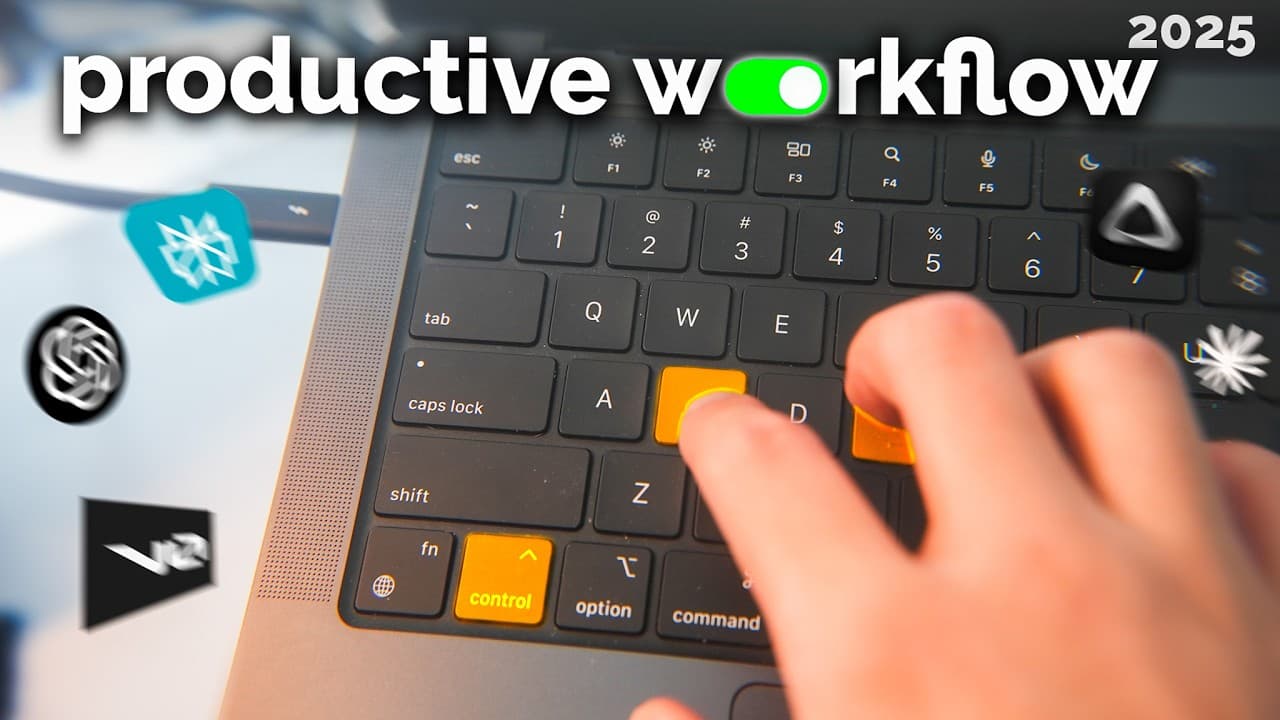
AI-powered apps can significantly enhance productivity by streamlining tasks like dictation, searching, and content summarization. Tools like WhisperFlow enable fast and accurate transcription, while Perplexity offers efficient searches. Additionally, Custom GPTs personalize learning experiences, and features like ChatGPT's scheduled tasks automate information retrieval, making work and learning more efficient.
Transcript
This is my productivity workflow with using LLMs. Recently, there have been some pretty incredible LLM powered apps that have really sped up my productivity workflow. I've basically been able to increase the speed at which I learn things and get things done through a few different apps and extensions on my computer and phone. So, in this video... Read More
Key Insights
- AI-powered dictation significantly speeds up typing, allowing users to transcribe at over 200 words per minute with high accuracy using the Whisper model.
- WhisperFlow, an app for transcription, automatically formats text based on the application in use, making it ideal for email responses and note-taking.
- Perplexity is a fast and efficient search tool that provides better results than ChatGPT by searching through social media, academic papers, and the web.
- YouTube Summary AI and Notebook LM help users quickly grasp the essence of long videos, podcasts, and lectures by providing concise summaries.
- Custom GPTs, like GPT Sensei, offer personalized language learning experiences by explaining words in context, enhancing understanding without direct translations.
- ChatGPT's scheduled tasks feature allows users to automate information retrieval, such as receiving weekly summaries of local events or personal goals.
- Vibe coding enables app creation without coding knowledge, allowing users to build functional apps using voice commands and automated coding tools.
- The integration of AI tools in daily tasks saves time and enhances productivity by automating repetitive tasks and providing quick access to information.
Install to Summarize YouTube Videos and Get Transcripts
Explore YouTube Video Summarizer or Get YouTube Transcript Extractor
Questions & Answers
Q: How does AI-powered dictation improve productivity?
AI-powered dictation improves productivity by allowing users to transcribe spoken words at over 200 words per minute with high accuracy. This is achieved through the Whisper model, which is trained on extensive data, enabling fast and accurate transcription. It significantly reduces the time spent on typing, making it ideal for composing emails, messages, and interacting with LLMs.
Q: What makes Perplexity a preferred search tool over ChatGPT?
Perplexity is preferred over ChatGPT for search tasks because it provides faster and more accurate results by searching through social media platforms like YouTube and Reddit, as well as academic papers and the general web. Users have reported consistently better results with Perplexity, making it a reliable tool for comprehensive information retrieval.
Q: How do YouTube Summary AI and Notebook LM enhance video content consumption?
YouTube Summary AI and Notebook LM enhance video content consumption by providing concise summaries of long videos, podcasts, and lectures. YouTube Summary AI offers quick overviews for shorter videos, while Notebook LM synthesizes information from multiple sources, allowing users to grasp the main points without watching the entire content. This saves time and enables deeper understanding.
Q: How can custom GPTs be used for language learning?
Custom GPTs, such as GPT Sensei, are used for language learning by providing contextual explanations of words without direct translations. They are configured to respond in multiple languages, catering to the user's language proficiency. This personalized approach helps learners understand the nuances of a language and enhances their learning experience beyond traditional methods.
Q: What are the benefits of using ChatGPT's scheduled tasks feature?
ChatGPT's scheduled tasks feature benefits users by automating the retrieval of information, such as weekly summaries of local events or personal goals. It acts as a personal assistant, sending emails with the requested information, thus saving time and ensuring users stay updated on topics of interest. This feature is particularly useful for dynamic and frequently changing information.
Q: What is vibe coding and how does it facilitate app development?
Vibe coding is a method of app development that allows users to create functional applications without any coding knowledge. By using voice commands and automated coding tools like v0.dev, users can build apps and implement features by simply describing their requirements. This democratizes app development, enabling non-programmers to prototype and create digital solutions effortlessly.
Q: How do AI tools streamline workflows and enhance productivity?
AI tools streamline workflows by automating repetitive tasks, providing quick access to information, and enhancing the accuracy of processes like transcription and search. Applications like WhisperFlow, Perplexity, and custom GPTs reduce the time spent on routine tasks, allowing users to focus on more critical activities. This integration of AI in daily tasks leads to significant productivity gains.
Q: What role does the Whisper model play in AI-powered dictation?
The Whisper model plays a crucial role in AI-powered dictation by providing a highly accurate and fast transcription service. Trained on a vast dataset, it enables users to dictate at speeds exceeding 200 words per minute while maintaining accuracy. This model is integral to applications like WhisperFlow, which leverage its capabilities to enhance productivity in tasks requiring text input.
Summary & Key Takeaways
-
The video discusses various AI-powered applications that enhance productivity by speeding up tasks like dictation, searching, and summarizing content. These tools leverage large language models (LLMs) to provide accurate and fast results, making them ideal for both personal and professional use.
-
Applications like WhisperFlow and Perplexity offer efficient transcription and search capabilities, while YouTube Summary AI and Notebook LM provide quick overviews of lengthy videos. Custom GPTs, such as GPT Sensei, aid in language learning by explaining words contextually.
-
Automated tasks in ChatGPT and vibe coding tools like v0.dev allow users to automate information retrieval and create apps without coding. These innovations streamline workflows, saving time and enhancing productivity in various areas of life.
Read in Other Languages (beta)
Share This Summary 📚
Summarize YouTube Videos and Get Video Transcripts with 1-Click
Try YouTube Summary with ChatGPT & Claude or YouTube Transcript Generator
Explore More Summaries from Reysu 📚


Summarize YouTube Videos and Get Video Transcripts with 1-Click
Try YouTube Summary with ChatGPT & Claude or YouTube Transcript Generator