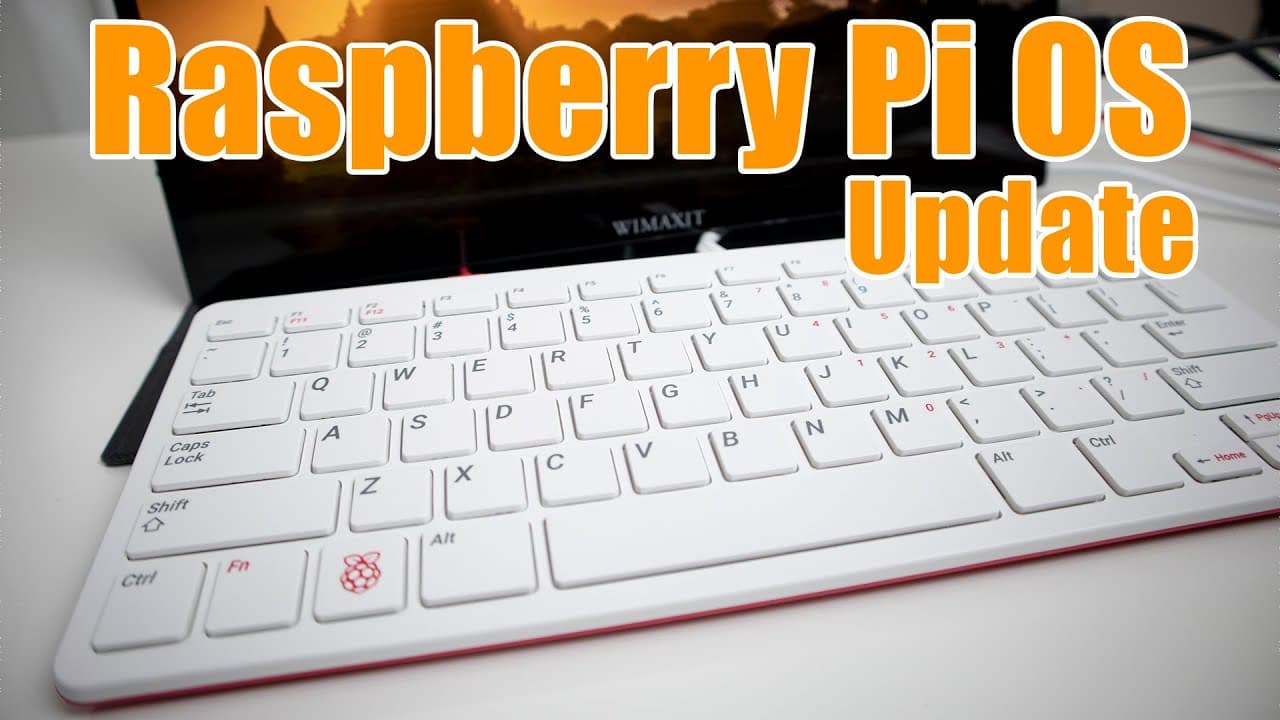
Raspberry Pi OS Update Review
TL;DR
The latest Raspberry Pi OS update introduces significant audio and hardware enhancements.
Transcript
hey guys what's going on it's don here from nova spirit tech and welcome back to the channel and today we are going to be taking a look at the raspberry pi os and its latest update so let's get started now before we begin checking out the raspberry pi os i am going to be performing this whole thing on the wii maxim 14 inch portable display and i've... Read More
Key Insights
- ❓ The switch to PulseAudio greatly improves audio management for multitasking.
- 🎮 Video conferencing applications gain performance benefits from Chromium's hardware acceleration.
- 🙂 Enhanced Raspberry Pi configurations allow for fine-tuning hardware components like lights and fans.
- 🖨️ Built-in printer support streamlines the use of printers, enhancing usability.
- 😚 The update focuses on transitioning the Raspberry Pi OS towards a fuller desktop environment.
- 😑 The reviewer expresses satisfaction with the overall performance, allowing efficient daily operations on the Raspberry Pi.
- 👤 Continuous improvements signal the Raspberry Pi community's commitment to enhancing user experience and functionality.
Install to Summarize YouTube Videos and Get Transcripts
Explore YouTube Video Summarizer or Get YouTube Transcript Extractor
Questions & Answers
Q: What major audio change was introduced in the Raspberry Pi OS update?
The update transitioned from ALSA audio to PulseAudio, allowing multiple audio outputs to work simultaneously. This change resolves issues such as overlapping audio tasks, enabling users to listen to YouTube and VLC simultaneously without interruptions. This enhancement is crucial for a seamless desktop experience on Raspberry Pi, particularly in use cases requiring audio multitasking.
Q: How does the hardware acceleration in the Chromium browser affect performance?
The addition of hardware acceleration in the Chromium browser significantly boosts performance for video conferencing tools like Zoom and Google Meet. Users can now conduct meetings seamlessly without experiencing lag or quality issues, even on Raspberry Pi 400 or Raspberry Pi 4 devices, ensuring an effective use for online collaboration.
Q: What new configuration options have been added for the Raspberry Pi?
The update introduced a feature to configure the power activity light on the Raspberry Pi 400, allowing users to choose between an activity light and a constant light. Additionally, users can now easily attach and control a fan, which activates at designated temperatures through GPIO pin functionality, enhancing thermal management.
Q: How does the update improve print support on the Raspberry Pi OS?
The new Raspberry Pi OS update includes built-in printer support, simplifying the process of adding and configuring network printers. Users can easily find their printers, install drivers, and print documents seamlessly, making the operating system more functional for home and office use.
Q: Are there any new accessibility features included in the update?
The update introduced improvements to the Orca screen reader application, designed to aid visually impaired users. While the reviewer faced challenges installing Orca, other users have reported successful implementations, enhancing accessibility with features like text-to-speech and improving the overall user experience for those needing assistive technologies.
Q: Could the Raspberry Pi OS serve as a primary desktop replacement according to the reviewer?
Yes, the reviewer mentioned using the Raspberry Pi as their primary desktop for the last two months, citing that it efficiently handles tasks like file transfer, web browsing, and video recording. The advancements made in the latest update make it a viable alternative for users who require a compact and portable desktop solution.
Summary & Key Takeaways
-
The Raspberry Pi OS update primarily shifts from ALSA to PulseAudio, enabling multiple audio outputs simultaneously, which enhances usability for multitasking and media consumption.
-
Improvements in Chromium browser hardware acceleration allow users to run video conferencing applications smoothly, enhancing the overall user experience on Raspberry Pi devices.
-
New features include printer support and fan control functionality, making Raspberry Pi more suitable as a desktop replacement with better device management options.
Read in Other Languages (beta)
Share This Summary 📚
Summarize YouTube Videos and Get Video Transcripts with 1-Click
Try YouTube Summary with ChatGPT & Claude or YouTube Transcript Generator
Explore More Summaries from Novaspirit Tech 📚






Summarize YouTube Videos and Get Video Transcripts with 1-Click
Try YouTube Summary with ChatGPT & Claude or YouTube Transcript Generator