Which AI Tools Can Improve Your Productivity Today?
TL;DR
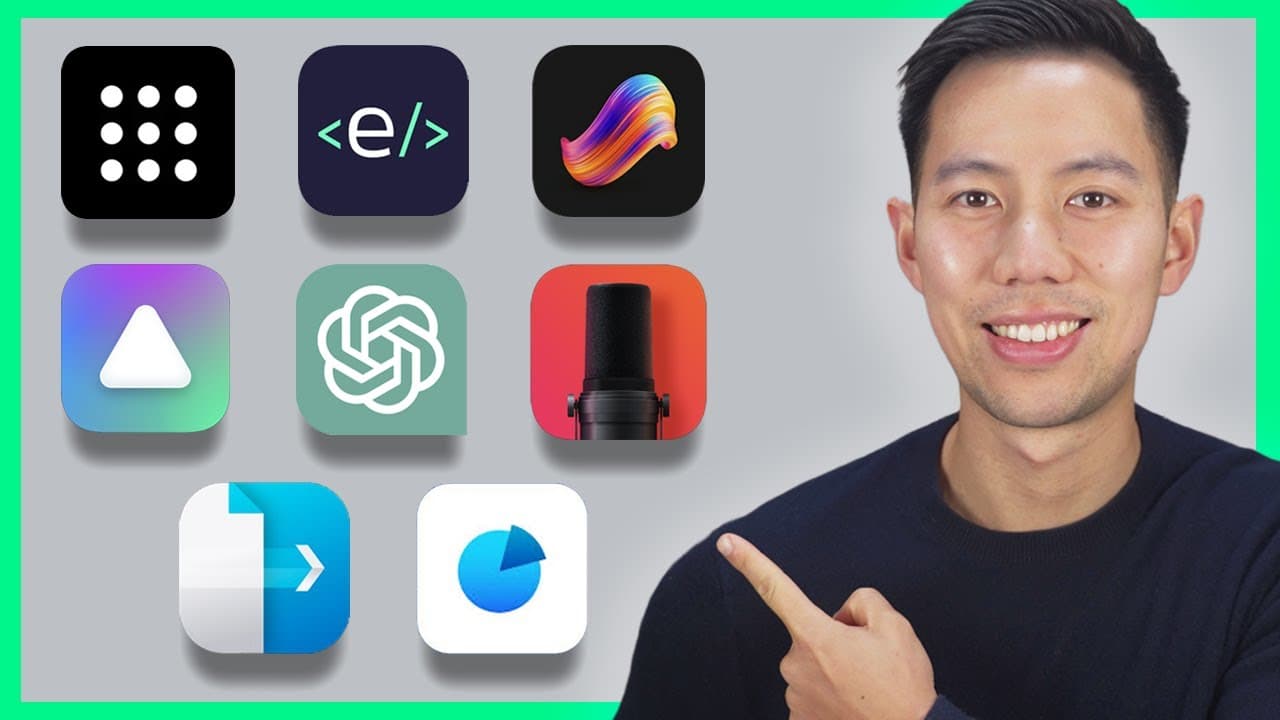
Ten incredible AI tools can significantly boost your productivity by saving time and enhancing various aspects of life. These include tools for summarizing PDFs, improving audio quality, generating videos from text, creating unique images, and even building presentations, helping users streamline their tasks effortlessly.
Transcript
Hey friends - hope you're well! Let's take a look at 10 incredible AI tools that will make your life so much easier save you time and make you more productive with less effort these AI tools I'll show you in this video will turn entire books into summaries within seconds generate home renovation ideas based on home photos and even trance ... Read More
Key Insights
- ⌛ PDF GPT can save time and effort by providing instant summaries and insights for PDF documents.
- 🎮 Parrot AI's ability to summarize and provide insights from video meetings can be a game-changer for professionals.
- 🎙️ Adobe Enhance offers a simple solution to improve the audio quality of recordings, even with basic microphones.
- 🎮 InVideo's AI text-to-video workflow makes it easy to create videos quickly and efficiently.
- 👊 Perplexity AI combines chat GPT3 and Microsoft Bing to provide detailed answers and references for various inquiries.
- 🥶 Stable Diffusion is a free and accessible tool for creating unique and artistic images based on simple prompts.
- ⌛ Magic Eraser simplifies the process of removing unwanted objects from images, saving time and effort in photo editing.
- 👻 Tone's AI-powered presentation builder allows users to quickly generate engaging presentations from single sentence inputs.
- 💨 Prime Voice AI offers a convenient way to narrate text, making it valuable for podcasters, authors, and more.
Install to Summarize YouTube Videos and Get Transcripts
Explore YouTube Video Summarizer or Get YouTube Transcript Extractor
Questions & Answers
Q: How does PDF GPT work?
PDF GPT analyzes PDFs and provides instant summaries, insights, and notes. Users can ask specific questions about the content, and the tool will provide accurate answers with references to the PDF.
Q: How does Parrot AI summarize Zoom meetings?
Parrot AI can summarize recorded or live Zoom meetings by uploading the audio file. It generates a custom summary that can be copied and pasted, and users can also ask specific questions about the meeting content.
Q: Can Adobe Enhance improve audio quality for any type of microphone?
Yes, Adobe Enhance can enhance the voice and remove unwanted noise from any microphone, even an affordable one. Users simply need to drag and drop their audio file into the browser to get studio-quality audio.
Q: How does InVideo turn ideas into videos?
InVideo has an AI text-to-video workflow that takes a prompt or script and creates a video in seconds. It utilizes a library of royalty-free stock video clips to match the script and even offers realistic voice-over narration.
Q: What can Perplexity AI be used for?
Perplexity AI is an AI-powered search engine that can provide detailed answers to various questions. It can be used for research, writing emails, coding, and more. The tool also provides references and related content for further exploration.
Q: How does Magic Eraser work?
Magic Eraser simplifies the process of removing unwanted objects from images. Users can highlight the object they want to erase and click the erase button, and the AI-powered tool quickly removes it, providing a seamless result.
Q: How does Tone help with presentation creation?
Tone uses chat GPT3 and Dali to generate engaging presentations based on a single sentence input. Users can simply type a topic or prompt, and Tone creates a presentation with accurate information and customizable templates.
Q: What can Prime Voice AI be used for?
Prime Voice AI allows users to easily narrate text, making it useful for creating audiobooks, audio versions of blog posts, and more. Users can choose different voices, add emotions, and download the narrations as audio files.
Key Insights:
- PDF GPT can save time and effort by providing instant summaries and insights for PDF documents.
- Parrot AI's ability to summarize and provide insights from video meetings can be a game-changer for professionals.
- Adobe Enhance offers a simple solution to improve the audio quality of recordings, even with basic microphones.
- InVideo's AI text-to-video workflow makes it easy to create videos quickly and efficiently.
- Perplexity AI combines chat GPT3 and Microsoft Bing to provide detailed answers and references for various inquiries.
- Stable Diffusion is a free and accessible tool for creating unique and artistic images based on simple prompts.
- Magic Eraser simplifies the process of removing unwanted objects from images, saving time and effort in photo editing.
- Tone's AI-powered presentation builder allows users to quickly generate engaging presentations from single sentence inputs.
- Prime Voice AI offers a convenient way to narrate text, making it valuable for podcasters, authors, and more.
- Interior AI provides inspiration and ideas for interior design and decoration through AI-generated suggestions.
Summary & Key Takeaways
-
PDF GPT: A tool that instantly creates summaries, insights, and notes for any PDF, making it ideal for students or anyone analyzing large documents.
-
Parrot AI: This tool can summarize and provide insights from Zoom meetings or any video meetings, saving time and potentially money.
-
Adobe Enhance: Enhance audio quality by removing unwanted noise, making ordinary audio clips sound like they were recorded in a professional studio.
-
InVideo: A new AI tool that turns ideas into videos instantly, making content creation easier.
-
Perplexity AI: An AI-powered search engine that provides detailed answers to any question, making it useful for research, writing emails, and coding.
-
Stable Diffusion: A free and easy-to-use image AI tool that allows you to create unique and artistic images based on simple prompts.
-
Magic Eraser: Quickly erase unwanted objects from images with AI, saving time compared to manual editing.
-
Tone: An AI-powered presentation builder that generates engaging presentations with a single sentence input.
-
Prime Voice AI: Easily narrate text and create audio versions of content, saving time for podcasters, authors, and more.
-
Interior AI: Drag and drop a photo of your space to get ideas and suggestions for interior design or decoration.
Read in Other Languages (beta)
Share This Summary 📚
Summarize YouTube Videos and Get Video Transcripts with 1-Click
Try YouTube Summary with ChatGPT & Claude or YouTube Transcript Generator
Explore More Summaries from Andrew Ethan Zeng 📚



Summarize YouTube Videos and Get Video Transcripts with 1-Click
Try YouTube Summary with ChatGPT & Claude or YouTube Transcript Generator