How to Get Started with R for Data Analysis
TL;DR
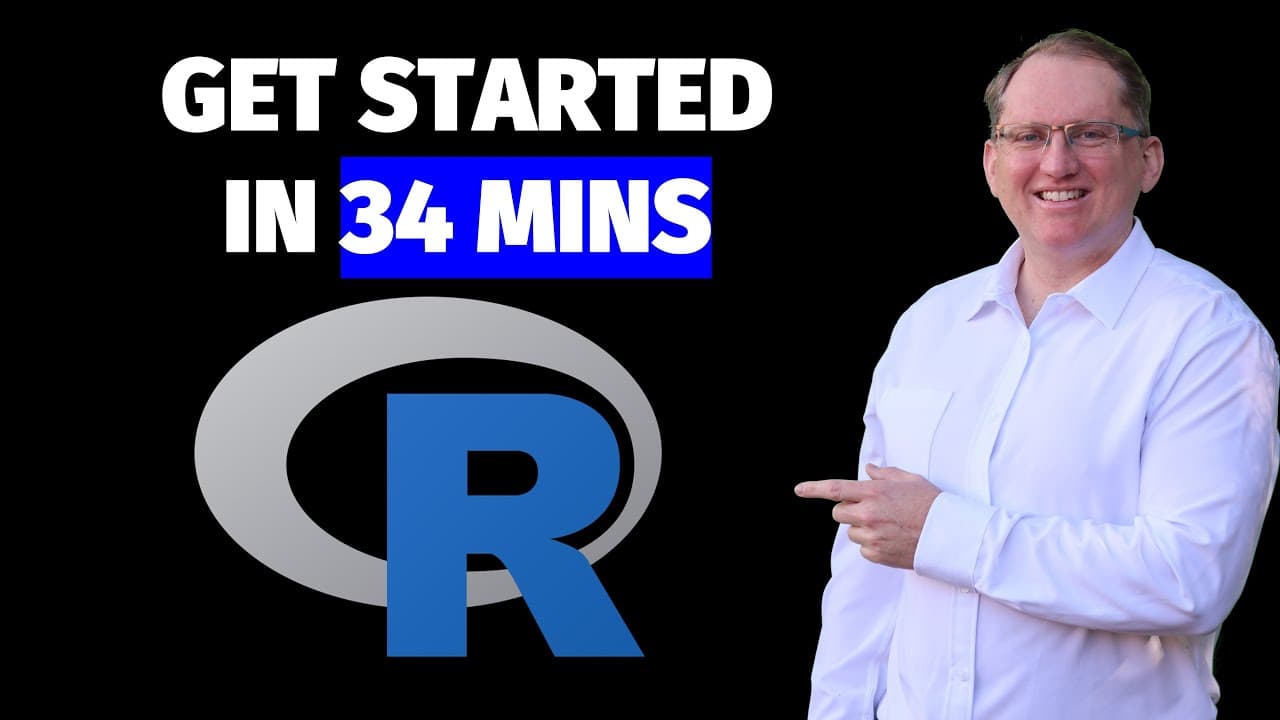
To get started with R for data analysis, download and install R and R Studio, which provides a user-friendly interface. Begin with basic commands for importing data, performing statistical analyses like T tests and regression, and create visualizations. For more advanced features, explore packages like the Tidyverse to enhance your data manipulation and visualization capabilities.
Transcript
hi I'm Dr Lyndon Walker I've been using R for 27 years I was taught R by Ross eaker one of the creators of R when I studed the University of Oakland this video and the attached resources are intended to be a quick start guide they're definitely not comprehensive but the idea is to get you going and using r as quickly as possible the files code and ... Read More
Key Insights
- 😀 R is a versatile programming language widely used for statistical analysis and data visualization.
- 🫵 The integrated R Studio environment enhances the user experience by organizing code, terminal, and output views effectively.
- 👨💻 Importing data into R can be done seamlessly through both GUI options and coding functions, allowing flexibility for different users.
- 📦 Understanding how to manipulate and analyze data efficiently requires familiarity with essential functions and packages available in R.
- 🦖 Case sensitivity in R underscores the importance of precision when naming variables and referencing data.
- 🛟 Basic plots can serve as an introduction to data visualization, but advanced graphics are easily generated using the Tidyverse's ggplot2 package.
- 🏆 Conducting T tests and regression analysis provides foundational statistical methods vital for interpreting data in various fields.
Install to Summarize YouTube Videos and Get Transcripts
Explore YouTube Video Summarizer or Get YouTube Transcript Extractor
Questions & Answers
Q: What is the purpose of this video?
The video serves as a beginner's guide to R programming, providing viewers with essential information on how to set up the R environment and perform fundamental data analysis techniques. The goal is to help users begin their journey quickly and effectively.
Q: What are the key installations recommended for using R?
Viewers are advised to install R, R Studio, R Tools, and optionally, R Markdown. R is the base programming language, while R Studio offers a user-friendly development environment. R Tools helps eliminate certain warning messages, and R Markdown allows for integrated reporting with R code outputs.
Q: How does the Tidyverse enhance R programming?
The Tidyverse is a collection of R packages designed for data science, providing a unified framework for data manipulation and visualization. It includes popular tools like ggplot2 for creating graphics and dplyr for data manipulation, which streamline coding and enhance productivity in R.
Q: Can you explain how to import data into R?
Data can be imported into R using the import wizard in R Studio or through code with functions like read.csv or read.table. The process involves selecting the CSV file, specifying if it has headers, and determining how data is separated, which helps create a data frame in R for analysis.
Q: Why is case sensitivity important in R?
R is case sensitive, meaning that "Height" and "height" would be treated as two different variables. This distinction is crucial for accurately referencing and manipulating data, and new users must pay attention to casing to avoid errors in their code.
Q: What methods are there for basic data visualization in R?
Basic visualization methods in R include bar plots, histograms, and box plots, all of which can be created with built-in functions. While these plots provide fundamental insights, using packages like ggplot2 from the Tidyverse allows for more polished and customizable visualizations.
Q: How do T tests and regression analysis work in R?
T tests can be performed using the t.test() function to compare means and assess significance between groups, while regression analysis is done using the lm() function to model relationships between variables. Both methods generate outputs such as estimates and p-values to inform statistical conclusions.
Q: What resources are available for learning R after this guide?
After this video, learners can refer to resources like the "R for Data Science" book, various online tutorials, forums like Reddit, and community meetups to deepen their knowledge. These platforms offer further insights into data manipulation, statistical analysis, and R package usage.
Summary & Key Takeaways
-
The video introduces R programming, guiding viewers on how to download and install R and R Studio, emphasizing their importance in data analysis.
-
Basic statistical analyses and visualizations, including T tests and regression, are demonstrated, showcasing how to manipulate and analyze data in R.
-
The tutorial highlights important packages, especially the Tidyverse, and provides resources for further learning, encouraging viewers to explore advanced topics after the basics.
Read in Other Languages (beta)
Share This Summary 📚
Summarize YouTube Videos and Get Video Transcripts with 1-Click
Try YouTube Summary with ChatGPT & Claude or YouTube Transcript Generator
Explore More Summaries from Dr Lyndon Walker 📚





Summarize YouTube Videos and Get Video Transcripts with 1-Click
Try YouTube Summary with ChatGPT & Claude or YouTube Transcript Generator