Generative AI Text to Speech & Voice Cloning with Elevenlabs
TL;DR
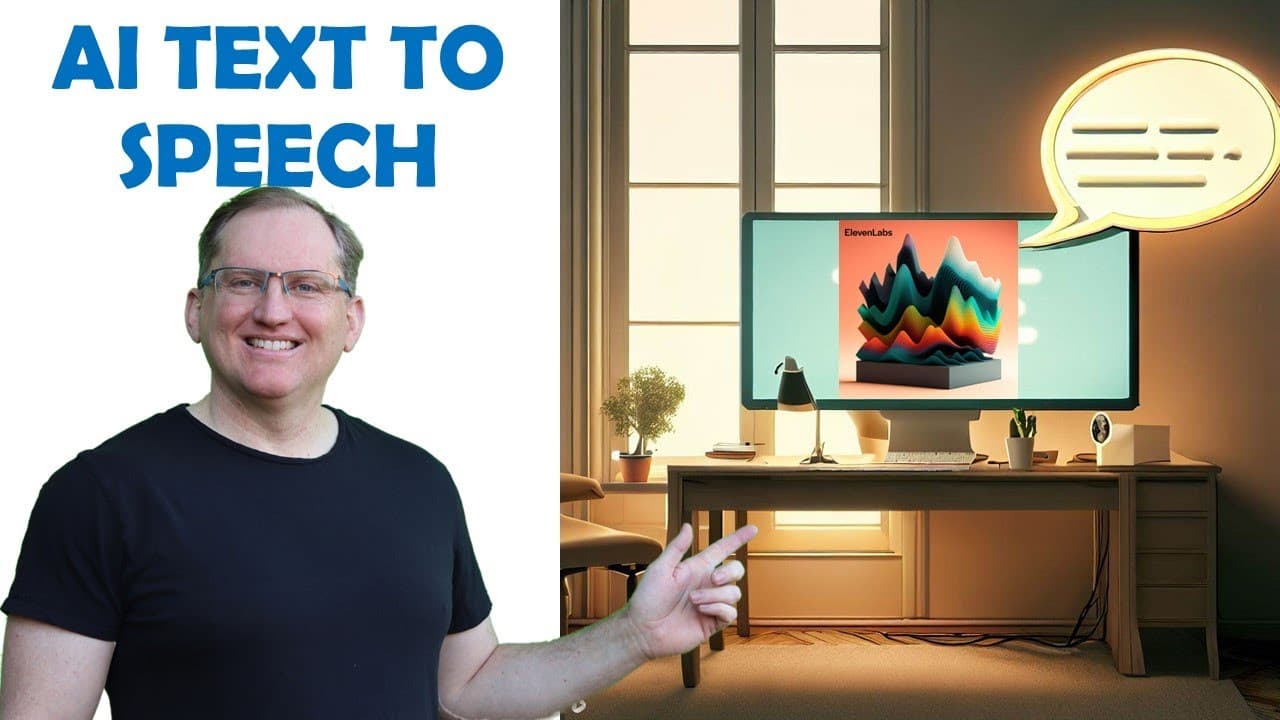
The 11 Labs AI tool offers realistic text-to-speech capabilities with customizable voice options.
Transcript
hi friends welcome back to the channel today we are looking at another AI tool this one is called 11 labs and it is text to speech so generative voice Ai and this is very very cool so for a long time there was a kind of text-to-speech programs where it would try and break up syllables and it would just sound like a robot talking when you listen to ... Read More
Key Insights
- 😯 The 11 Labs text-to-speech tool outperforms earlier systems in creating fluid and natural-sounding speech, making it a valuable choice for content creators.
- 👻 Customization options in the voice library allow users to explore a variety of realistic voice types and accents, increasing the tool’s versatility in applications.
- 🥶 A free version of the tool provides sufficient resources for users to experience its potential before making a financial commitment.
- 😯 The AI's ability to accommodate different accents and speech styles highlights its adaptability to diverse user needs.
- 👤 The voice lab enhances the user experience by offering functionalities to refine voice characteristics, even engaging users in creative processes.
- 🤩 Experience plays a key role in the tool's development, as the continual addition of voices by users keeps the library fresh and relevant.
- 💁 The audio quality produced by the tool can support various media formats, making it an ideal choice for professional and amateur projects alike.
Install to Summarize YouTube Videos and Get Transcripts
Explore YouTube Video Summarizer or Get YouTube Transcript Extractor
Questions & Answers
Q: What sets 11 Labs' text-to-speech tool apart from traditional options?
Unlike traditional text-to-speech software that often produces robotic-sounding voices, 11 Labs utilizes advanced AI to generate more natural-sounding speech. This technology enables smoother pronunciations and realistic intonations, making the output far superior and more suitable for applications like podcasts, audiobooks, and educational content.
Q: Can users create their own voices using 11 Labs?
Yes, one of the standout features of 11 Labs is its voice library, where users can create and customize their own voices. This allows for a broad range of vocal expressions, catering to different audiences and content types, enhancing the personalized experience in audio production.
Q: What limitations does the free version of 11 Labs have?
The free version of 11 Labs allows for 10,000 characters of text-to-speech generation monthly and offers API access. However, it does not come with a commercial license, meaning users cannot use it for profit-making ventures such as podcasts or audiobooks until they upgrade to a paid plan.
Q: How user-friendly is the interface of the 11 Labs tool?
The 11 Labs interface is designed to be straightforward and uncomplicated, allowing users to easily navigate through voice settings, text input, and generated audio playback. This simplicity is beneficial for users seeking effective tools without being overwhelmed by complex features.
Summary & Key Takeaways
-
11 Labs presents a text-to-speech AI tool that significantly improves upon traditional robotic voices, providing natural-sounding speech for various applications.
-
Users can create unique voices through the platform's voice library and voice lab, enhancing the personalization of generated audio.
-
The tool comes with a free version offering 10,000 characters per month; however, commercial use requires a paid plan to access more features and voices.
Read in Other Languages (beta)
Share This Summary 📚
Summarize YouTube Videos and Get Video Transcripts with 1-Click
Try YouTube Summary with ChatGPT & Claude or YouTube Transcript Generator
Explore More Summaries from Dr Lyndon Walker 📚





Summarize YouTube Videos and Get Video Transcripts with 1-Click
Try YouTube Summary with ChatGPT & Claude or YouTube Transcript Generator