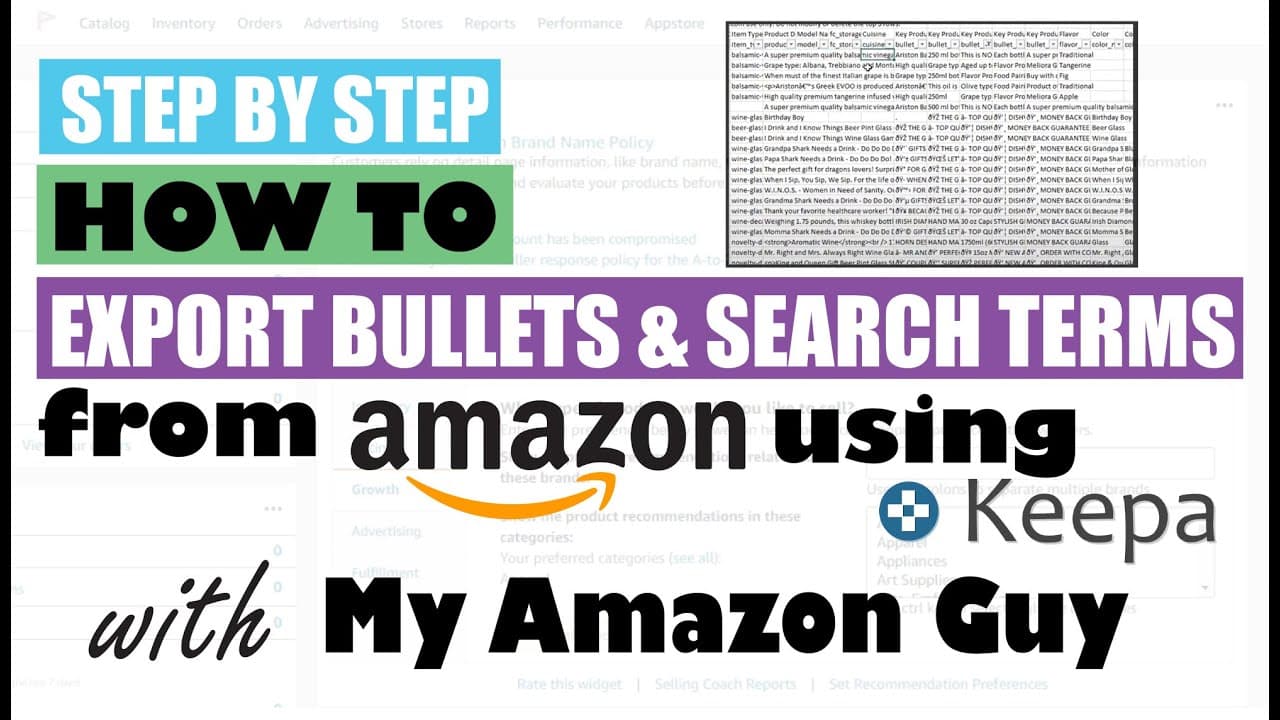
How to Export Bullets & Keyword Search Terms out of Seller Central Amazon - Category Listing Reports
TL;DR
Learn how to access and download bullet points from Amazon listings to optimize your product information.
Transcript
have you ever wondered how to export your bolt points out of the Amazon it's kind of a neat way to do this but it's very unknown I'll show you how to do it my name is Steven Pope and I'm the founder of my Amazon guy so normally when you go to your inventory inventory reports page where I am now and you click on this drop-down you normally will not ... Read More
Key Insights
- 😥 Filing a help ticket with Amazon can enable access to the category listings report for downloading bullet points.
- 😥 The category listings report is valuable not just for bullet points but also for other essential product information.
- 😥 Downloading bullet points from Amazon listings can significantly enhance product visibility and attract more customers.
- ❓ Utilizing the category listings report can improve the overall optimization of Amazon listings.
- 💌 The process of obtaining the category listings report is relatively simple and can be done via email ticketing.
- 😥 Accessing bullet points from Amazon listings is a crucial step in fine-tuning product descriptions for better sales performance.
- ❓ Amazon sellers can benefit greatly from utilizing the category listings report to enhance their product listings on the platform.
Install to Summarize YouTube Videos and Get Transcripts
Explore YouTube Video Summarizer or Get YouTube Transcript Extractor
Questions & Answers
Q: How do you request the category listings report from Amazon?
You need to file a help ticket requesting Amazon to enable the category listings report, which can be done under the "Inventory" section in the help ticket submission process.
Q: Can you download photos using the category listings report?
No, the category listings report focuses on text data like bullet points, while downloading photos from Amazon listings can be done through a different process like Keepa.
Q: What makes bullet points essential for Amazon listings?
Bullet points provide a concise way to highlight key features and benefits of a product, attracting potential buyers' attention and improving listing visibility.
Q: Are there other valuable insights besides bullet points in the category listings report?
Yes, apart from bullet points, the report contains a wealth of data such as keywords, descriptions, and other information crucial for optimizing Amazon listings.
Summary & Key Takeaways
-
Requesting a category listing report from Amazon allows you to download crucial data like bullet points.
-
The process involves filing a simple help ticket and enabling the category listings report for seven days.
-
This report provides valuable information beyond bullet points, aiding in Amazon listing optimization.
Read in Other Languages (beta)
Share This Summary 📚
Summarize YouTube Videos and Get Video Transcripts with 1-Click
Try YouTube Summary with ChatGPT & Claude or YouTube Transcript Generator
Explore More Summaries from My Amazon Guy 📚

![Amazon SEO [Complete 2022 Guide] - New Search Query SEO Phase 4 - Keyword Ranking Optimization thumbnail](/_next/image?url=https%3A%2F%2Fi.ytimg.com%2Fvi%2F-Dc-ufvTHVg%2Fhqdefault.jpg&w=750&q=75)




Summarize YouTube Videos and Get Video Transcripts with 1-Click
Try YouTube Summary with ChatGPT & Claude or YouTube Transcript Generator