Talk to ChatGPT: Voice to Voice
TL;DR
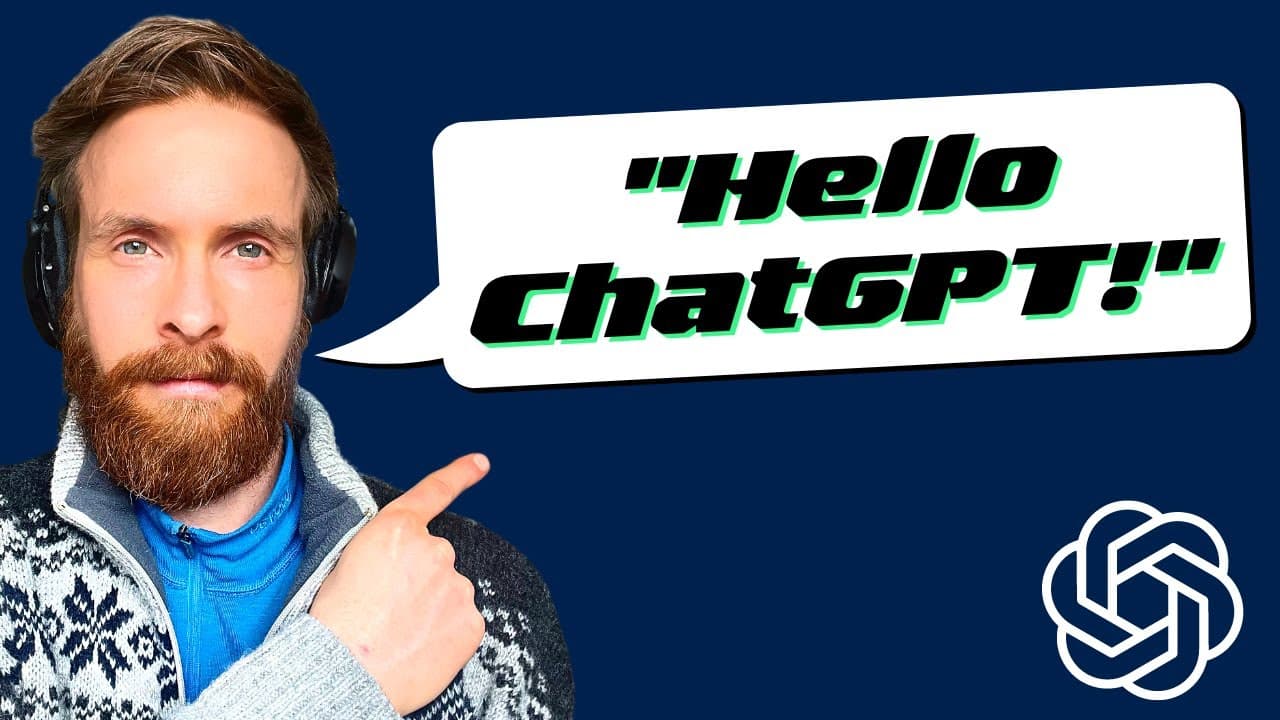
Learn how to create a Python script that enables voice conversations with Chat GPT using an OpenAI API key and 11 Labs API key.
Transcript
can you tell me what today's video is about today's YouTube video is about how you can create a simple script that lets you talk with chat GPT the script will be uploaded to GitHub so you can download it it's an exciting tutorial that will help you engage in conversations with chat GPT using your own script ah okay that sounds great let's take a de... Read More
Key Insights
- 💳 The tutorial showcases a Python script that enables voice conversations with Chat GPT, adding a more interactive element to the AI model.
- 🤩 To use the script, users must have an OpenAI API key and an 11 Labs API key, which can both be obtained by registering on their respective platforms.
- 👤 The script combines the functionality of OpenAI's Whisper and 11 Labs for voice translation and audio response, simplifying the process for users.
- 👻 Customization options include selecting different voices for the audio output, allowing users to personalize their conversational experience.
- ⛩️ The script demonstrates the potential for voice-based interactions with AI models and hints at the future of natural language processing.
- 🙊 Through rehearsal and relaxation techniques, the script also offers practical advice to help manage anxiety and improve performance in public speaking scenarios.
- 🧘 The inclusion of meditation and mindfulness as potential solutions highlights the benefits of these practices in reducing stress and anxiety.
Install to Summarize YouTube Videos and Get Transcripts
Explore YouTube Video Summarizer or Get YouTube Transcript Extractor
Questions & Answers
Q: How does the Python script enable voice conversations with Chat GPT?
The Python script utilizes the OpenAI API key and 11 Labs API key to convert voice input into text, feed it to Chat GPT for processing, and receive audio responses from 11 Labs.
Q: What are the main components of the script?
The script includes functions for Chat GPT, text to speech conversion, and a true loop for continuous conversation. It also utilizes OpenAI's Whisper and 11 Labs for voice translation and audio output.
Q: Can I modify the script to use different voices?
Yes, the script provides an option to select different voices for the audio output. Users can obtain voice IDs from the 11 Labs API playground and modify the script accordingly.
Q: What are some tips for customizing the script to suit individual preferences?
Users can adjust the duration window for recording settings to allow for longer input. Additionally, they can explore and modify other parameters within the script to personalize it further.
Summary & Key Takeaways
-
The video tutorial introduces a simple script that allows users to talk with Chat GPT through voice input and receive voice responses.
-
The script requires an OpenAI API key and an 11 Labs API key, which can be obtained by registering an account on their respective platforms.
-
The tutorial demonstrates how to download the script from GitHub, add the API keys, and run the script for engaging conversations with Chat GPT.
Read in Other Languages (beta)
Share This Summary 📚
Summarize YouTube Videos and Get Video Transcripts with 1-Click
Try YouTube Summary with ChatGPT & Claude or YouTube Transcript Generator
Explore More Summaries from All About AI 📚


Summarize YouTube Videos and Get Video Transcripts with 1-Click
Try YouTube Summary with ChatGPT & Claude or YouTube Transcript Generator