I Created an Automated Finance News Channel with Python and AI
TL;DR
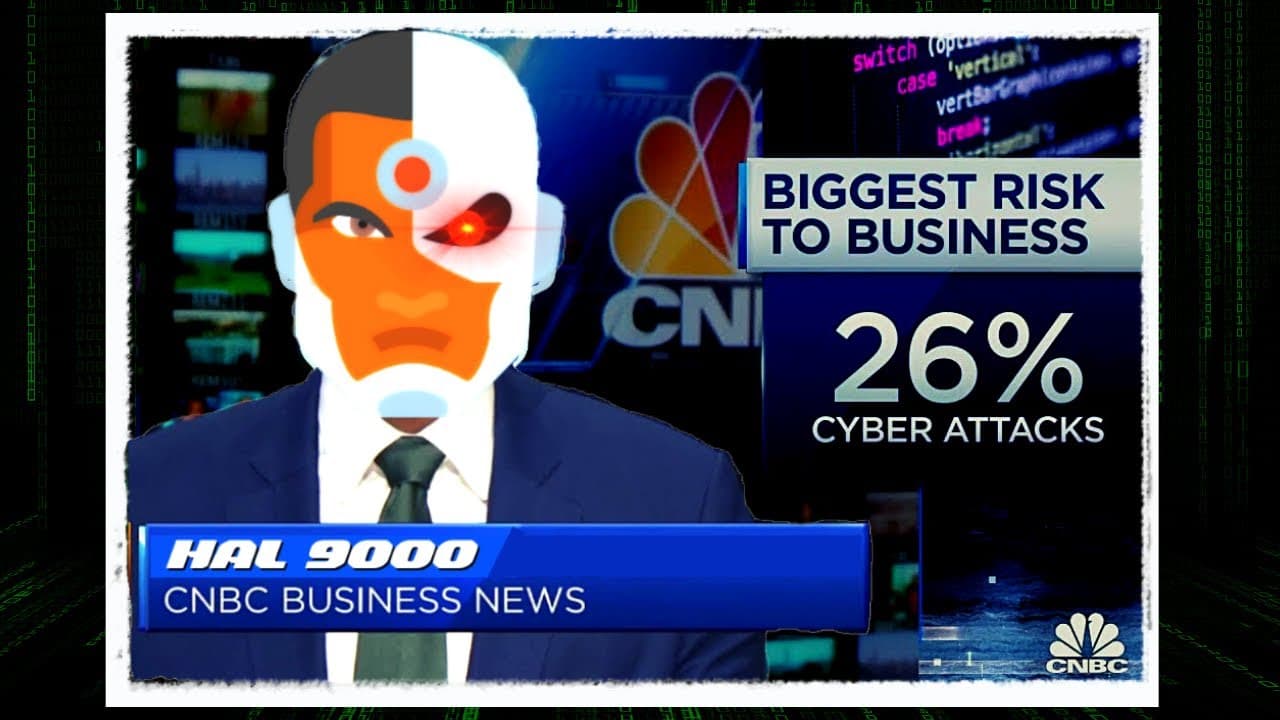
Learn how to create a finance news channel using a Python script and AI tools for scraping, summarizing, voiceovers, editing, and uploading on YouTube.
Transcript
today i wanted to show you how i created a semi-automated finance news channel with the help of a python script and some ai tools let's go so this was the plan i laid out for this news channel i needed the first to find a finance news source that i could scrape with a python script of course i needed to write the python script that i call the newsf... Read More
Key Insights
- ℹ️ Python scripts can be used to scrape finance news sources and extract relevant information using libraries like Beautiful Soup and Requests.
- 💳 OpenAI's TP3 can generate newscast scripts by summarizing scraped news data, saving time and effort in writing the script manually.
- 👻 Azure Speech Studio provides the tools to create voiceovers for the news scripts, allowing for customization and adjustment.
- 🎮 Video editing software like Adobe Premiere Pro is essential for compiling the voiceover, b-roll clips, and music to create a professional-looking video.
- ⚡ Uploading the final video to YouTube requires creating a thumbnail and adding appropriate tags to reach the target audience.
- 🎮 The stock market update in the final video highlights the overall performance of the stock market and mentions specific stocks and sectors of interest.
- ⌛ After-hours trading activity and earnings reports can significantly impact stock prices and market performance.
Install to Summarize YouTube Videos and Get Transcripts
Explore YouTube Video Summarizer or Get YouTube Transcript Extractor
Questions & Answers
Q: How does the content creator scrape finance news sources using Python?
The content creator uses Beautiful Soup and Requests in Python to scrape finance news sources. They target specific classes and elements, such as headlines and descriptions, from websites like Google News.
Q: How do they summarize the scraped news using OpenAI's TP3?
After scraping the finance news, the content creator copies the text and pastes it into OpenAI's TP3 playground. They use a prompt to generate a newscast script of at least 300 words, adjusting it until they are satisfied.
Q: How do they create the voiceover for the news script?
The content creator exports the newscast script from OpenAI's TP3 and imports it into Azure Speech Studio. They choose a voice with a newscast style and make adjustments until they are happy with the voiceover. The final voiceover file is then exported.
Q: What are the steps for editing and uploading the video to YouTube?
The content creator imports b-roll clips from Storyblocks and imports them into Adobe Premiere Pro along with the voiceover. They search for suitable music and compile everything together. Finally, they create a thumbnail and upload the video to their YouTube channel.
Summary & Key Takeaways
-
The content creator explains their process for creating a semi-automated finance news channel using a Python script and AI tools such as OpenAI and Azure.
-
They demonstrate how to scrape finance news sources using Beautiful Soup and Requests in Python.
-
The content creator shows how to summarize the scraped news using OpenAI's TP3, create a voiceover using Azure Speech Studio, edit the video using Adobe Premiere Pro, and upload it to YouTube.
Read in Other Languages (beta)
Share This Summary 📚
Summarize YouTube Videos and Get Video Transcripts with 1-Click
Try YouTube Summary with ChatGPT & Claude or YouTube Transcript Generator
Explore More Summaries from All About AI 📚





Summarize YouTube Videos and Get Video Transcripts with 1-Click
Try YouTube Summary with ChatGPT & Claude or YouTube Transcript Generator