Best 5 Apps to Never Forget Anything
TL;DR
Discover the top 5 apps for organizing and storing digital content, allowing you to free up mental space and focus on more important things.
Transcript
hey guys how are you doing my name is Julie in today's video I want to introduce five best apps for building your digital filing cabinet so you never forget anything so I just said these apps are so you don't forget anything but in fact I think the biggest benefit of these tools is that they make you feel safe to forget things so you can focus on t... Read More
Key Insights
- 😥 Utilizing apps for a digital filing cabinet can relieve mental load and improve focus.
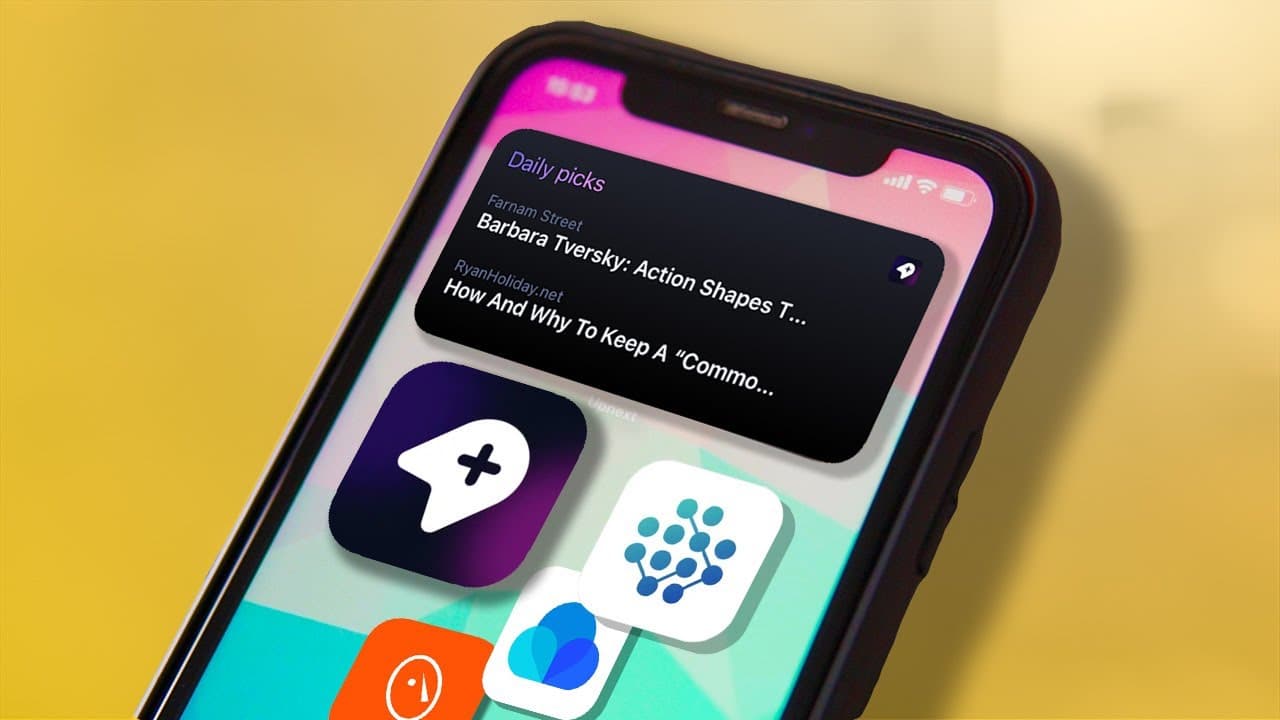
- 💾 Appanex offers comprehensive features for saving and organizing digital content.
- 🗄️ MyReach enables the creation of a network of interconnected items within the filing cabinet.
- 🗄️ Notion's versatility extends to functioning as a digital filing cabinet.
- 📁 Raindrop provides a visually appealing interface and supports various file types.
- 👤 Privacy concerns exist regarding Raindrop's collection of user data.
- 🖤 MyMind excels in AI-powered organization but lacks certain folder and sharing options.
Install to Summarize YouTube Videos and Get Transcripts
Explore YouTube Video Summarizer or Get YouTube Transcript Extractor
Questions & Answers
Q: What is Appanex, and why is it recommended?
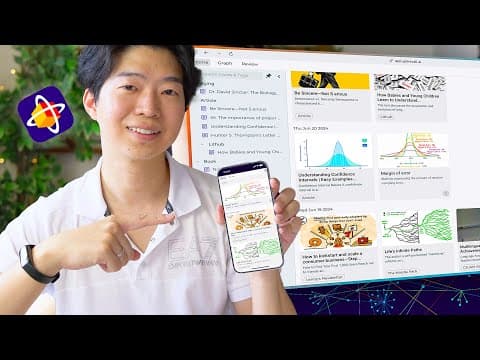
Appanex is a reading app that serves as a digital library, allowing users to save articles, videos, and websites. It categorizes saved items for easy navigation, offers full-text search, and enables following favorite blogs and creators.
Q: What unique feature does MyReach offer in terms of organizing items?
MyReach allows users to link related items together, creating a network within the digital filing cabinet. It also assigns properties to each item, such as location, URL, priorities, and due dates, making organization more efficient.
Q: How can Notion be used as a digital filing cabinet?
Notion's versatility allows it to function as a digital filing cabinet, enabling users to save web content from various sources and organize it within the app. It can be customized to suit individual preferences and requirements.
Q: What are the advantages of using Raindrop as a digital filing cabinet?
Raindrop offers a visually appealing user interface and supports various file types, including photos, videos, PDFs, and audio files. It allows for organizing items with lists and tags and offers integration with other apps for enhanced productivity.
Q: How does MyMind automatically organize saved items?
MyMind utilizes AI to analyze the content of saved articles, assigning relevant tags automatically. This feature saves time and effort in manually organizing items and makes it easier to locate them later.
Key Insights:
- Utilizing apps for a digital filing cabinet can relieve mental load and improve focus.
- Appanex offers comprehensive features for saving and organizing digital content.
- MyReach enables the creation of a network of interconnected items within the filing cabinet.
- Notion's versatility extends to functioning as a digital filing cabinet.
- Raindrop provides a visually appealing interface and supports various file types.
- Privacy concerns exist regarding Raindrop's collection of user data.
- MyMind excels in AI-powered organization but lacks certain folder and sharing options.
- MyMind stands out for its strong privacy policy and excellent future potential.
Summary & Key Takeaways
-
Introduces five recommended apps for building a digital filing cabinet.
-
Highlights Appanex as a great tool for saving and organizing articles, videos, and websites.
-
Recommends MyReach for creating a network of related items within the digital filing cabinet.
-
Mentions Notion and Evernote as versatile options for organizing digital content.
-
Suggests Raindrop as a nearly perfect digital filing cabinet with extensive integrations.
-
Endorses MyMind for its AI-powered organization capabilities and strong privacy policy.
Read in Other Languages (beta)
Share This Summary 📚
Summarize YouTube Videos and Get Video Transcripts with 1-Click
Try YouTube Summary with ChatGPT & Claude or YouTube Transcript Generator
Explore More Summaries from Shu Omi 📚
Summarize YouTube Videos and Get Video Transcripts with 1-Click
Try YouTube Summary with ChatGPT & Claude or YouTube Transcript Generator