PrivateGPT: A Guide to Ask Your Documents Offline
TL;DR
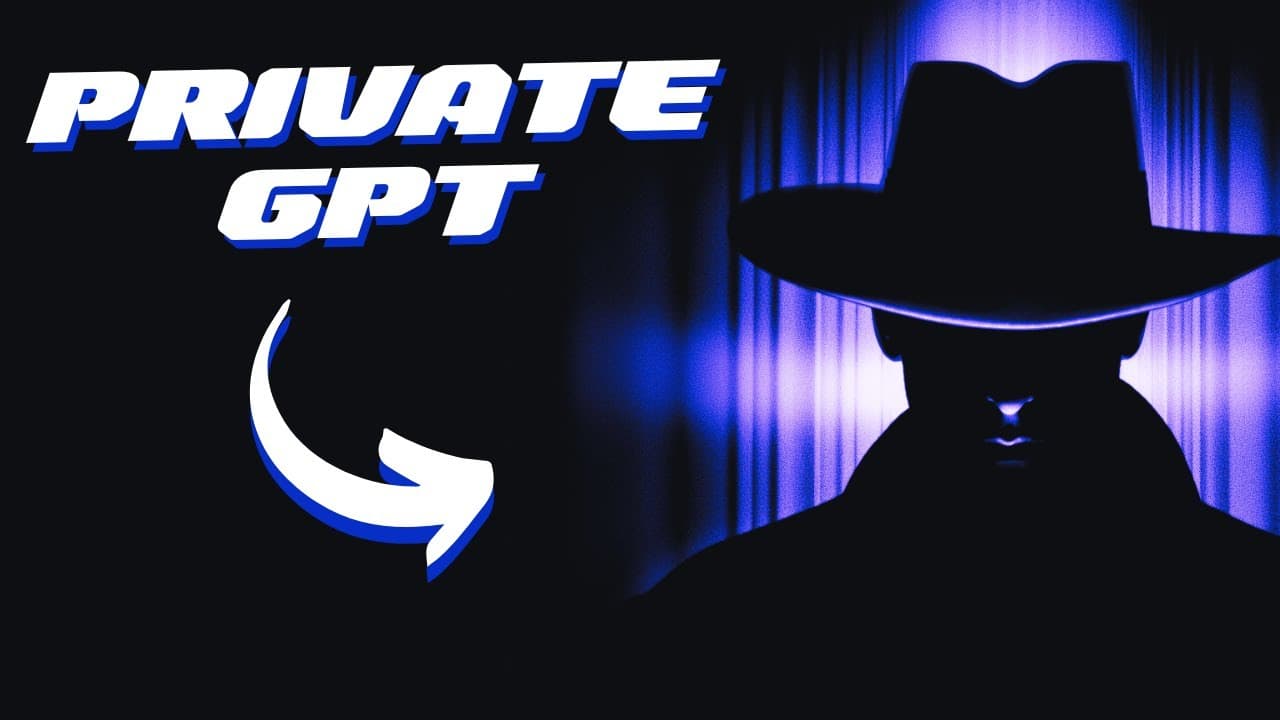
Learn how to install and utilize private GPT for offline use, enabling secure access to personal documents and files.
Transcript
a lot of people have asked me about private GPT so this is a setup where we can go offline but still use language models to ask about our personal documents and private files so I thought in this video I can show you how to install it and how to use it so we gotta navigate over to GitHub I believe in the link to this repo in the description below a... Read More
Key Insights
- 🔒 Private GPT allows offline access to language models, ensuring the privacy and security of personal documents.
- 🌀 The installation process involves cloning the repository, installing requirements, configuring the model and environment, and downloading the desired model.
- 📜 Users can upload their own documents to the source documents folder and query the model for brief summaries based on the uploaded content.
- 🧡 Private GPT supports a wide range of document formats, making it versatile for different types of inquiries.
- 👤 The offline functionality of private GPT enables users to utilize language models even without an internet connection, making it convenient for traveling or situations with limited connectivity.
- 😒 The ability to load and learn from multiple documents expands the model's capabilities and potential use cases.
- 🔒 Private GPT provides a secure alternative to online language models, ensuring sensitive and private information remains offline.
Install to Summarize YouTube Videos and Get Transcripts
Explore YouTube Video Summarizer or Get YouTube Transcript Extractor
Questions & Answers
Q: What is private GPT and how does it differ from online language models like GPT-3?
Private GPT is an offline setup that enables the use of language models to inquire about personal documents securely, unlike online models. It allows users to keep their data private and access it without an internet connection.
Q: What are the steps to install private GPT?
To install private GPT, you need to clone the repository from GitHub, install the required dependencies, rename the example.env file, download the desired model, create a specific folder for the model, and place your documents in a source documents folder.
Q: Can private GPT handle different document formats?
Yes, private GPT supports various file formats such as CSV, Word, email, PDF, Outlook messages, and PowerPoint documents. You can feed any text file into the model for offline learning.
Q: How long does it take to generate a summary using private GPT?
The time taken to generate a summary using private GPT depends on the processing power of your device. It can range from a few minutes to longer durations, especially on slower devices.
Summary & Key Takeaways
-
The video demonstrates the process of installing and using private GPT, allowing offline access to language models for personal document inquiries.
-
The installation involves cloning the repository, installing requirements, configuring the environment, and downloading the desired model.
-
Users can add their own documents to a specific folder, perform queries, and receive brief summaries sourced from the uploaded documents.
Read in Other Languages (beta)
Share This Summary 📚
Summarize YouTube Videos and Get Video Transcripts with 1-Click
Try YouTube Summary with ChatGPT & Claude or YouTube Transcript Generator
Explore More Summaries from All About AI 📚



Summarize YouTube Videos and Get Video Transcripts with 1-Click
Try YouTube Summary with ChatGPT & Claude or YouTube Transcript Generator