How to Use Adobe Express - Now with Generative Ai
TL;DR
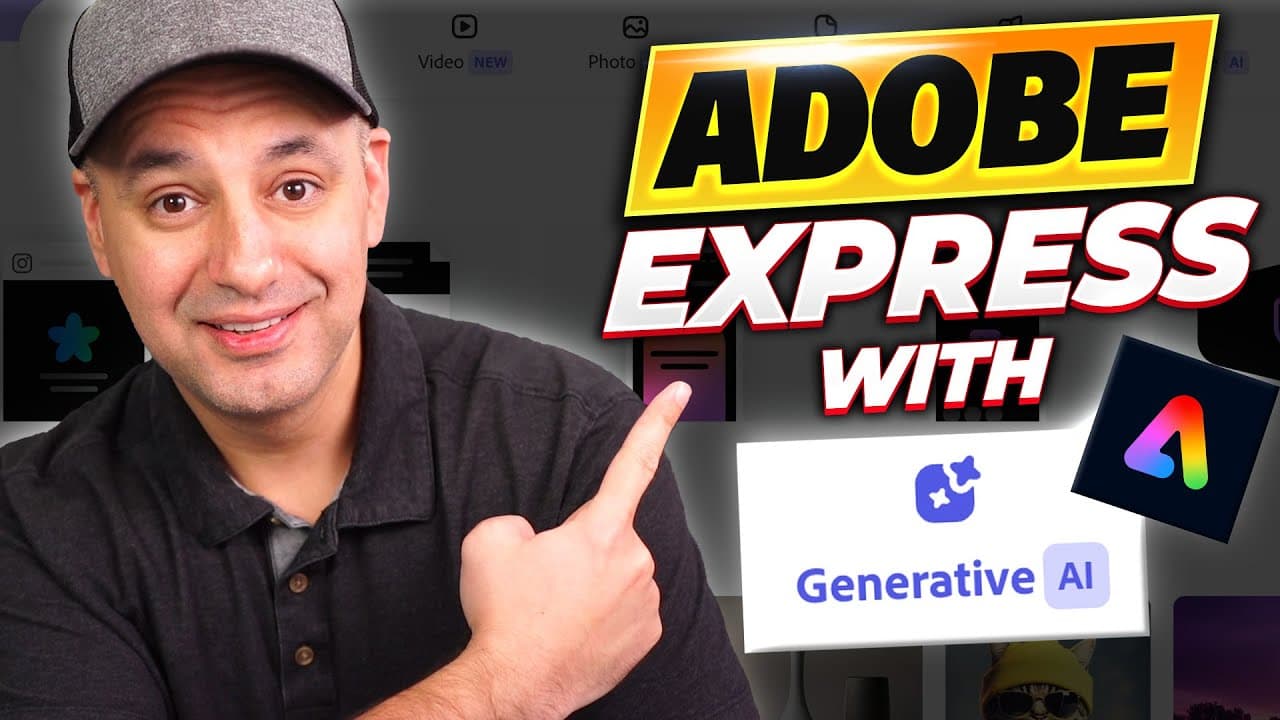
Adobe Express unveils new version with generative AI tools for free design creation online.
Transcript
Adobe Express just released a brand new version of their online design platform and it's a huge upgrade from the previous version and now it has generative AI built into it too so you could create images from text prompts and you could also create text effects and some other AI tools I'm going to show you in this video let me show you how to create... Read More
Key Insights
- 🤣 Adobe Express has rolled out an updated version with generative AI tools for image and text creation.
- 👤 Users can access the AI tools through different categories like social media posts and videos within the platform.
- 🥶 The platform offers a variety of free templates, AI elements, and editing features for comprehensive design creation.
- 👤 Users can utilize text-to-image AI generators and apply different styles for customized design content.
- 👻 Adobe Express allows users to upload their own media, such as photos and videos, for added personalization in design projects.
- 🎨 The platform's AI tools, background removal feature, and resizing options make design creation efficient and versatile.
- 🎨 Adobe Express is a comprehensive online design platform that eliminates the need for downloading software for design projects.
Install to Summarize YouTube Videos and Get Transcripts
Explore YouTube Video Summarizer or Get YouTube Transcript Extractor
Questions & Answers
Q: What new features does the latest version of Adobe Express offer?
The latest version of Adobe Express introduces generative AI tools for creating images from text prompts and applying text effects. Users can access these tools for free within the platform.
Q: How do users access and utilize the generative AI tools in Adobe Express?
Users can access the generative AI tools by describing something in the text-to-image AI generator and selecting different styles for the content. These tools allow for creativity and customization in design creation.
Q: Can users upload their own media, such as photos and videos, in Adobe Express?
Yes, users can upload their own media, including photos, videos, and audio, from their devices in Adobe Express. This feature enhances customization and personalization in design projects.
Q: What makes Adobe Express stand out as an online design platform?
Adobe Express stands out for its user-friendly interface, vast library of templates and elements, and the inclusion of generative AI tools for design creation, setting it apart from other online design platforms.
Summary & Key Takeaways
-
Adobe Express has released an upgraded version with generative AI tools for creating images and text effects.
-
Users can access the AI tools through the platform's categories like social media posts and videos.
-
The platform offers a plethora of free templates, AI elements, and editing features for easy design creation.
Read in Other Languages (beta)
Share This Summary 📚
Summarize YouTube Videos and Get Video Transcripts with 1-Click
Try YouTube Summary with ChatGPT & Claude or YouTube Transcript Generator
Explore More Summaries from Howfinity 📚

Summarize YouTube Videos and Get Video Transcripts with 1-Click
Try YouTube Summary with ChatGPT & Claude or YouTube Transcript Generator