How to Use Google Maps Street View for Virtual Exploration
TL;DR
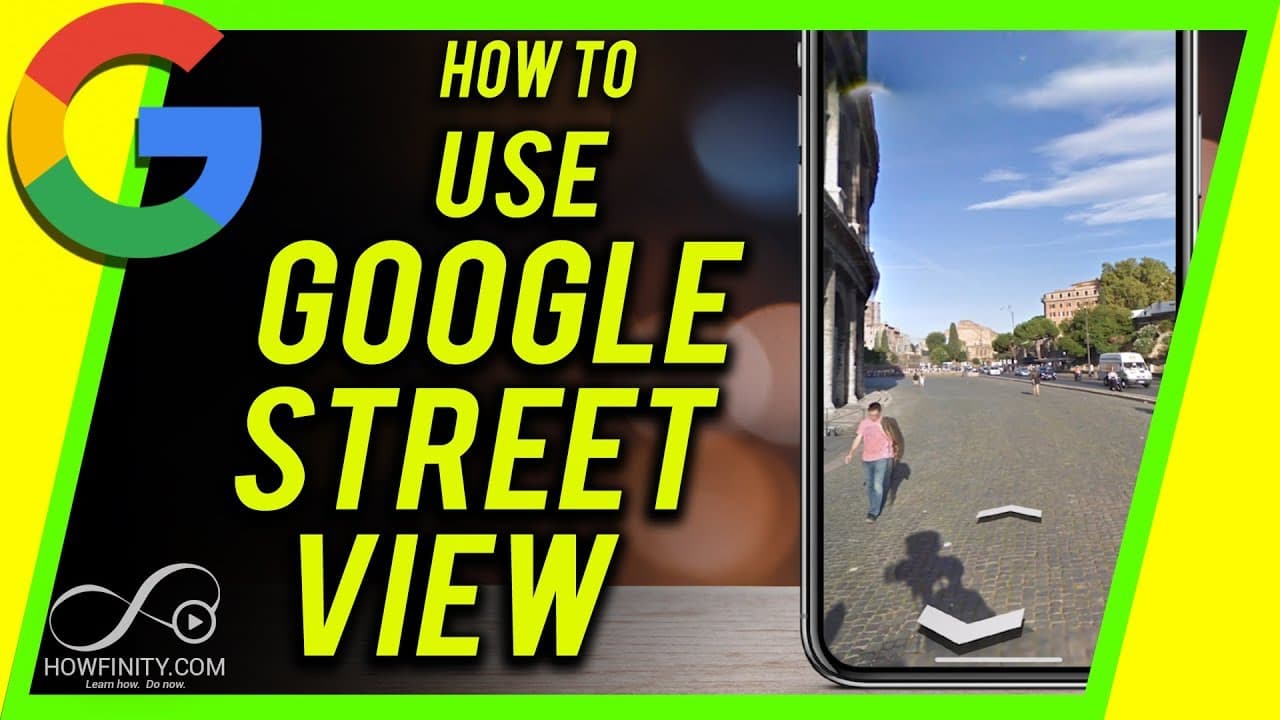
To use Google Maps Street View, search for a location on maps.google.com or in the app, then drag the yellow person icon onto a blue dot on desktop or select the Street View option from the pin on mobile. Navigate by zooming in and out, clicking to look around, and following arrows along the streets.
Transcript
everyone in this video I wanted to show you how to use Google Maps Street View so Street View lets you view anything from the streets and it's available for a lot of locations around the world I'll show you on the desktop so Mac or PC on the browser then I'll show you the mobile app it's a little bit different to access it on the mobile app so go a... Read More
Key Insights
- 🚗 Google Maps Street View is available on both desktop and mobile devices.
- 🫥 To access Street View on desktop, search for a location and drop the yellow person icon on a blue dot.
- 🚗 On mobile, search for a location, tap the red pin, and select the Street View option.
- 💘 In Street View, users can zoom in and out, look around by clicking and dragging, and follow arrows to navigate along streets and sidewalks.
Install to Summarize YouTube Videos and Get Transcripts
Explore YouTube Video Summarizer or Get YouTube Transcript Extractor
Questions & Answers
Q: How do you access Google Maps Street View on a desktop?
Open Google Maps or go to maps.google.com, search for a location, and click on the yellow person icon in the bottom right corner to access Street View.
Q: How do you navigate in Google Maps Street View on a desktop?
In Street View on desktop, use the zoom in and out buttons to adjust the view and click and drag to look around. To move to a different area, click on the map icon and drop the person on another blue dot.
Q: How do you access Google Maps Street View on a mobile device?
Open the Google Maps app on your mobile device, search for a location, and tap on the red pin. Then, select the Street View option on the bottom left.
Q: How do you navigate in Google Maps Street View on a mobile device?
In Street View on mobile, swipe left, right, up, and down to look around. Double tap to move along the street. If you see arrows, tap on them to follow a specific path.
Summary & Key Takeaways
-
Google Maps Street View allows users to view streets and locations from around the world.
-
On desktop, access Street View by searching for a location, clicking on the yellow person icon, and dropping it on a blue dot.
-
On mobile, search for a location, tap on the red pin, and select the Street View option to navigate the streets.
Read in Other Languages (beta)
Share This Summary 📚
Summarize YouTube Videos and Get Video Transcripts with 1-Click
Try YouTube Summary with ChatGPT & Claude or YouTube Transcript Generator
Explore More Summaries from Howfinity 📚






Summarize YouTube Videos and Get Video Transcripts with 1-Click
Try YouTube Summary with ChatGPT & Claude or YouTube Transcript Generator