How to Use Zoom Whiteboard
TL;DR
Learn how to utilize the whiteboard option in Zoom to share your screen and create digital drawings, shapes, and text during meetings.
Transcript
hey everyone in today's zoom video i want to show you how to use the whiteboard option inside of zoom so you could share your screen and then get a digital whiteboard that you could draw on and you could type on and create shapes ton of different options there i'm going to show you how to do that you could easily do it as a host of the meeting and ... Read More
Key Insights
- 👻 The whiteboard option in Zoom allows users to share their screen and make interactive drawings and annotations during meetings.
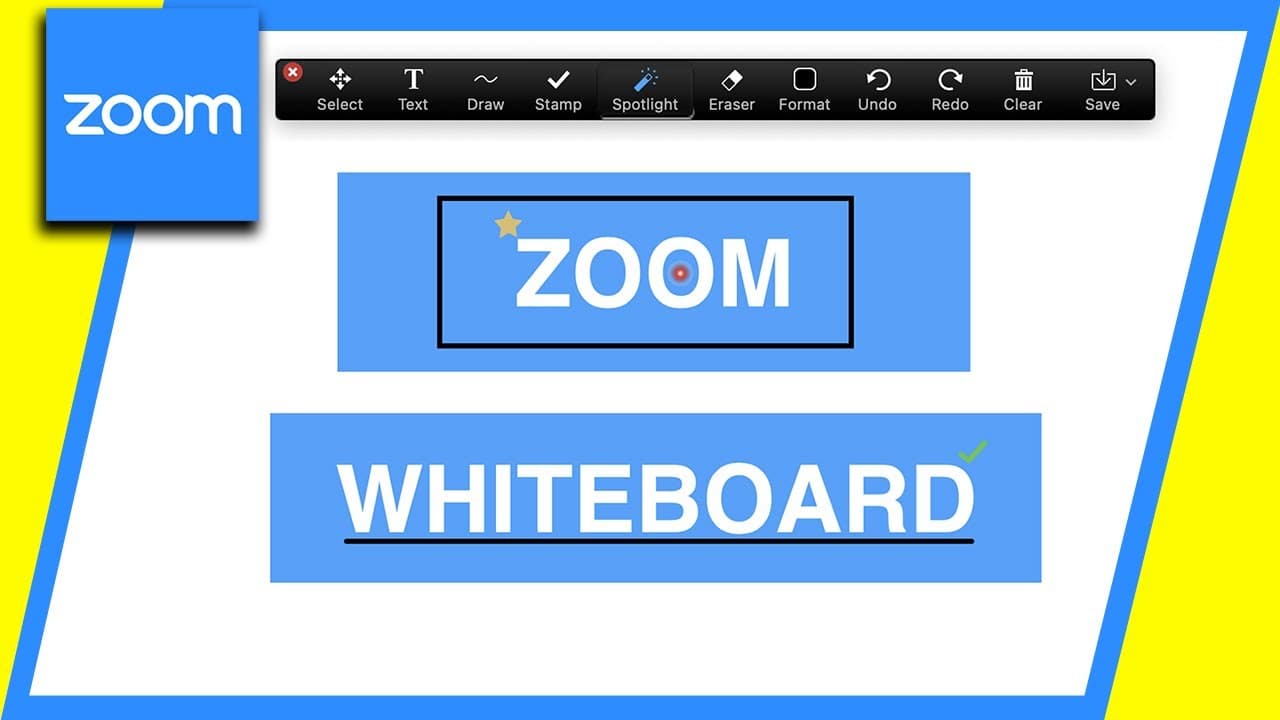
- 😒 Participants can use various tools like drawing, typing text, using shapes, spotlighting, erasing, selecting, and saving their drawings.
- 👻 The host needs to enable the advanced sharing option for participants to access the whiteboard feature.
Install to Summarize YouTube Videos and Get Transcripts
Explore YouTube Video Summarizer or Get YouTube Transcript Extractor
Questions & Answers
Q: Can participants use the whiteboard option in Zoom meetings?
Yes, participants can use the whiteboard option, but the host needs to enable the advanced sharing option for participants to access it.
Q: Can I save my drawings on the whiteboard?
Yes, you can save your drawings by pressing the "Save" button. The drawing will be saved as an image file (png) on your computer.
Q: Can I customize the formatting of the text on the whiteboard?
Yes, you can change the font color, size, and style (bold, italic, etc.) of the text on the whiteboard to suit your preferences.
Q: Can I move and rearrange elements on the whiteboard?
Yes, you can use the select tool on the whiteboard to individually select and move shapes, drawings, and text elements around.
Summary & Key Takeaways
-
The video demonstrates how to use the whiteboard option in Zoom to share your screen and enable participants to interact with it.
-
The host needs to enable the advanced sharing option for participants to share their screens and use the whiteboard feature.
-
The whiteboard option provides various tools such as drawing, typing text, using shapes, spotlighting, erasing, selecting, and saving drawings.
Read in Other Languages (beta)
Share This Summary 📚
Summarize YouTube Videos and Get Video Transcripts with 1-Click
Try YouTube Summary with ChatGPT & Claude or YouTube Transcript Generator
Explore More Summaries from Howfinity 📚






Summarize YouTube Videos and Get Video Transcripts with 1-Click
Try YouTube Summary with ChatGPT & Claude or YouTube Transcript Generator