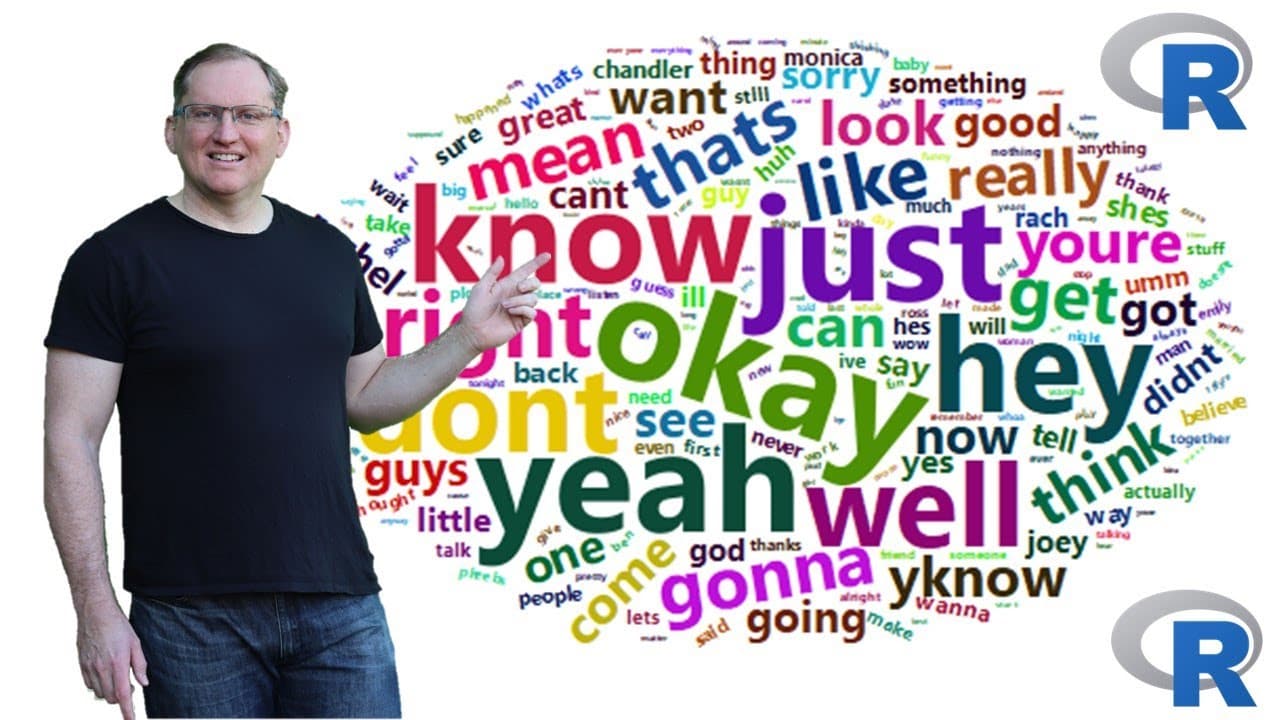
How to make a word cloud in R with the wordcloud2 package
TL;DR
Learn how to generate customizable word clouds using R's wordclouds 2 package.
Transcript
hi I'm Dr Lynden Walker I've been using R for 26 years I was taught to use R by Ross eaker who is one of the creators of R I make videos here on YouTube about R statistics AI research and sometimes some other random stuff please like And subscribe to keep updated on my latest videos today we are going to be looking at how to make word clouds in R s... Read More
Key Insights
- 😶🌫️ The wordclouds 2 package enhances word cloud creation with dynamic, interactive features, making data analysis visually engaging.
- 🤩 Customization options for word clouds include adjusting rotation, color schemes, and using different shapes like stars and circles for more creative presentations.
- ❓ Processing text data demands filtering and structuring steps, starting with creating a corpus and cleaning text to ensure meaningful frequency analysis.
- 🚚 Effective text data management in R can significantly influence the quality of insights delivered through visualizations like word clouds.
- 😶🌫️ Adjusting visual output settings, such as color and shape, can transform the usability of word clouds for different audiences and formats, improving presentation effectiveness.
- 👤 Encountering bugs in R packages should be approached with a flexible mindset, and users are encouraged to experiment with functions despite potential challenges.
- 😶🌫️ Generating word clouds from popular text datasets, like the "Friends" transcripts, can yield interesting insights into language usage patterns and character dialogue.
Install to Summarize YouTube Videos and Get Transcripts
Explore YouTube Video Summarizer or Get YouTube Transcript Extractor
Questions & Answers
Q: What are the primary features of the wordclouds 2 package compared to the standard word cloud package?
The wordclouds 2 package offers additional functionality over the standard word cloud package, such as dynamic HTML interactivity that allows users to hover over words to see their frequencies, enhancing the data visualization's interactivity and user engagement. Although it can be buggy, it provides a richer experience for users looking to create detailed word clouds.
Q: How can users customize the appearance of their word clouds in R?
Users can customize word cloud appearance by adjusting color schemes, backgrounds, rotations, and shapes. For example, setting a black background with random light colors or configuring the rotation angles allows for varied presentation styles. The shape of the word cloud can also be altered to fit designs like stars or circles, offering personalized visual outputs to cater to different contexts.
Q: What are the steps involved in processing unstructured text data for word clouds?
To process unstructured text data, users should first load the text data into R and filter it for relevant content, such as dialogue from a specific character. Next, a corpus is created to systematically handle the text, followed by cleaning steps that remove punctuation, stop words, and convert all text to lowercase, preparing the data for accurate frequency analysis suitable for word cloud creation.
Q: Why is it important to remove common stop words when generating word clouds?
Removing common stop words, like "the," "and," or "is," is crucial as these words often do not carry meaningful information to the analysis. Including them can clutter the word cloud and obscure significant insights. This enhances the quality of the word cloud, making it clearer and more reflective of the unique language or themes present in the text being analyzed.
Q: What coding considerations should be kept in mind when exporting word clouds created in R?
Exporting word clouds involves using specific packages like webshot or HTML widgets to save the output in desired formats (e.g., PNG, PDF, HTML). Users need to ensure these packages are installed and used correctly in the R environment to facilitate a smooth export process without errors while retaining the interactivity of the visualizations when appropriate.
Summary & Key Takeaways
-
Dr. Lynden Walker, an R expert, introduces how to create word clouds using the wordclouds 2 package, providing detailed instructions and coding examples.
-
The tutorial includes dynamic visual options for word clouds, like color schemes and word orientations, enhancing presentation quality with user interaction.
-
Walkthrough of processing text data, using transcripts from the TV show "Friends," demonstrates extracting word counts to visualize common phrases, while addressing common coding challenges.
Read in Other Languages (beta)
Share This Summary 📚
Summarize YouTube Videos and Get Video Transcripts with 1-Click
Try YouTube Summary with ChatGPT & Claude or YouTube Transcript Generator
Explore More Summaries from Dr Lyndon Walker 📚





Summarize YouTube Videos and Get Video Transcripts with 1-Click
Try YouTube Summary with ChatGPT & Claude or YouTube Transcript Generator