How Does Microsoft Copilot Enhance Windows 11 Productivity?
TL;DR
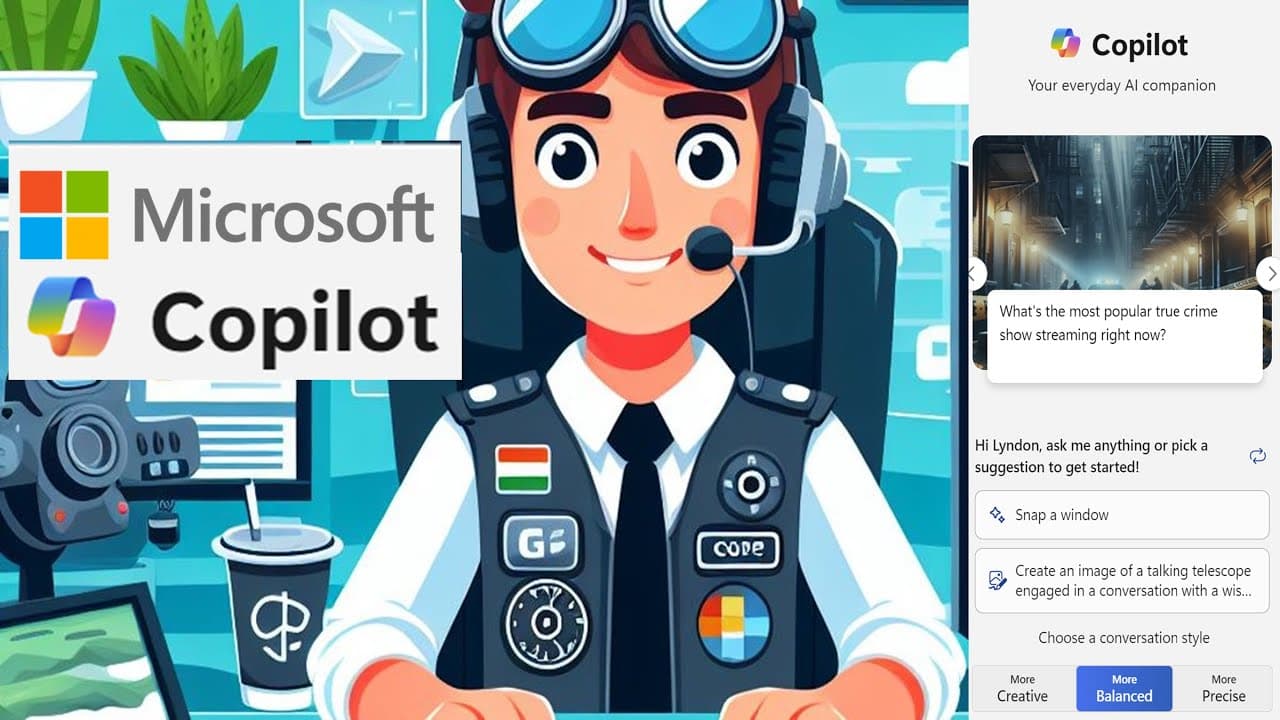
Microsoft Copilot integrates AI into Windows 11 to enhance productivity by performing tasks like writing code, managing system settings, and brainstorming ideas. While it currently has limitations in file management for privacy reasons, it offers a more convenient experience than traditional browser-based AI, and future updates may expand its capabilities.
Transcript
hi friends welcome back to the channel depending on where you are you may have noticed this week in Windows 11 and I believe Windows 10 as well this little icon down next to your search bar got blue and pink thing that says pre so this is a preview of Microsoft co-pilot they're rolling it out so you may or may not have it already some people I know... Read More
Key Insights
- 👤 Microsoft Co-Pilot serves as a productivity-enhancing AI feature, integrated into Windows 11 and enhancing user task management.
- 👨💻 The assistant can manage system settings, write code, and brainstorm ideas, making it a versatile tool for users.
- 👤 Co-Pilot's limitations with file management stem from privacy concerns, reflecting Microsoft's cautious approach to user data security.
- 👻 Users appreciate the convenience of Co-Pilot over traditional browser-based AI, allowing quicker access to assistance without switching applications.
- 🐕🦺 The introduction of Co-Pilot is part of Microsoft’s broader initiative to incorporate AI into more of its applications and services.
- 📁 Future updates to Co-Pilot may include expanding its functionality beyond basic commands to improve interaction depth with files and applications.
- 🥶 Microsoft's phased rollout of Co-Pilot hints at a strategy to refine the tool based on initial user feedback and performance metrics.
Install to Summarize YouTube Videos and Get Transcripts
Explore YouTube Video Summarizer or Get YouTube Transcript Extractor
Questions & Answers
Q: What is Microsoft Co-Pilot, and how does it work?
Microsoft Co-Pilot is an AI assistant integrated into Windows 11 and Windows 10 that allows users to perform tasks by typing or using voice commands. It is designed to streamline interactions with the operating system, enabling users to change settings, execute commands, and brainstorm ideas without needing a separate browser window.
Q: Can Co-Pilot open existing files, and why can't it?
Currently, Co-Pilot can only create new Microsoft files, such as Word or PowerPoint documents, but it cannot open existing files. This limitation is mainly due to privacy and security concerns, as Microsoft is cautious about allowing AI to access potentially sensitive user data stored in existing files.
Q: How does Co-Pilot improve coding tasks?
Co-Pilot assists with coding by allowing users to request code snippets or edits directly through its interface. It provides code examples, explanations, and can even show references, thus acting as a convenient coding companion. This integration saves time compared to switching between different applications.
Q: What are some of the limitations of Co-Pilot in its current stage?
While Co-Pilot can assist with numerous tasks, its major limitations include its inability to open existing files, potential inaccuracies in claiming to save created documents, and the reliance on basic interactions initially, restricting its capability to more complex operations or extensive file management.
Q: How does the installation of Co-Pilot vary by location?
The rollout of Co-Pilot is staggered, meaning that some users may have access to the feature while others are still awaiting its availability based on their geographical location. This phased approach aims to manage demand and ensure stability during the introduction of the new tool.
Q: In what other Microsoft applications might we see AI integration?
Aside from Co-Pilot, Microsoft is integrating AI features into various products like Paint, which now includes a background removal tool, and the Photos app with image generation functionalities. This trend indicates a growing commitment to enhancing user experience with AI across the Microsoft product ecosystem.
Summary & Key Takeaways
-
Microsoft has rolled out the Co-Pilot feature for Windows 11 and Windows 10, providing an AI assistant that operates similarly to Bing AI but integrated into the OS environment.
-
The Co-Pilot can perform various tasks like writing code, changing system settings, and brainstorming ideas, although currently it has limitations on opening existing files due to privacy concerns.
-
Future iterations may include more capabilities as Microsoft expands AI functionalities across its products, improving user experience and system interaction.
Read in Other Languages (beta)
Share This Summary 📚
Summarize YouTube Videos and Get Video Transcripts with 1-Click
Try YouTube Summary with ChatGPT & Claude or YouTube Transcript Generator
Explore More Summaries from Dr Lyndon Walker 📚





Summarize YouTube Videos and Get Video Transcripts with 1-Click
Try YouTube Summary with ChatGPT & Claude or YouTube Transcript Generator