How to Create Stunning Cinematic AI Photos with Midjourney
TL;DR
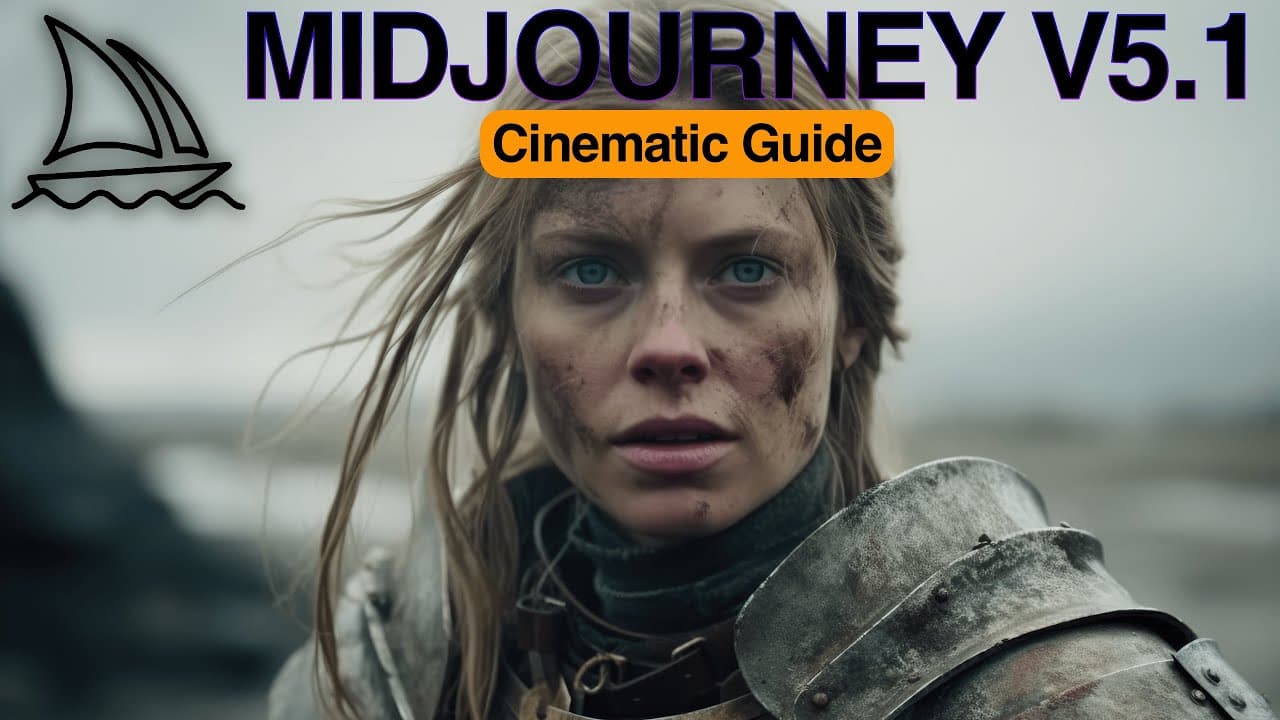
To create stunning cinematic AI photos using Midjourney, focus on using specific prompt structures that include shot types, camera names, and visual styles. Incorporate elements like composition, lighting, and emotional keywords to enhance the cinematic effect. Tools like Layer Picks and OnCrop can further assist in creating parallax effects and resizing images effectively.
Transcript
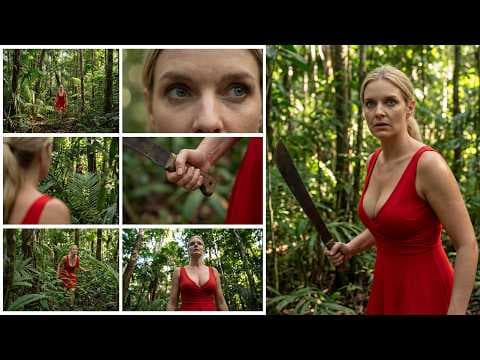
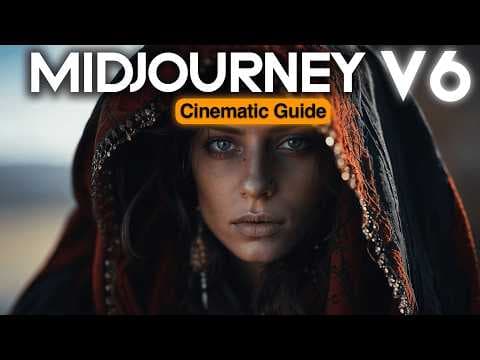
in this video I'm bringing you The Ultimate Guide to create stunning ultra realistic cinematic AI photos using mid-journey in minutes we will unlock the doors of a new storytelling utilizing the ultimate prompt structure that I've developed after long hours of testing different keyword combinations you will Master everything related with cinematic ... Read More
Key Insights
- 📷 Mid-Journey can interpret images as cinematic photos by using specific prompt structures and keywords.
- 📷 Shot types, cameras, and visual styles play a crucial role in achieving a cinematic look in AI photos.
- 📷 Incorporating historical elements and renowned filmmakers' styles can add depth and atmosphere to the AI photos.
- 🎑 Action scenes, motion blur, and lighting techniques are essential for creating cinematic and dynamic effects.
- 😑 Emotions can be injected into the photos by incorporating them into expressions or the overall scene.
- 🔨 Tools like Layer Picks and OnCrop can help to create parallax effects and enlarge/fill images without using Photoshop.
Install to Summarize YouTube Videos and Get Transcripts
Explore YouTube Video Summarizer or Get YouTube Transcript Extractor
Questions & Answers
Q: How can Mid-Journey interpret images as cinematic photos?
By using prompts with keywords like "cinema" and describing the scene or subject, Mid-Journey can interpret the image as a cinematic photo taken from an actual movie scene.
Q: What are some recommended prompt structures for cinematic AI photography?
The basic prompt structure includes keywords like "ultra-realistic film grain," "cinematic color grading," and "dramatic lighting" to set the cinematic mode for the photos. The advanced prompt structure incorporates shot types, camera names, cinematic features, genre, year, emotion, and lighting to achieve a transformative cinematic design.
Q: How can historical elements be incorporated into cinematic AI photos?
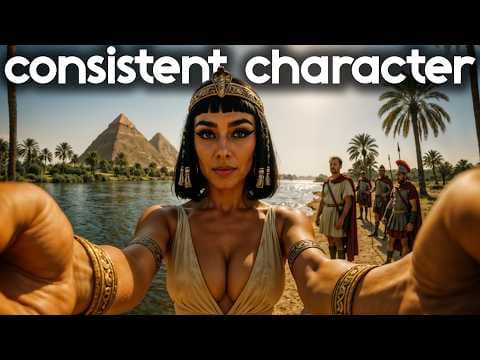
By using keywords like "cinematic scene," "fictional historical drama," and "costume design," historical period films can be created, providing a unique cinematic look. Adding a production year to the prompt can also create a retro look.
Q: How can Mid-Journey help in creating new cinematic universes for movies?
By starting the prompt with a specific movie title or director's name, Mid-Journey can construct a cinematic universe according to the creative vision for the genre and production year specified, allowing users to create fictional movies that have never been written or produced.
Summary & Key Takeaways
-
This video provides a step-by-step guide on how to create cinematic AI photos using Mid-Journey, including prompt structures, shot types, cameras, visual styles, and creating cinematic universes.
-
It explores different elements such as composition, lighting, motion, emotions, and parallax effects to enhance the cinematic look of the photos.
-
The video also provides recommendations on using historical elements, filmmakers' styles, and action scenes to add depth and realism to the AI photos.
Read in Other Languages (beta)
Share This Summary 📚
Summarize YouTube Videos and Get Video Transcripts with 1-Click
Try YouTube Summary with ChatGPT & Claude or YouTube Transcript Generator
Explore More Summaries from Cyberjungle 📚
Summarize YouTube Videos and Get Video Transcripts with 1-Click
Try YouTube Summary with ChatGPT & Claude or YouTube Transcript Generator