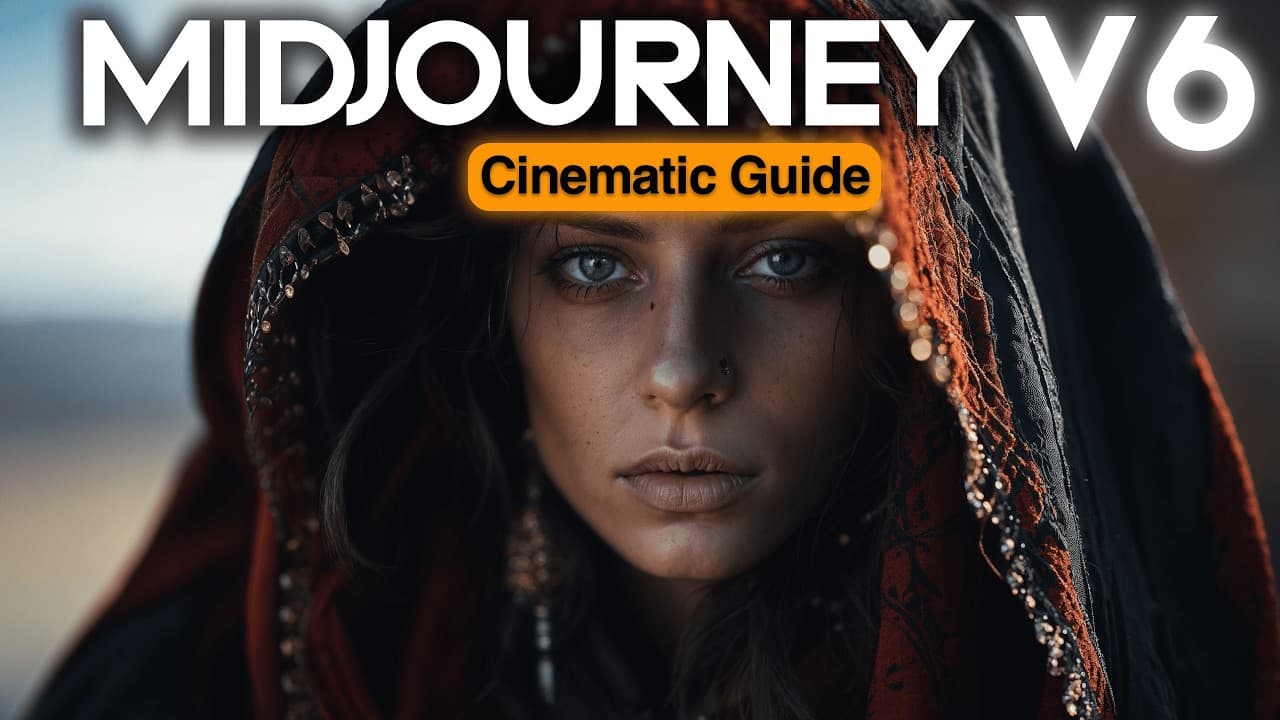
How to Create Realistic AI Photos with Midjourney V6
TL;DR
To create realistic AI photos using Midjourney V6, utilize its enhanced natural language understanding by structuring prompts in three levels: organism, molecules, and atoms. This allows for improved details, photorealism, and customization across various photography types, emotions, and styles, ultimately resulting in more lifelike and engaging images.
Transcript
in this video I'm bringing you the most complete guide to create stunning photorealistic cinematic AI photos with recently launched mid Journey version 6 their most advanced model you will find a detailed look at the differences between mid Journey V6 and 52 what's new what's improved and how it impacts your AI photography we will unlock the doors ... Read More
Key Insights
- 🛀 Mid Journey V6 shows significant improvements in natural language understanding, coherence, photo realism, accuracy of details, and image prompting compared to V5.
- 👻 Structuring prompts using the three levels (organism, molecules, and atoms) allows for precise control and definition of AI artwork.
- 🙂 Various photography types, lighting techniques, motion keywords, and fashion prompts can be used to enhance and customize AI photos created with Mid Journey V6.
- 🤗 Emotions, facial expressions, hand gestures, and text can be incorporated into AI photos to add depth and storytelling elements.
Install to Summarize YouTube Videos and Get Transcripts
Explore YouTube Video Summarizer or Get YouTube Transcript Extractor
Questions & Answers
Q: What are the main improvements of Mid Journey V6 compared to V5?
Mid Journey V6 shows significant improvements in natural language understanding, coherence, photo realism, accuracy of details, and image prompting. It understands prompts with multiple characters, nuance in descriptions, and unorthodox or challenging semantics better than V5.
Q: How can I improve the photorealism of the AI photos created with Mid Journey V6?
To maximize photorealism, use prompts that focus on lighting, weather conditions, and specific camera angles. Avoid using junk words and include secondary level details like shot type, film stock, camera, and emotion to enhance the realism of the image.
Q: How can I control the lighting in my AI photos with Mid Journey V6?
Mid Journey V6 allows for specific control over lighting by describing natural light sources (time of day, weather conditions) and artificial lighting sources (medium lights, candlelight, neon light). You can also experiment with different directional lighting techniques (lowkey lighting, highkey lighting, split lighting) to create the desired mood and aesthetics.
Q: Can I incorporate fashion and style into my AI photos with Mid Journey V6?
Yes, you can describe specific garments, fashion styles, brands, colors, materials, and designers to create fashionable AI photos. Mid Journey V6 understands fashion prompts better than V5, allowing for more precise rendering of outfits and styles.
Summary & Key Takeaways
-
The video provides a detailed comparison between Mid Journey V6 and V5, highlighting the improvements in natural language understanding, coherence, photo realism, accuracy of details, and image prompting.
-
Various challenges and prompts are presented to test the capabilities of Mid Journey V6, including natural language understanding, semantics, unorthodox semantics, and long-word CL clusters.
-
The video explains how to structure prompts using the three levels (organism, molecules, and atoms) to fully define the desired artwork, and provides examples for different photography types, lighting, motion, fashion, materials, expressions, emotion, and text.
Read in Other Languages (beta)
Share This Summary 📚
Summarize YouTube Videos and Get Video Transcripts with 1-Click
Try YouTube Summary with ChatGPT & Claude or YouTube Transcript Generator
Explore More Summaries from Cyberjungle 📚
Summarize YouTube Videos and Get Video Transcripts with 1-Click
Try YouTube Summary with ChatGPT & Claude or YouTube Transcript Generator