How to Use Midjourney's Stylized Parameter Effectively?
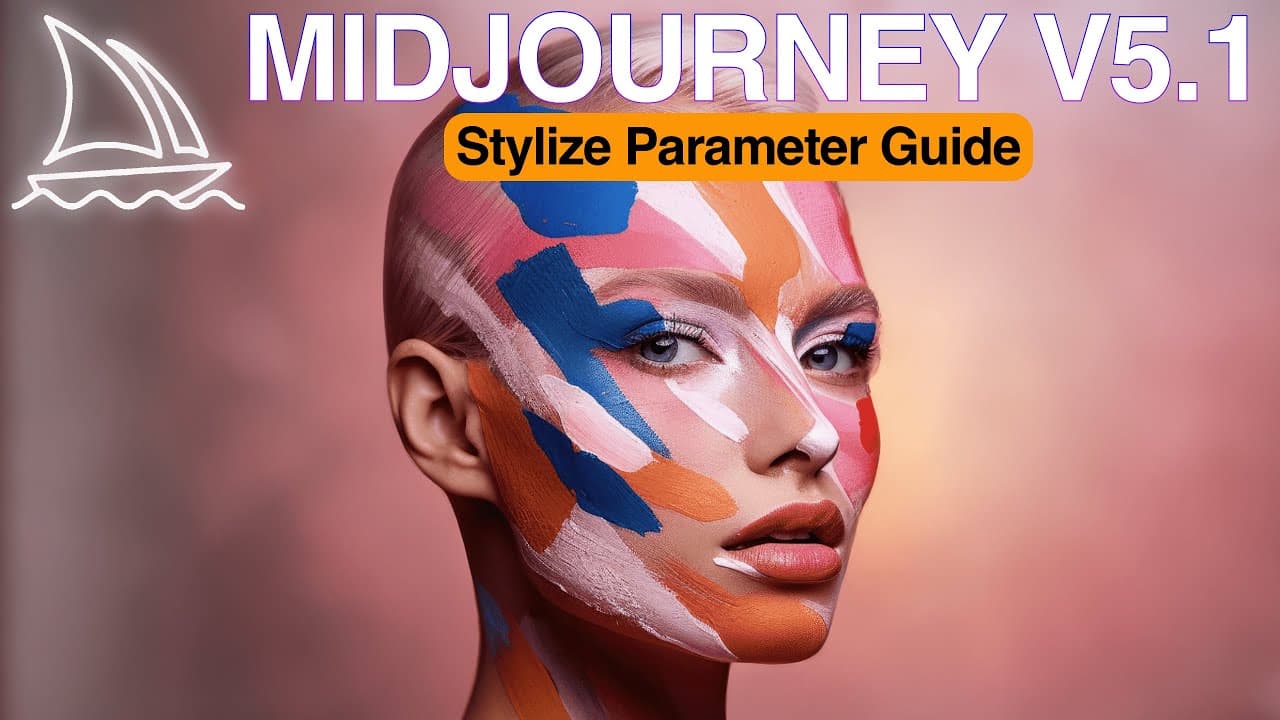
TL;DR
The stylized parameter in Midjourney V5.1 enhances AI-generated images by adding detail and finesse based on prompt semantics. Its influence increases with longer prompts, allowing users to achieve more controlled and rich compositions.
Transcript
many people reached out to me to ask about how to use stylized parameter it seems there is some confusion about it in this video we'll Deep dive into the stylized parameter to better understand when and how to use it for ultra realistic AI photography and we will try running some prompt studies to keep things empirical and scientific at the end of ... Read More
Key Insights
- 🔍 The stylized parameter in mid-journey v51 allows for fine-tuning and more controllable results in generating AI photography.
- 🌌 The stylized parameter does not strictly change the style of the output image, but rather adds more detail and finesse to the image.
- 📷 The value of the stylized parameter influences the amount of detail added to the image, with higher values adding more details.
- 🌈 Increasing the stylized value in the prompt leads to the model adding more elements related to the keywords mentioned, making the composition more dense.
- 🖌️ Stylized parameter impact is more visible in long prompts, similar to the impact of the style raw parameter.
- 📝 Style raw parameter gives full creative direction, while stylized parameter adjusts the application of default mid-journey aesthetics to the image.
- 🌟 The stylized parameter in mid-journey v51 allows for more predictable and precise generation of images, resulting in controllable outcomes.
- 🎨 Experimenting with the stylized parameter is recommended, especially when working with long and detailed prompts in AI photography.
Install to Summarize YouTube Videos and Get Transcripts
Explore YouTube Video Summarizer or Get YouTube Transcript Extractor
Questions & Answers
Q: What does the stylized parameter actually do to AI-generated images?
The stylized parameter adds more detail and finesse to AI-generated images, enhancing the composition with more elements related to the semantics discovered in the prompt.
Q: How does the impact of the stylized value change with longer prompts?
With longer prompts, the stylized value has a more visible impact, adding more elements related to the semantics discovered in the prompt and creating a denser composition.
Q: What is the difference between the stylized parameter and the style raw parameter?
The style raw parameter allows full control over the creative direction and styles applied, while the stylized parameter adjusts how much of the default mid-journey aesthetics will be applied to the image.
Q: When should the stylized parameter be used?
The stylized parameter is recommended for use in long and richly detailed prompts, as it allows for fine-tuning and more controllable results in AI-generated images.
Q: How can the stylized parameter be adjusted?
The stylized parameter can be set with values ranging from 0 to 1000, with the default value being 100. It can be added to commands with "stylize" or "as" and can also be set as a default setting in the Discord bot.
Q: What is the optimal way to use the stylized parameter?
The optimal way to use the stylized parameter depends on your preference and prompt length. If you want strict control over creative direction, use style raw. If you want default mid-journey aesthetics, adjust the stylized parameter to determine the strength of its application.
Q: How does the stylized parameter compare to style raw in terms of controlling aesthetics?
The stylized parameter in mid-journey v51 provides more predictability and precision in controlling the aesthetics of AI-generated images compared to the style raw parameter. It allows for fine-tuning and producing more controllable results.
Summary & Key Takeaways
-
The stylized parameter in mid-journey v51 influences the application of the default aesthetic style to AI-generated images.
-
The parameter adds detail and finesse to the image rather than strictly changing the style.
-
The impact of the stylized value becomes more pronounced with longer, richer prompts, allowing for more control over the composition.
Questions:
Q: What does the stylized parameter actually do to AI-generated images?
The stylized parameter adds more detail and finesse to AI-generated images, enhancing the composition with more elements related to the semantics discovered in the prompt.
Read in Other Languages (beta)
Share This Summary 📚
Summarize YouTube Videos and Get Video Transcripts with 1-Click
Try YouTube Summary with ChatGPT & Claude or YouTube Transcript Generator
Explore More Summaries from Cyberjungle 📚
Summarize YouTube Videos and Get Video Transcripts with 1-Click
Try YouTube Summary with ChatGPT & Claude or YouTube Transcript Generator