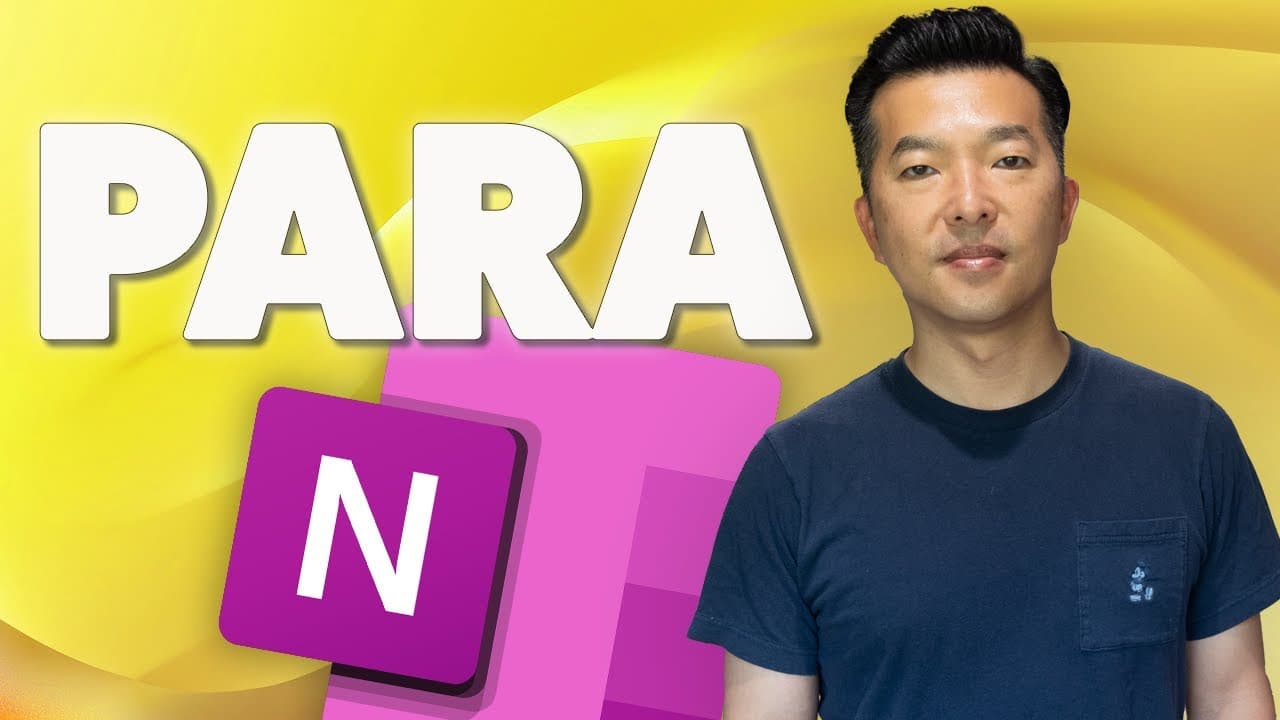
How to Setup PARA in OneNote: Organize Your Life Like a Pro!
TL;DR
Learn to organize life using PARA method in OneNote.
Transcript
in this video I'll share with you how I set up the perra structure in one note for those of you who are not familiar with perah it's a personal Knowledge Management framework that Thiago Forte developed as part of his building a second brain in the past year I've tried out all kinds of productivity tools and techniques but i... Read More
Key Insights
- The PARA method, developed by Tiago Forte, is a framework for personal knowledge management, focusing on Projects, Areas, Resources, and Archives.
- Projects are temporary, deadline-driven tasks with multiple steps, such as planning a vacation or building a website.
- Areas cover ongoing responsibilities like health, career, and family, requiring consistent maintenance.
- Resources consist of useful references or interests, acting as a personal curated internet, including tips and templates.
- Archives store inactive notes and documents, keeping active notebooks clutter-free while preserving information for future use.
- OneNote's structure is well-suited for implementing PARA, allowing for separate notebooks or section groups for each component.
- Customizing notebooks with color-coding and icons enhances clarity and helps differentiate between work and personal notes.
- PARA's flexibility allows for easy movement of notes and sections, adapting to evolving needs without starting from scratch.
Install to Summarize YouTube Videos and Get Transcripts
Explore YouTube Video Summarizer or Get YouTube Transcript Extractor
Questions & Answers
Q: What is the PARA method?
The PARA method, created by Tiago Forte, is a personal knowledge management framework that stands for Projects, Areas, Resources, and Archives. It helps organize tasks, responsibilities, and interests, making information more accessible and manageable.
Q: How does the PARA method categorize tasks?
The PARA method categorizes tasks into four components: Projects, which are temporary and deadline-driven; Areas, which are ongoing responsibilities; Resources, which are useful references; and Archives, which store inactive notes and documents.
Q: Why is OneNote suitable for the PARA method?
OneNote's straightforward organization makes it well-suited for the PARA method. It allows for separate notebooks or section groups for each PARA component, facilitating easy navigation and management of information.
Q: How can customization enhance the PARA setup in OneNote?
Customization, such as color-coding notebooks and using icons, enhances clarity in the PARA setup. It helps differentiate between work and personal notes, making navigation easier and more intuitive.
Q: What is the role of Archives in the PARA method?
Archives in the PARA method store inactive notes and documents, keeping active notebooks clutter-free. They preserve information that might be needed later, allowing for easy retrieval without cluttering current projects.
Q: How does the PARA method handle evolving needs?
The PARA method's flexibility allows for easy movement of notes and sections based on evolving needs. Notes can be shifted between active and archive sections as projects start or halt, avoiding the need to start from scratch.
Q: What are some examples of Projects in the PARA method?
Examples of Projects in the PARA method include developing a new business process, building a website, conducting market research, planning a vacation, or organizing a wedding, all of which are temporary and deadline-driven.
Q: What distinguishes Areas from Resources in the PARA method?
Areas in the PARA method are personal responsibilities that require ongoing maintenance, like health and finances. In contrast, Resources are useful references or interests, like video editing tips, which can be shared with others and are not immediately actionable.
Summary & Key Takeaways
-
The video introduces the PARA method by Tiago Forte, a personal knowledge management framework, and demonstrates how to set it up in OneNote for better organization.
-
Viewers learn to categorize their tasks, responsibilities, and interests into Projects, Areas, Resources, and Archives, optimizing their productivity and information management.
-
Customization tips like color-coding and using icons are shared to enhance navigation, with real-life examples illustrating the benefits of the PARA system.
Read in Other Languages (beta)
Share This Summary 📚
Summarize YouTube Videos and Get Video Transcripts with 1-Click
Try YouTube Summary with ChatGPT & Claude or YouTube Transcript Generator
Explore More Summaries from Andy Park 📚
Summarize YouTube Videos and Get Video Transcripts with 1-Click
Try YouTube Summary with ChatGPT & Claude or YouTube Transcript Generator