How to Launch a Book on Kindle Direct Publishing (KDP) Amazon Platform
TL;DR
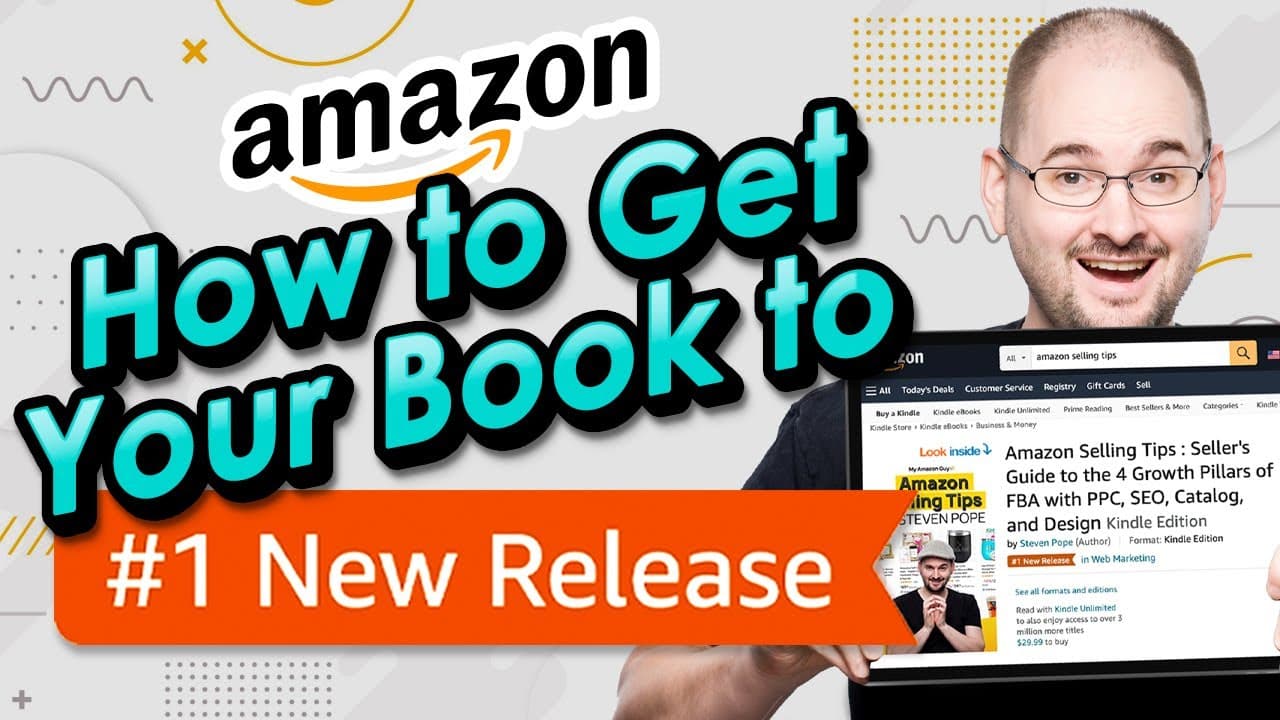
Learn how to publish your book on Kindle and Amazon, including tips on launching, generating sales, and optimizing for SEO.
Transcript
if you're a writer or an author this is the video for you you're trying to get a book published onto Kindle or the Amazon platform digital or physically my name is Stephen Pope I'm the founder of my Amazon guy and in this video I'm going to walk you through how to load into the Kindle publishing platform so this is uh Kindle Direct publishing in he... Read More
Key Insights
- 📔 Giving away your Kindle book for free during the launch period can boost sales and improve your book's ranking on Amazon.
- 👨🔬 Optimizing your book's title and description with relevant keywords is crucial for improving discoverability and search ranking.
- 🤗 Trademarking your author name can provide brand protection and open up opportunities for enhanced brand content and author pages on Amazon.
- 👣 Using the print-on-demand service for physical books can be convenient and cost-effective.
- 📔 Parity pricing and expanding distribution to multiple territories can increase accessibility and sales potential for your book.
- ✋ Taking high-quality photos of your book as a specimen is important when applying for trademark registration.
- 📔 Investing in courses or tutorials can provide valuable insights and strategies for maximizing sales and optimizing your book's performance on Amazon.
Install to Summarize YouTube Videos and Get Transcripts
Explore YouTube Video Summarizer or Get YouTube Transcript Extractor
Questions & Answers
Q: Why should I give away my Kindle book for free during the launch period?
Giving away your Kindle book for free during the launch period helps increase visibility, generate sales, and improve your book's ranking on Amazon. It creates a snowball effect by boosting your book's velocity and attracting more readers.
Q: Can I change the title of my book after it's published?
No, the title of your book cannot be changed after it's published on Amazon. It's important to choose a title that is compelling and optimized for SEO from the beginning.
Q: How can I improve the description of my book to attract more readers?
To make your book description more appealing, provide a detailed summary of the content and explain how it can benefit readers. Adding keywords related to the book's genre or topic can also help improve its discoverability on Amazon.
Q: Should I trademark my author name?
Trademarking your author name is highly recommended, especially if you plan to write more books or build a brand around your name. It offers protection and allows you to establish an author page and branded storefront on Amazon.
Summary & Key Takeaways
-
The video provides a step-by-step guide on how to publish your book on Kindle and Amazon, including creating an account, uploading content, and setting up pricing and distribution.
-
The speaker recommends giving away the Kindle version of your book for free during the launch period to increase visibility and generate sales.
-
It is advised to optimize your book's title and description with relevant keywords to improve its search ranking on Amazon.
Read in Other Languages (beta)
Share This Summary 📚
Summarize YouTube Videos and Get Video Transcripts with 1-Click
Try YouTube Summary with ChatGPT & Claude or YouTube Transcript Generator
Explore More Summaries from My Amazon Guy 📚




![Amazon SEO [Complete 2022 Guide] - New Search Query SEO Phase 4 - Keyword Ranking Optimization thumbnail](/_next/image?url=https%3A%2F%2Fi.ytimg.com%2Fvi%2F-Dc-ufvTHVg%2Fhqdefault.jpg&w=750&q=75)

Summarize YouTube Videos and Get Video Transcripts with 1-Click
Try YouTube Summary with ChatGPT & Claude or YouTube Transcript Generator