Connect your Agentive Agent to Discord
TL;DR
Guide to connecting Agentive bot to Discord channels.
Transcript
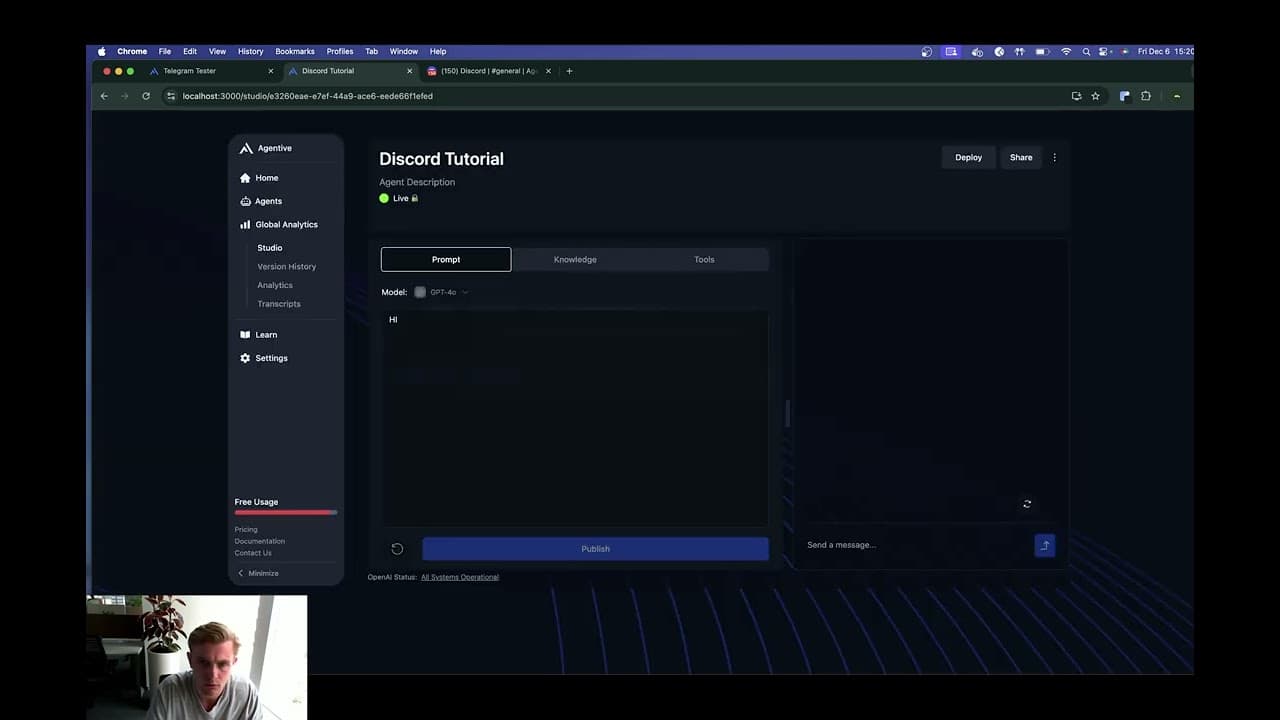
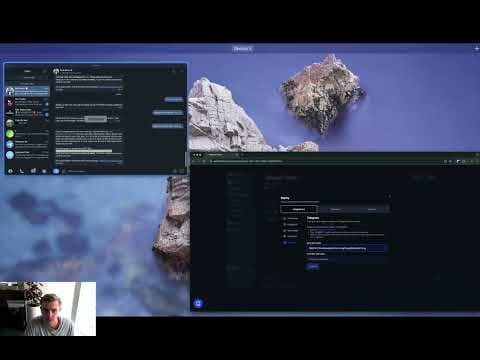
e click there success you can close that then if I go to Discord here you can see agentive has been added to my server um and then I want to come here and we've got this note here we've realized if you copy this entire thing it doesn't actually work you have to manually tag the agentive bot so we recommend copying this part ... Read More
Key Insights
- The integration process involves copying a specific token generated in earlier steps to connect the Agentive bot to a Discord server.
- Users need to manually tag the Agentive bot in Discord for it to function correctly, as copying the entire command may not work.
- Once the bot is added to a channel, it automatically gains context of the previous 100 messages, enabling it to summarize notes and discussions.
- The bot can be added to multiple channels, including private ones, but does not support voice channels or direct messages.
- To disconnect the Agentive bot from a channel, users must type 'agentive disconnect' in the respective channel.
- This setup is a one-time process per channel, and the bot will automatically integrate into additional channels if the setup is followed.
- The functionality of the Agentive bot is limited to text-based interactions within channels, excluding voice and direct message communication.
- The integration aims to streamline communication and enhance productivity by summarizing discussions and managing information within Discord channels.
Install to Summarize YouTube Videos and Get Transcripts
Explore YouTube Video Summarizer or Get YouTube Transcript Extractor
Questions & Answers
Q: How do you connect the Agentive bot to a Discord server?
To connect the Agentive bot to a Discord server, you need to use a token generated in previous steps. This token is copied and manually tagged in Discord to ensure the bot functions correctly. It is important not to copy the entire command but rather the specific part that involves tagging the bot.
Q: What are the capabilities of the Agentive bot once integrated with Discord?
Once integrated, the Agentive bot can access the context of the last 100 messages in a channel. This allows it to summarize notes and discussions, enhancing communication and productivity within the platform. However, it is limited to text-based interactions and does not support voice channels or direct messages.
Q: Can the Agentive bot be used in voice channels or direct messages?
No, the Agentive bot is not designed to function in voice channels or direct messages. Its capabilities are limited to text-based interactions within Discord channels. The developers have not set it up for one-on-one mode or voice communication, focusing instead on managing text-based information.
Q: Is the setup process for the Agentive bot a one-time requirement?
Yes, the setup process for the Agentive bot is a one-time requirement per channel. Once the bot is added and properly tagged in a channel, it automatically integrates and functions without needing repeated setups. However, if additional channels are added, the setup process must be followed for each new channel.
Q: How can users disconnect the Agentive bot from a Discord channel?
To disconnect the Agentive bot from a Discord channel, users need to type 'agentive disconnect' in the respective channel. This command will remove the bot's integration, stopping it from accessing and summarizing messages within that channel.
Q: What should users do if the Agentive bot does not function correctly after setup?
If the Agentive bot does not function correctly after setup, users should ensure that the bot is manually tagged in Discord as copying the entire command may not work. Checking the token used and verifying the bot's presence in the channel can also help resolve any issues.
Q: What is the purpose of the Agentive bot's integration with Discord?
The purpose of integrating the Agentive bot with Discord is to streamline communication and enhance productivity within channels. By summarizing discussions and managing information, the bot helps users keep track of important notes and messages, facilitating efficient collaboration and information sharing.
Q: Does the Agentive bot automatically integrate into new channels?
The Agentive bot does not automatically integrate into new channels without setup. Users must follow the integration process for each new channel, which includes using the generated token and manually tagging the bot. Once set up, the bot functions automatically within the channel.
Summary & Key Takeaways
-
The video demonstrates the process of integrating the Agentive bot with Discord, highlighting the need to manually tag the bot for proper functionality. It explains the bot's capabilities, including summarizing messages and notes, while also detailing limitations like its incompatibility with voice channels and direct messages.
-
Users are guided through the setup, which involves using a token to connect the bot to a Discord server. The bot's ability to access the last 100 messages in a channel allows it to provide summaries and streamline information management within the platform.
-
The integration is a one-time setup per channel, and the bot can be added to multiple channels. However, it does not support voice communication or direct messaging, focusing solely on text-based interactions within Discord channels.
Read in Other Languages (beta)
Share This Summary 📚
Summarize YouTube Videos and Get Video Transcripts with 1-Click
Try YouTube Summary with ChatGPT & Claude or YouTube Transcript Generator
Explore More Summaries from Morningside AI 📚

Summarize YouTube Videos and Get Video Transcripts with 1-Click
Try YouTube Summary with ChatGPT & Claude or YouTube Transcript Generator