How to Live Stream on Mobile for YouTube (screenshots included!)
TL;DR
YouTube has released a new mobile live-streaming app that allows users to go live on their channels.
Transcript
I'm gonna show you the brand-new YouTube mobile live-streaming app it's absolutely gonna knock your socks off and that's what we do here can we get this party started I'm Owen video oh hey everybody welcome back to the show where you'll learn video marketing hacks tips and tricks to grow your business today we're gonna be looking at the brand new m... Read More
Key Insights
- 😀 The YouTube mobile app allows channels with over 10,000 subscribers to access the new live-streaming feature.
- 😀 Users need to update their YouTube app before using the mobile live-streaming feature.
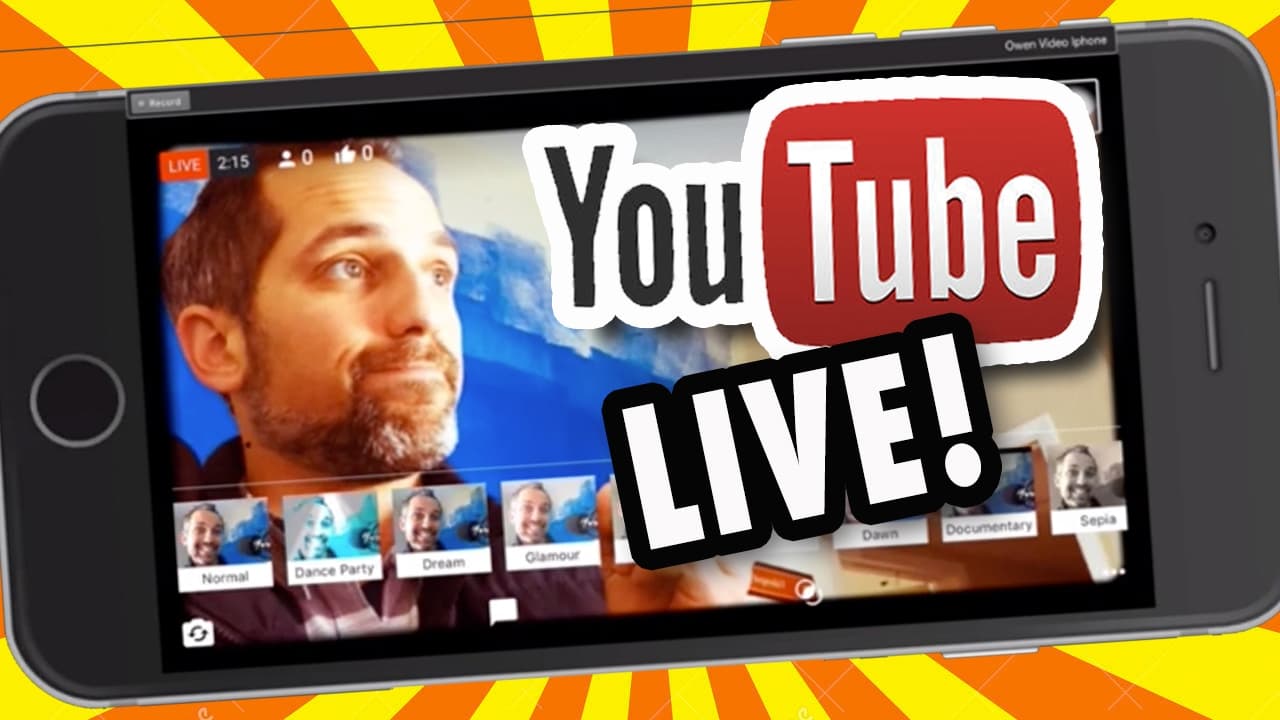
- 😀 The app provides features like title creation, thumbnail pictures, live filters, mute microphone, and social media sharing options.
- 👤 Users can switch between portrait and landscape modes while live-streaming.
Install to Summarize YouTube Videos and Get Transcripts
Explore YouTube Video Summarizer or Get YouTube Transcript Extractor
Questions & Answers
Q: How can I access the new mobile live-streaming app on YouTube?
To access the new mobile live-streaming app on YouTube, you need to have a channel with over 10,000 subscribers. Once you have the required number of subscribers, you can update your YouTube app to access the live-streaming feature.
Q: Can I switch between portrait and landscape modes while live-streaming on the app?
Yes, you can switch between portrait and landscape modes while live-streaming on the YouTube mobile app. The presenter suggests being aware of when to switch between the two modes to ensure the best viewing experience for your audience.
Q: What features does the app provide for live-streaming?
The YouTube mobile live-streaming app offers various features, including the ability to create titles, take thumbnail pictures, use live filters, mute the microphone, and share the live stream on social media platforms like Facebook and Twitter.
Q: Can I control the comments and chat during my live stream?
Yes, the app provides the ability to control the comments and chat during your live stream. You can respond to comments in real-time, hide chat messages, and have control over the comments section of your live stream.
Summary & Key Takeaways
-
YouTube has launched a mobile live-streaming app for channels with over 10,000 subscribers.
-
Users need to update their YouTube app before accessing the new live-streaming feature.
-
The app allows users to switch between portrait and landscape modes, create titles, take thumbnail pictures, use live filters, mute their microphone, and share their live stream on social media platforms.
Read in Other Languages (beta)
Share This Summary 📚
Summarize YouTube Videos and Get Video Transcripts with 1-Click
Try YouTube Summary with ChatGPT & Claude or YouTube Transcript Generator
Explore More Summaries from Owen Video 📚






Summarize YouTube Videos and Get Video Transcripts with 1-Click
Try YouTube Summary with ChatGPT & Claude or YouTube Transcript Generator