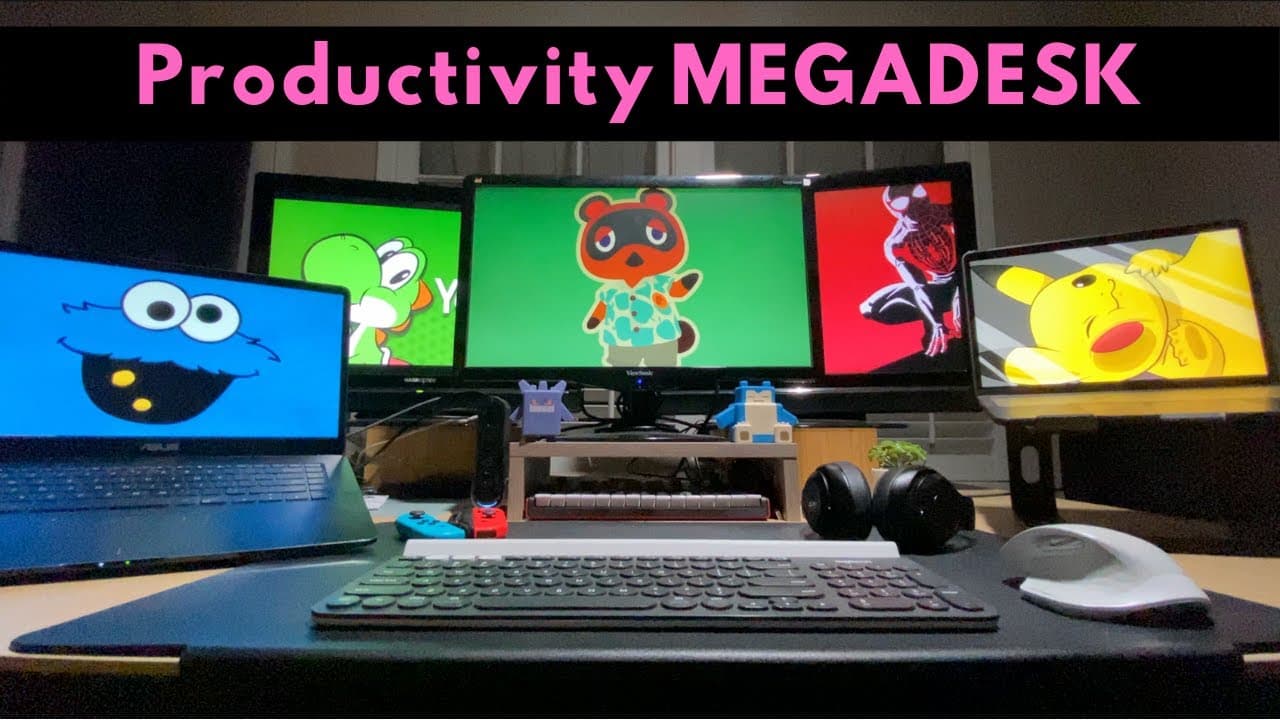
We built the MEGADESK [workspace setup hacks]
TL;DR
Learn how to optimize your productivity desk setup with cable management, wireless devices, and personalized accessories.
Transcript
hey guys it's mike and maddie and today we're going to share with you not one not two but three productivity desks in the same video and in this video we're gonna be joined by our sister sam so the three of us each have our own desks but you'll quickly see that it's actually one giant productivity megadesk megadesk one of the biggest changes brough... Read More
Key Insights
- 🧑💼 The pandemic has highlighted the importance of creating a productive home office setup.
- 🥶 Optimizing cable management is essential for maintaining a clean and clutter-free workspace.
- 🎧 Using wireless devices, such as keyboards and headphones, can improve flexibility and mobility.
- ⚾ Personalizing the setup based on individual needs and tasks can enhance productivity.
- 💦 Proper ergonomics, such as using an ergonomic desk, can contribute to better work performance.
- 🙂 Access to natural light, comfort features like foot warmers, and plants can create a relaxing and enjoyable workspace.
- ✋ Storage solutions, such as high-capacity hard drives, are necessary for managing large amounts of data in creative professions.
Install to Summarize YouTube Videos and Get Transcripts
Explore YouTube Video Summarizer or Get YouTube Transcript Extractor
Questions & Answers
Q: What are the main challenges of working from home?
One of the biggest challenges of working from home is setting up a productive workspace. This video addresses issues like cable management and clutter, which can hinder productivity.
Q: How can cable management be optimized in a productivity desk setup?
The video suggests running wires and cables through a central opening and pinning them underneath the desk. Additionally, using wireless devices and a central docking port helps minimize cables and keep the desk decluttered.
Q: What are the advantages of using wireless devices in a productivity setup?
Wireless keyboards, headphones, and mice reduce cable clutter and provide more freedom in positioning. They also allow for quick switching between devices and create a more streamlined and efficient workspace.
Q: How can individual needs be met in a shared productivity setup?
Each person's individual needs can be accommodated by having personalized tools and accessories. For example, one person in the video uses an iPad Pro for studying, while another uses a separate laptop for video editing. Customizing the setup based on specific tasks helps optimize productivity.
Summary & Key Takeaways
-
The video showcases three productivity desks, which are actually one large desk, optimized for working from home.
-
The setup focuses on cable management, with wires and cables hidden underneath the desk.
-
All devices are wireless, including keyboards, headphones, and mice, to minimize clutter.
Read in Other Languages (beta)
Share This Summary 📚
Summarize YouTube Videos and Get Video Transcripts with 1-Click
Try YouTube Summary with ChatGPT & Claude or YouTube Transcript Generator
Explore More Summaries from Cajun Koi Academy 📚



Summarize YouTube Videos and Get Video Transcripts with 1-Click
Try YouTube Summary with ChatGPT & Claude or YouTube Transcript Generator