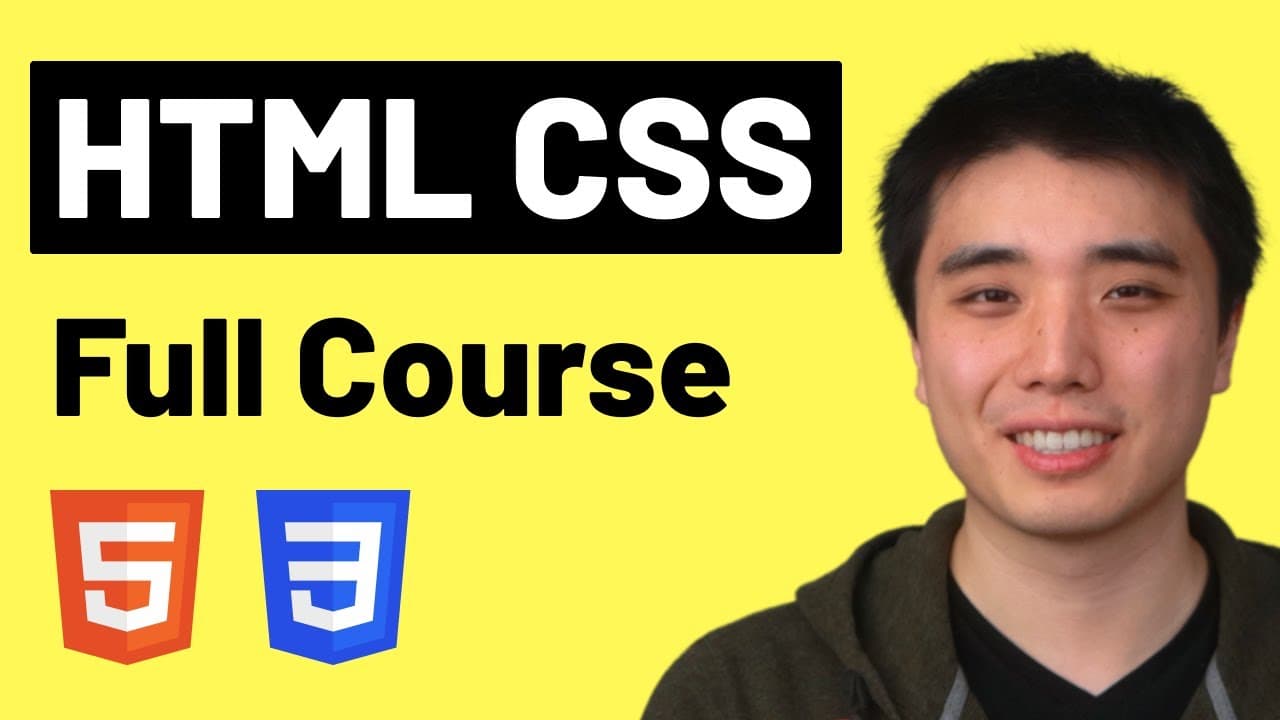
HTML & CSS Full Course - Beginner to Pro
TL;DR
This course teaches beginners how to build websites using HTML and CSS, starting from the basics and progressing to advanced skills, with more than 100 exercises to practice.
Transcript
Welcome to the complete HTML and CSS course. In this course, we're going to learn how to build websites from a beginner to a professional level, and by the end of this course, we're going to build youtube.com. Now you don't need any previous coding or technical experience. This course is designed to be your first step to becoming a software enginee... Read More
Key Insights
The box model is an important concept in CSS that allows us to add spacing on the outside (margin) and inside (padding) of elements. The Chrome Dev Tools are a useful tool for web development that allow us to inspect and manipulate HTML and CSS code on a webpage. Hover effects can be created in CSS using pseudo-classes, such as :hover, to apply specific styles when an element is hovered over. Transitions can be added in CSS to smoothly animate changes in styles, such as opacity and color, when an element is hovered over. Shadows can be created using the box-shadow property in CSS, which allows us to add a shadow effect to elements. The Chrome Dev Tools can be used to inspect and copy colors from a webpage, ensuring precise color matching in our CSS code. The CSS box model includes concepts such as margin, padding, border, and content, which define the spacing and dimensions of elements. By using the Chrome Dev Tools and understanding the box model, we can create precise and professional-looking websites.
Install to Summarize YouTube Videos and Get Transcripts
Explore YouTube Video Summarizer or Get YouTube Transcript Extractor
Questions & Answers
Q: How does the course progress from beginner to advanced level?
The course starts with the basics of HTML and CSS, teaching step-by-step from simple to complex concepts, gradually introducing more advanced skills and techniques.
Q: How many exercises are included in the course?
The course includes more than 100 exercises for practice, allowing students to apply the skills they learn throughout the course.
Q: Is the course suitable for beginners with no prior coding experience?
Yes, the course is designed for beginners without any previous coding or technical experience, making it the perfect starting point for anyone interested in web development.
Q: Does the course provide a comprehensive reference for HTML and CSS codes?
Yes, the course includes a complete HTML and CSS reference that lists everything learned in the course, serving as a handy resource for future use and revision.
Summary & Key Takeaways
-
The course teaches HTML and CSS from beginner to advanced level.
-
It includes more than 100 exercises for practice.
-
It provides a comprehensive reference for HTML and CSS codes.
Read in Other Languages (beta)
Share This Summary 📚
Summarize YouTube Videos and Get Video Transcripts with 1-Click
Try YouTube Summary with ChatGPT & Claude or YouTube Transcript Generator
Explore More Summaries from SuperSimpleDev 📚



Summarize YouTube Videos and Get Video Transcripts with 1-Click
Try YouTube Summary with ChatGPT & Claude or YouTube Transcript Generator