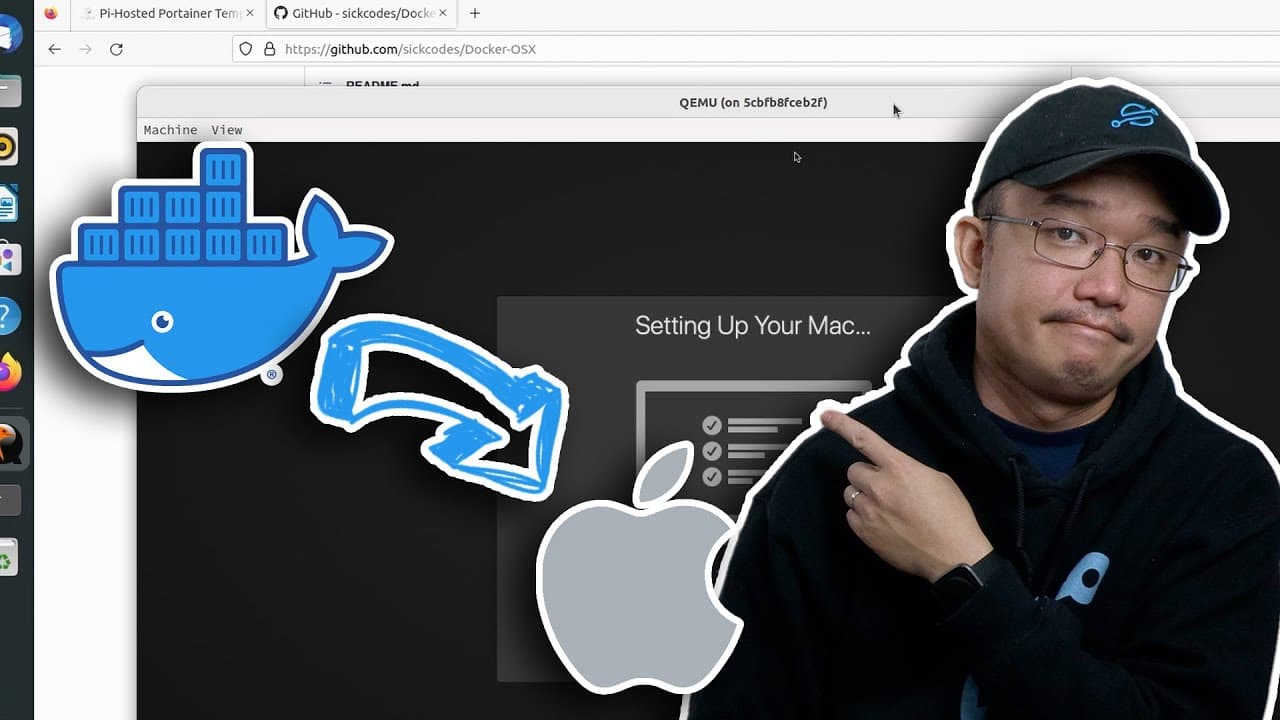
This is Real!! MacOS Docker
TL;DR
Step-by-step guide on installing Mac OS using Docker.
Transcript
hey guys what's going on it's Don here from Nova Spirit Tech and welcome back to the channel and today we're going to be installing Mac OS through Docker so let's get started now I mentioned this before when I was doing Android for Docker the user by the name of sick codes has some really cool repositories on his GitHub uh one of which is called Do... Read More
Key Insights
- 😚 Don successfully demonstrates installing Mac OS on Docker, highlighting its practical applications in development environments.
- 😚 Sick Codes’ contributions offer a significant resource for those wishing to run Mac OS via Docker, emphasizing community collaboration and open-source benefits.
- 😚 The video conveys that while running Mac OS on Docker is possible, it is resource-intensive and requires adequate system specifications for optimal performance.
- 😑 Users are advised to prioritize security by avoiding pre-installed images that may compromise their systems.
- 💳 Performance enhancements through optimization scripts and USB passthrough capabilities facilitate better usability, especially for developers.
- 🏃 The tutorial showcases the viability of using Docker for running multiple operating systems, broadening development options for users.
- 👤 The availability of community support through Discord and documentation enables users to troubleshoot and enhance their installations effectively.
Install to Summarize YouTube Videos and Get Transcripts
Explore YouTube Video Summarizer or Get YouTube Transcript Extractor
Questions & Answers
Q: What is the primary focus of the video?
The video primarily focuses on demonstrating how to install Mac OS using Docker, specifically through a repository by Sick Codes. Don guides viewers through the necessary steps to get everything set up on Ubuntu, highlighting the advantages of using Docker for this type of installation, particularly for development purposes.
Q: Why does Don recommend using Catalina as the version to install?
Don recommends using Catalina as it strikes a balance between performance and compatibility while running on Docker. Other newer versions like Big Sur and Monterey may consume more resources, making Catalina a more efficient option without sacrificing too much functionality, especially for general use or development environments.
Q: What are some precautions regarding the use of pre-installed images mentioned in the video?
Pre-installed images are cautioned against for use in production environments due to preset username and passwords that can expose vulnerabilities. Don recommends avoiding these to maintain security, suggesting that users opt for a clean install and configure their environments to prevent potential risks.
Q: How does Don suggest improving the performance of the installed Mac OS?
To improve performance, Don advises using an Optimizer tool available in Sick Codes’ repository. This tool is designed to reduce storage usage and enhance the overall speed of the Mac OS running within Docker. Additionally, Don mentions that following configurations for systems like VNC can further optimize performance and access.
Q: What does Don mention about USB passthrough capabilities?
Don notes that the Docker installation allows for USB passthrough, which is particularly useful for Xcode development and other applications that may require USB devices. This functionality lets users connect their iPhones or other devices directly to the Docker environment, enhancing usability for development and testing purposes.
Q: Why is there a focus on Sick Codes' GitHub repository?
Sick Codes' GitHub repository is emphasized as a valuable resource containing detailed instructions, image options, and troubleshooting guidelines for installing Mac OS on Docker. Don highly encourages viewers to refer to this repository for additional guidance, suggesting that it holds solutions to common installation problems and feature explanations.
Q: What troubleshooting aids are available to users encountering issues?
Users facing issues can refer to the GitHub issue board for community-driven solutions or join Sick Codes’ Discord server, where they can receive real-time assistance and connect with other users. This resource provides a platform for exchanging experiences and resolving queries surrounding the installation and functionality of Mac OS on Docker.
Q: What is the significance of the 'naked images' feature?
The 'naked images' feature allows users to retain their hard drive images after an initial Mac OS installation, enabling them to make updates or adjustments without completely reinstalling the OS. This functionality ensures that previous installations and configurations are preserved, making it easier to manage future changes without starting from scratch.
Summary & Key Takeaways
-
The video outlines the process of installing Mac OS via Docker using a repository created by a user named Sick Codes, emphasizing ease and efficiency.
-
Don demonstrates the installation on Ubuntu, detailing user setups, Docker installations, and potential vulnerabilities with pre-installed environments.
-
He highlights features like USB passthrough for development and using an Optimizer for improved performance, encouraging viewers to check out Sick Codes' comprehensive GitHub documentation.
Read in Other Languages (beta)
Share This Summary 📚
Summarize YouTube Videos and Get Video Transcripts with 1-Click
Try YouTube Summary with ChatGPT & Claude or YouTube Transcript Generator
Explore More Summaries from Novaspirit Tech 📚






Summarize YouTube Videos and Get Video Transcripts with 1-Click
Try YouTube Summary with ChatGPT & Claude or YouTube Transcript Generator