A "Smart" Pocket/Instapaper in Notion
TL;DR
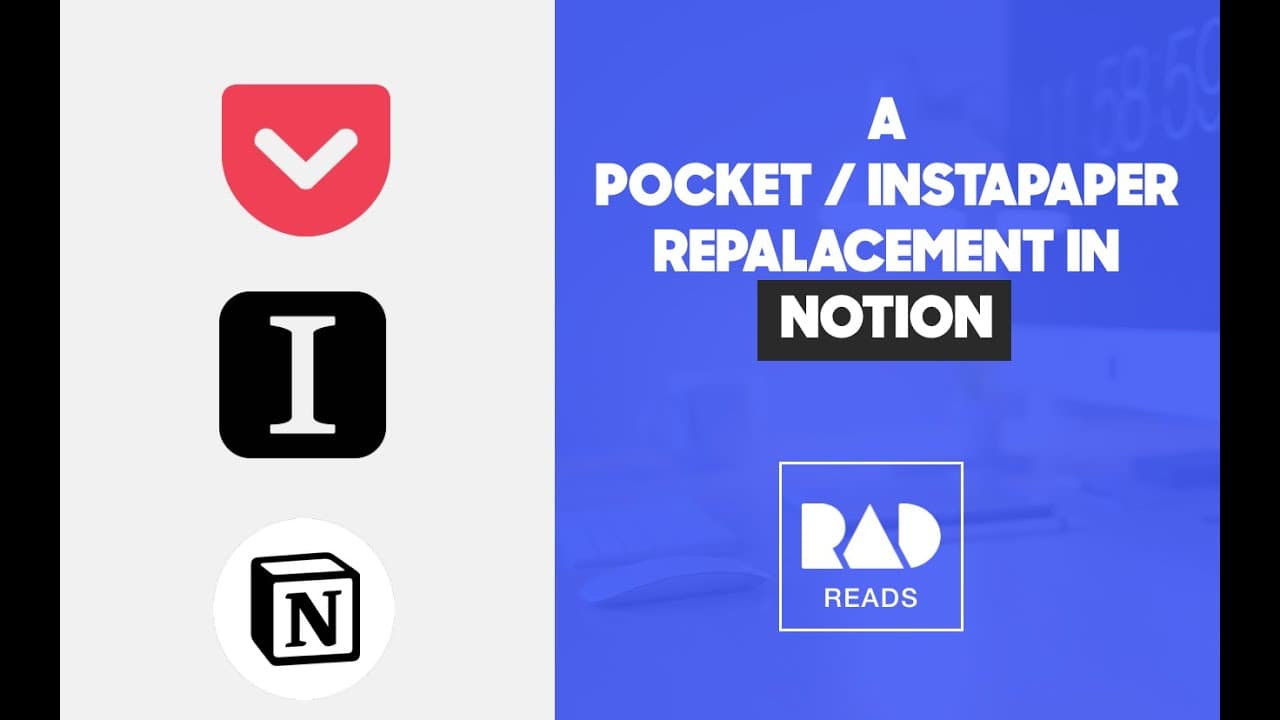
The Ocean Clipper in Notion allows users to add full web pages to their workspace, categorize them, and assign scores based on importance.
Transcript
all right so we're gonna start with the new ocean clipper and you guys might know this by now but it can add a full web page into your workspace with the actual content so you can read it and take notes so I'm on this Paul Graham do things that don't scale I click the notion clipper it's my library rad reads I hit save page okay I want to add Tim u... Read More
Key Insights
- 🔍 Notion Clipper allows users to add full web pages with actual content into their workspace for later reading and note-taking purposes. This feature enhances productivity and organization.
- 📚 Different categories can be added to the articles, such as medium (particle, video, podcast), reread (checkbox), and share with (multi-select). This allows for easy categorization and filtering of articles based on specific criteria.
- 🔢 A score system can be implemented to prioritize articles based on the amount of data filled in each category. This helps users identify the most important articles to review or share.
- 🚀 The score system assigns scores to different actions, such as sharing an article, marking it for rereading, or writing key takeaways. This provides a comprehensive evaluation of the article's significance.
- ⭐ The aggregation of scores from different categories results in an overall score for each article. Sorting articles by score provides a clear hierarchy and allows users to prioritize their reading based on importance.
- 🔘 A gallery view can be created to easily visualize and navigate through the articles in an aesthetically pleasing format. This enhances user experience and makes browsing more intuitive.
- ️ By filtering articles based on their score and last modified date, users can identify articles that need attention or revision. This ensures that articles are regularly reviewed and updated.
- 💡 Making changes to articles, such as adding information or notes, modifies the last modified date. This helps articles stay updated and populates the "needs review" queue for further action.
Install to Summarize YouTube Videos and Get Transcripts
Explore YouTube Video Summarizer or Get YouTube Transcript Extractor
Questions & Answers
Q: How does the Ocean Clipper in Notion help with content organization?
The Ocean Clipper in Notion allows users to save full web pages into their workspace, aiding in content organization and management. It provides a seamless way to categorize and score articles, making them easily accessible and enhancing productivity.
Q: What metadata options are available for categorizing articles in Notion?
Users can assign metadata options such as medium (article/podcast/video), reread (checkbox), and share with (multi-select) to categorize and organize the added articles in Notion.
Q: How does the scoring system work in regard to article organization?
The scoring system in Notion's Ocean Clipper assigns scores to articles based on the presence of certain metadata. By assigning scores, users can prioritize and easily identify the importance of each article, aiding in efficient organization and retrieval.
Q: Can the Ocean Clipper in Notion help with identifying old and unmodified articles?
Yes, the Ocean Clipper can assist in identifying old and unmodified articles. By filtering the articles based on the last modified date, users can easily find and review articles that need updating or further attention, enhancing content organization and management.
Summary & Key Takeaways
-
The Ocean Clipper in Notion enables users to add complete web pages to their workspace for reference and note-taking.
-
Users can categorize the added articles using various metadata options such as medium, reread, and share with.
-
A scoring system can be implemented to prioritize articles based on the presence of metadata, allowing for better organization and retrieval.
Read in Other Languages (beta)
Share This Summary 📚
Summarize YouTube Videos and Get Video Transcripts with 1-Click
Try YouTube Summary with ChatGPT & Claude or YouTube Transcript Generator
Explore More Summaries from Khe Hy - RadReads 📚




Summarize YouTube Videos and Get Video Transcripts with 1-Click
Try YouTube Summary with ChatGPT & Claude or YouTube Transcript Generator