Best Ai Video Editor for Shorts - (Opus Clips Full Tutorial)
TL;DR
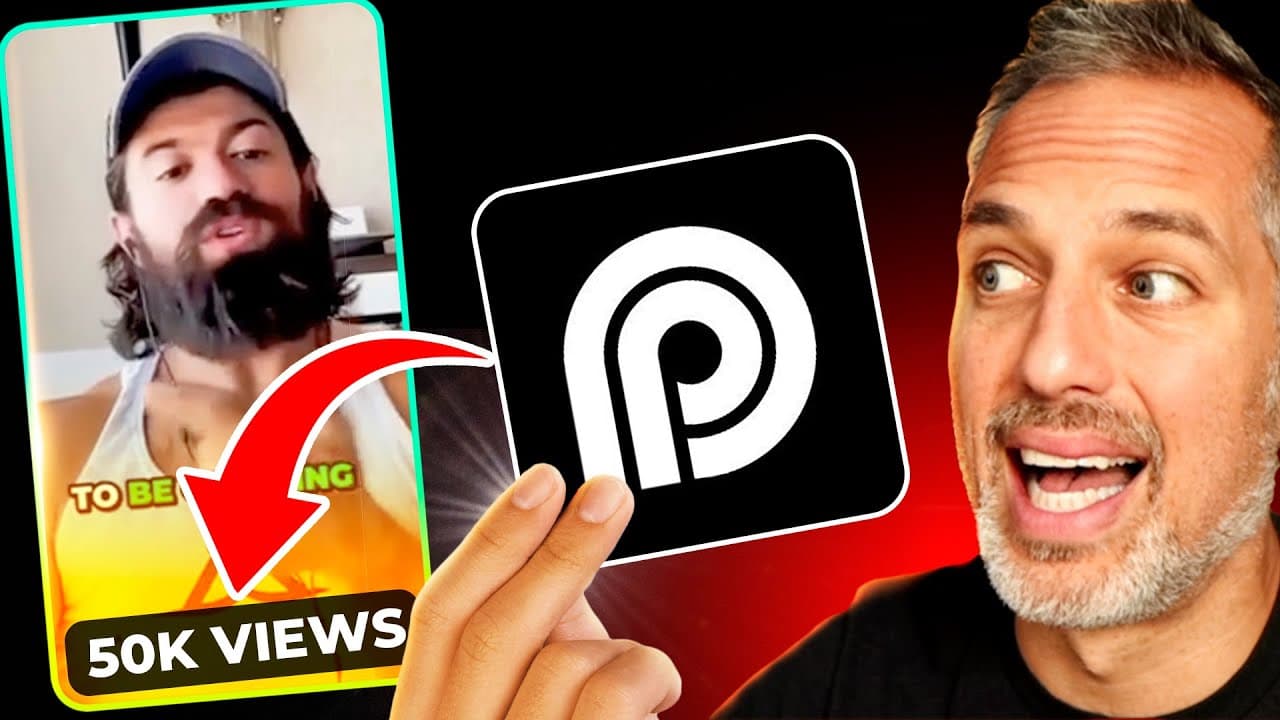
Opus Clip is a user-friendly AI video editing tool that can transform long-form horizontal videos into captivating short clips with captions, emojis, and automated editing features.
Transcript
Opus clip is an AI video editing tool with free and paid programs that takes any long form horizontal video and identifies the most compelling hooks extracts relevant juicy highlights from different parts of the video and seamlessly rearranges them into viral video shorts that have captions emojis camera switches and even automated b-roll but are t... Read More
Key Insights
- 🎮 Opus Clip simplifies the process of creating engaging short clips from long-form videos, addressing the challenges faced by other AI video editing tools.
- 💄 The software supports various sources, including popular platforms like YouTube and Zoom, making it versatile for different types of content creators.
- 🚎 Opus Clip's AI features, such as automated b-roll and customizable captions, enhance the visual appeal and engagement of the clips.
- 🇨🇵 Users have the option to edit the clips further in the Opus Clip timeline and even export them to other editing software like Premiere Pro.
- 🌱 The software is affordable, with a free forever plan available and reasonably priced Starter and Pro Plans that offer additional features.
- 🫵 Opus Clip has already shown promising results, with real-life examples of videos edited using the tool gaining thousands of views and engagement on social media platforms.
- 🇨🇵 The AI technology used by Opus Clip is continually evolving, with updates and improvements expected to enhance the editing and customization options.
Install to Summarize YouTube Videos and Get Transcripts
Explore YouTube Video Summarizer or Get YouTube Transcript Extractor
Questions & Answers
Q: How does Opus Clip differentiate itself from other AI video editors?
Opus Clip sets itself apart by offering user-friendly features that produce high-quality clips. Unlike other AI video editors that often create subpar videos or require complicated processes, Opus Clip delivers impressive results with ease.
Q: What types of videos can be edited using Opus Clip?
Opus Clip can edit various types of videos, including Zoom calls, podcast interviews, speeches, webinars, and trainings. It allows users to turn these long-form videos into multiple usable short clips that are ready to be shared on social media platforms.
Q: Can Opus Clip be used to edit videos with custom branding?
Yes, Opus Clip offers the option to add custom branded templates, including logos, to the clips. While the current template options are limited, more features are expected to be added in the future to enhance branding capabilities.
Q: What are the pricing options for Opus Clip?
Opus Clip offers a free forever plan with limited features, including one hour of editing per month. Users can also choose between the Starter Plan and Pro Plan, with the latter offering additional features such as b-roll support and importing from multiple sources.
Summary & Key Takeaways
-
Opus Clip is an AI video editing tool that extracts the most attention-grabbing moments from long-form videos and creates engaging short clips suitable for social media platforms.
-
The software is easy to use and supports videos from various sources such as YouTube, Zoom, Vimeo, and more.
-
Users can customize their clips with captions, emojis, camera switches, and automated b-roll, making it an ideal tool for repurposing content and gaining more exposure.
Read in Other Languages (beta)
Share This Summary 📚
Summarize YouTube Videos and Get Video Transcripts with 1-Click
Try YouTube Summary with ChatGPT & Claude or YouTube Transcript Generator
Explore More Summaries from Owen Video 📚






Summarize YouTube Videos and Get Video Transcripts with 1-Click
Try YouTube Summary with ChatGPT & Claude or YouTube Transcript Generator